Meet your data duties as part of the working day
Retention limits per contract type, personal data split across four records with access by role, signed consent on the worker's own record, and a data export that answers an access request in minutes.
Under the GDPR your operation controls its workers’ personal data, and the duty does not pause for the harvest. You have to keep data no longer than you need it, let each person reach only what their job requires, hold consent you can show, and answer an access request within a month.
Handled as a separate project, that becomes a folder nobody opens and a promise nobody can prove. Agromigo builds it into the screens you already use, so the evidence exists because the work was done, not because somebody prepared for an audit.
In this video
Migo shows you where Agromigo keeps retention limits, consent and data exports, so your data duties fit the working day.
The page. Organization, with its settings in cards. Retention limits, access by role, signed consent and answers to data requests all live where the work happens.
- Data retention. Below Addresses, it sets per contract type how long a time entry stays linked to its worker. The shortest period allowed is 28 days.
- What a period does. Each contract type shows its period in a chip beside it. After the period, names, notes and photos leave the entry, while production and yield figures stay.
- An employee’s record. Their details grouped in cards.
- Four records, not one. Each employee is stored as public, personal, private and sensitive. Each role reaches only what it needs.
- The sensitive record. Further down the edit sheet, Financial & Identification holds the citizen service number and bank account. HR can read it, only an Administrator can change it.
- Offboarding starts with a switch. Set someone inactive, never delete. Contact details go after 30 days, bank details after the legal seven years.
- Consent, on the record. The Documents tab shows the privacy status and each assigned document, here the Privacy Policy, signed.
- The documents sheet. What this employee must read and sign, and every data request.
- An access request answered. Request GDPR Data Export builds five CSV files, emailed as a link that works for 72 hours.
- Your evidence. The audit log records every request with who asked and the period covered.
Bounded retention, access by role, signed consent and a ready answer to access requests: the GDPR, handled as part of everyday work.
Tips
- Set retention per contract type, not per person. A seasonal worker and a permanent one rarely need the same period, and the contract type is where that difference belongs.
- Anonymising is not deleting. The production and yield figures survive, so last season stays comparable after the names are gone.
- Never delete a leaver. Hours, contracts and payroll records refer to the person, and the retention periods end the data on their own schedule.
- Check the audit log before you answer twice. It shows whether a request was already served, and for which period.
- Roles are the access control. A field somebody may not see is absent for them, not blank, so there is nothing to tempt a workaround.
Read more
The user guide covers the GDPR in Agromigo, data retention and roles and what each one reaches.
Book a Demo.
More stories
-
 2 min
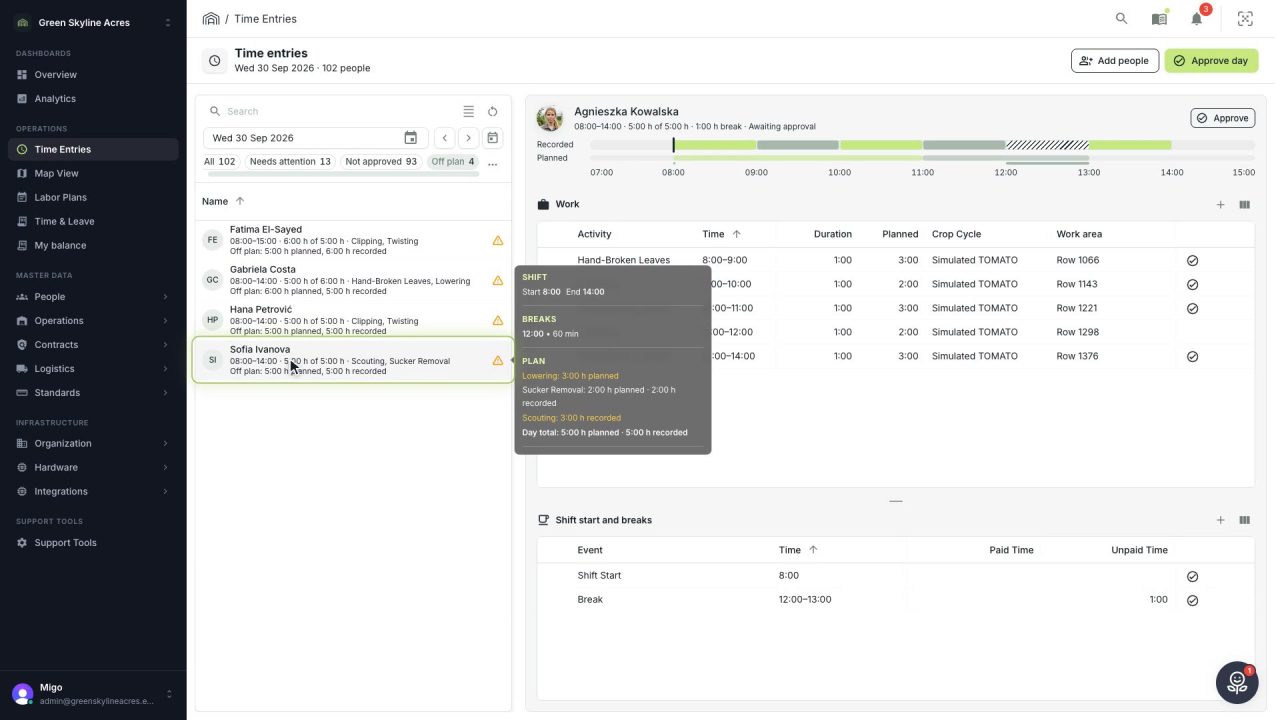
2 min See whose day went differently from the plan
Check a work day against the labor plan, see who worked something else or did not show up, and accept a change of plan that had a good reason.
Read the story -
 1 min
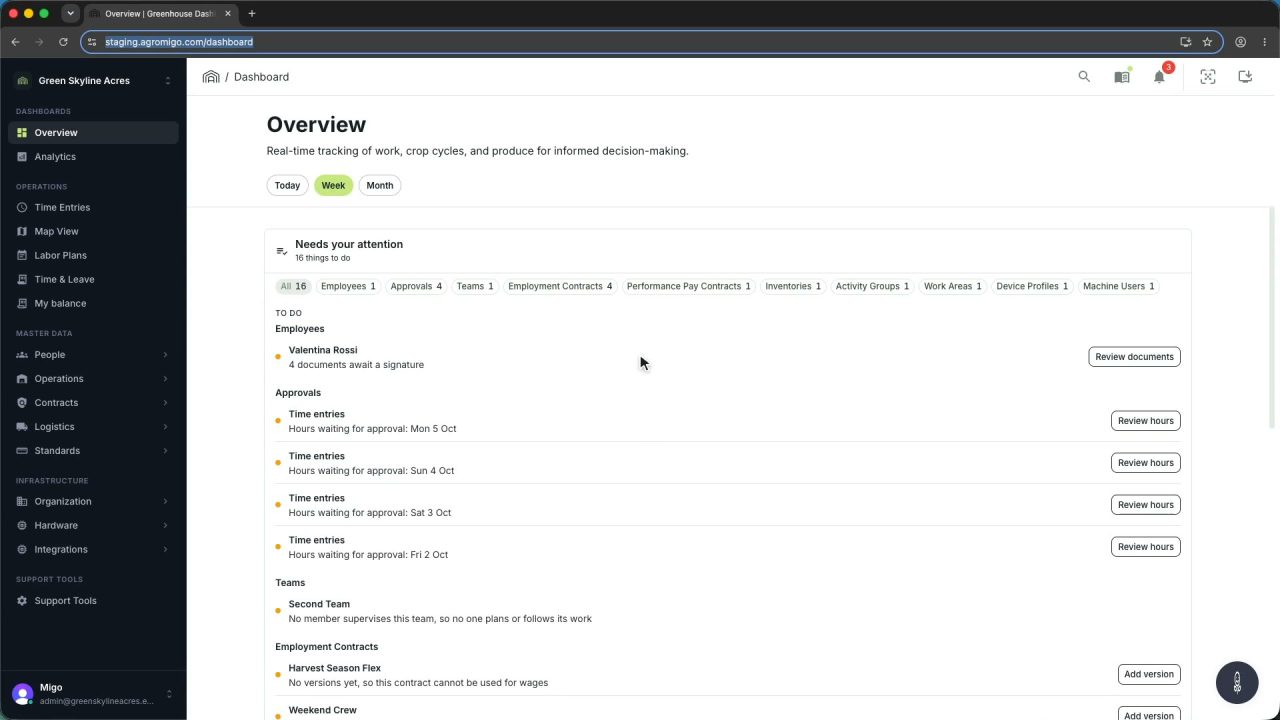
1 min Agromigo on your computer, in a window of its own
One click on the install icon and Chrome's Install button put the dashboard among your programs, opening in its own window, straight to your dashboard, always the latest version.
Read the story -
 2 min
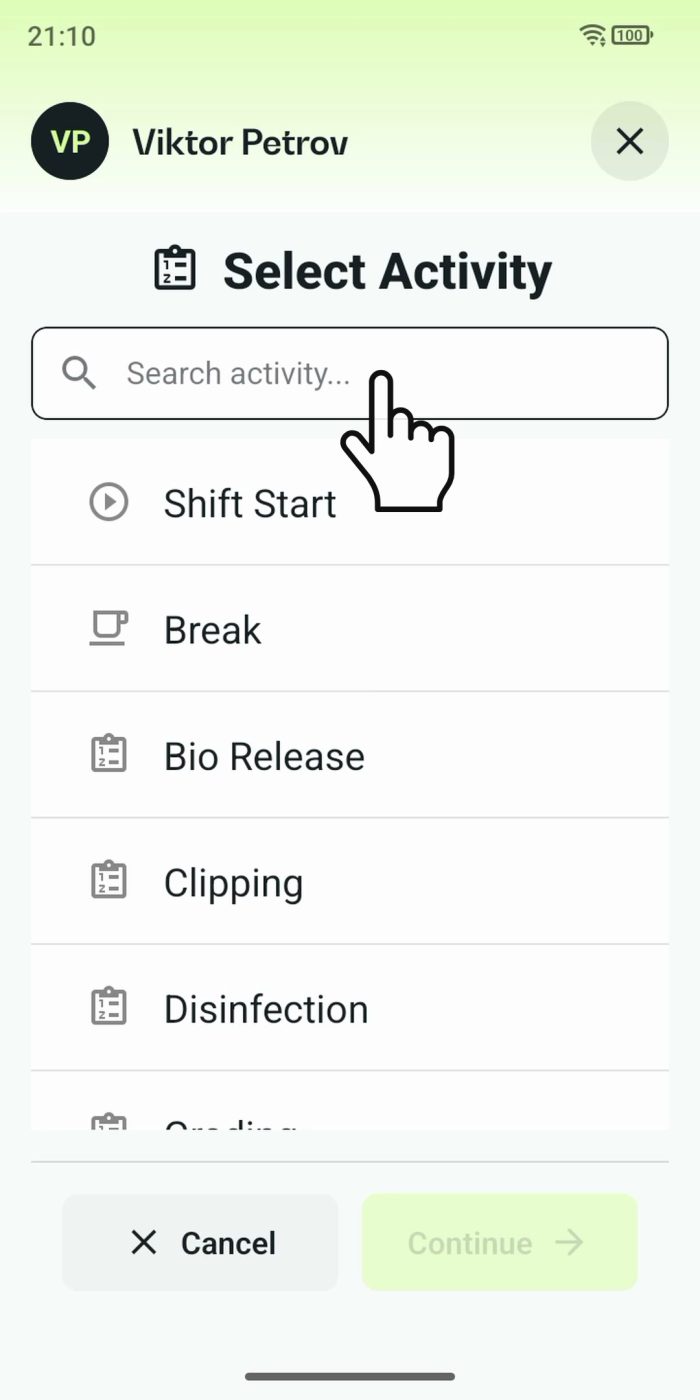
2 min One shared phone where the crew taps in with a tag
Terminal mode turns one phone into a terminal for a whole crew, at a fixed spot or moving with the team. Workers tap their personal tag, choose the task they finished, answer a few questions, and the screen resets for the next person.
Read the story