Stories
 8 min
8 min Less admin, more time in the greenhouse
Agromigo Workforce in a few minutes, with Migo, your assistant, as the guide: your crew logs their own work on a phone, you start the day on the Overview, check and approve the hours, plan the week, reward output, keep every person on one record, hand payroll the figures, and you are up and running in an afternoon.
Read the story-
 2 min
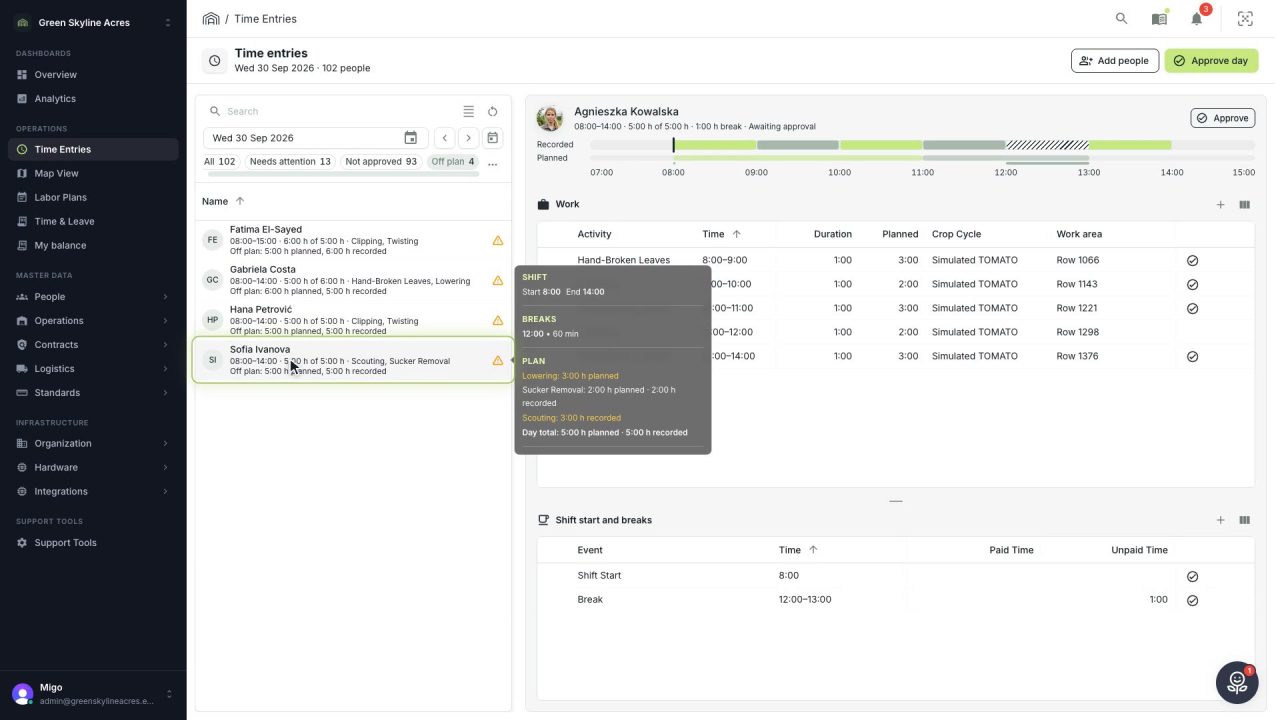
2 min See whose day went differently from the plan
Check a work day against the labor plan, see who worked something else or did not show up, and accept a change of plan that had a good reason.
Read the story -
 1 min
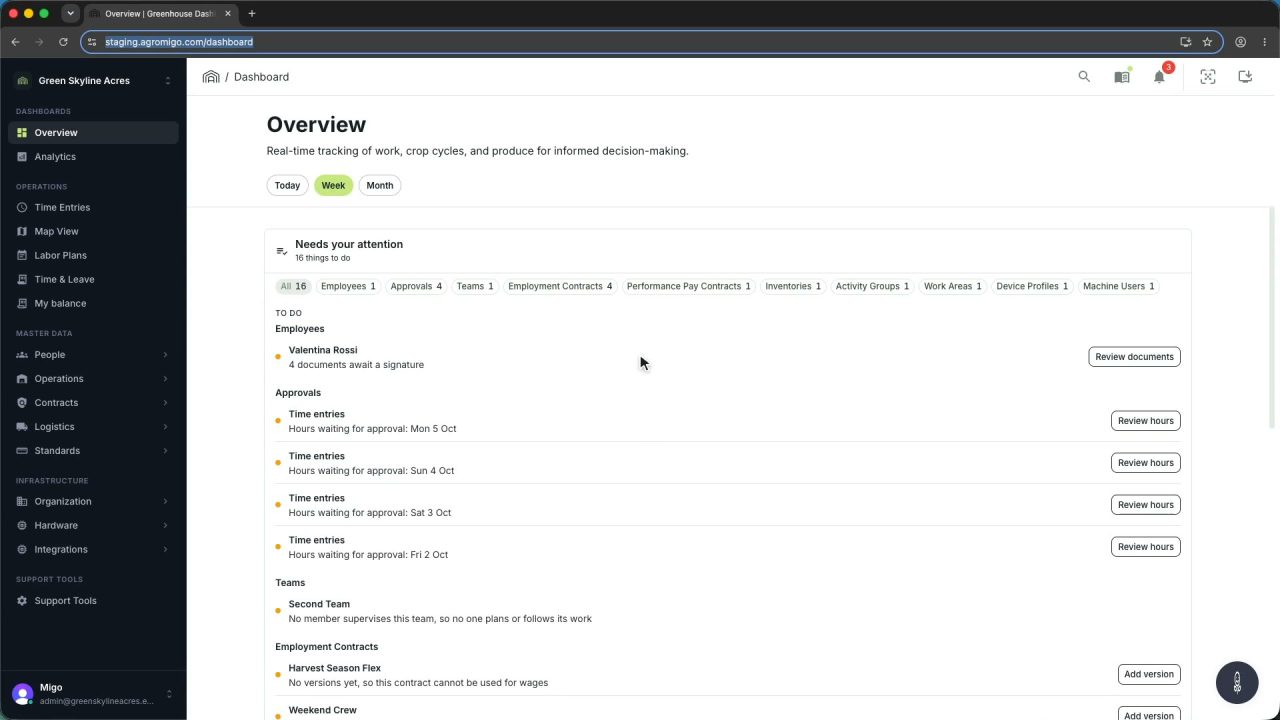
1 min Agromigo on your computer, in a window of its own
One click on the install icon and Chrome's Install button put the dashboard among your programs, opening in its own window, straight to your dashboard, always the latest version.
Read the story -
 2 min
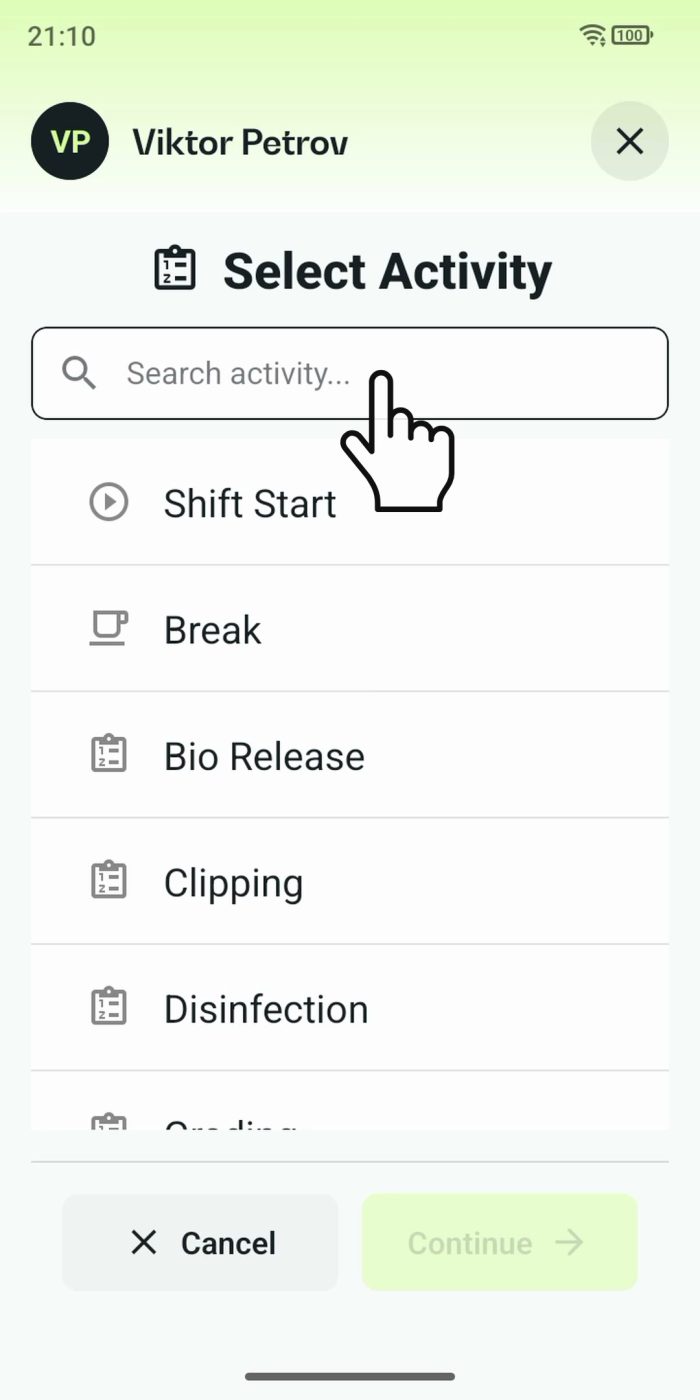
2 min One shared phone where the crew taps in with a tag
Terminal mode turns one phone into a terminal for a whole crew, at a fixed spot or moving with the team. Workers tap their personal tag, choose the task they finished, answer a few questions, and the screen resets for the next person.
Read the story -
 2 min
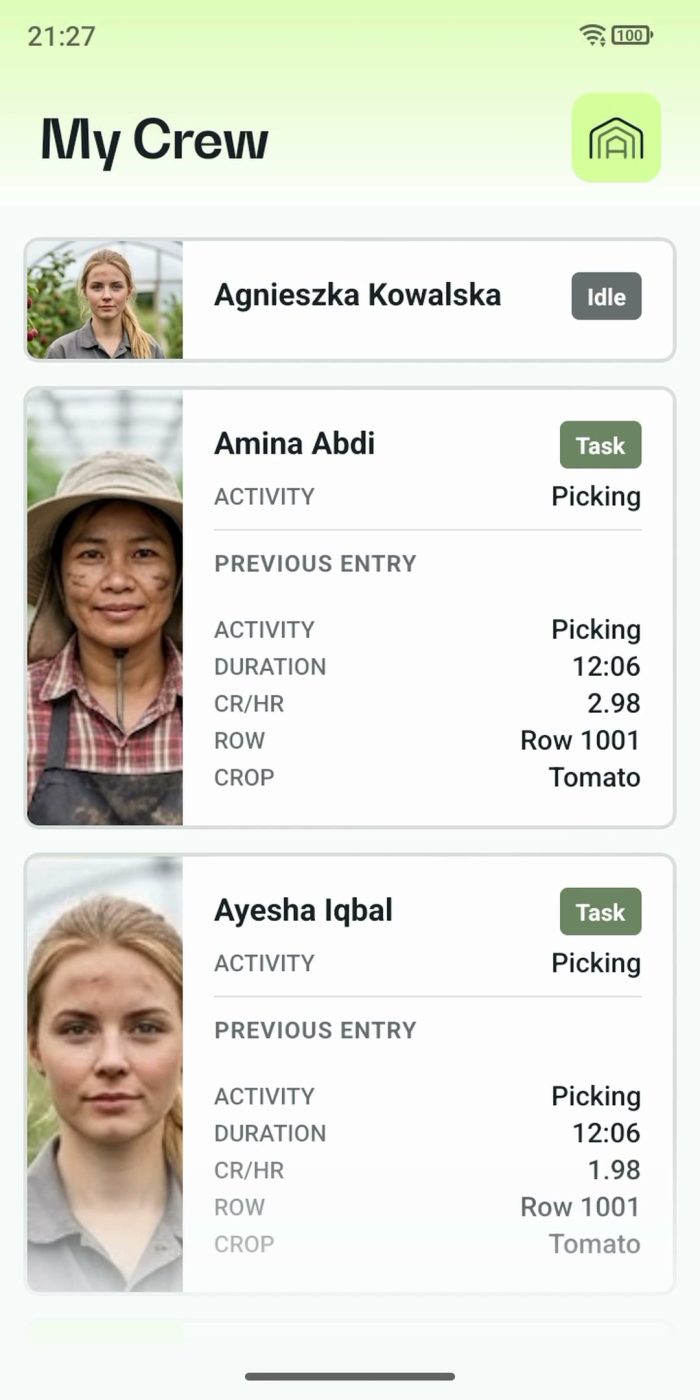
2 min One supervisor registers the work of the whole crew
In Supervisor mode the supervisor registers the work for the team on one phone. One tap starts a whole crew, everyone's status shows live, and the closing questions keep every crate on the right name.
Read the story -
 3 min
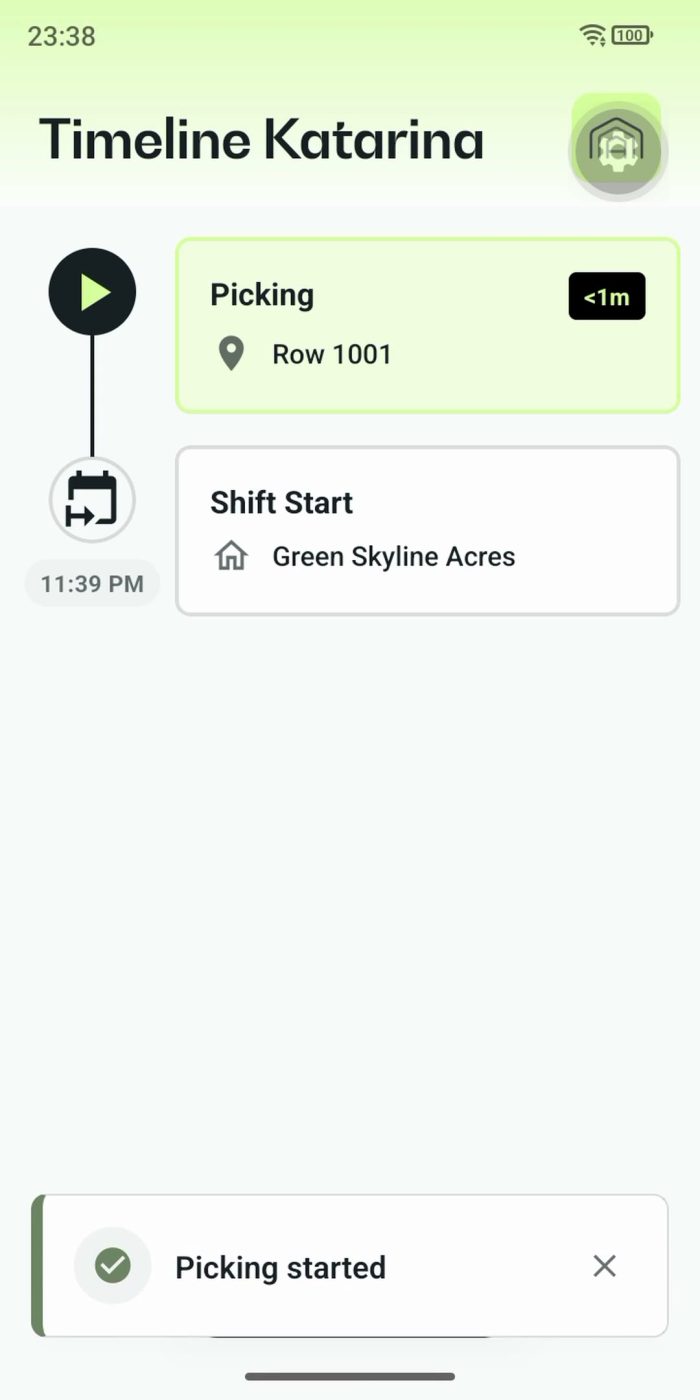
3 min Every worker logs their own day by tapping row tags
Personal mode gives every worker a phone with their own timeline, always within reach. A tap on a row tag starts the work, the next tag moves it on, and every crate lands on the right row.
Read the story -
 2 min
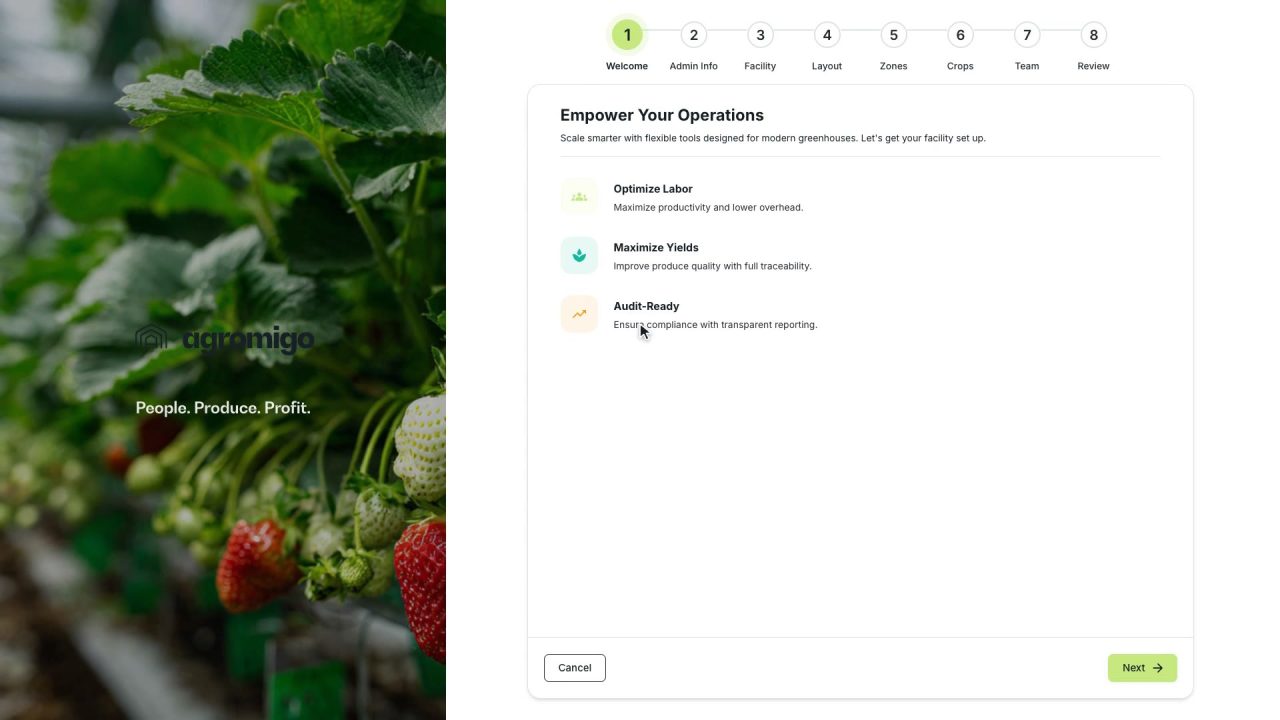
2 min Set up your greenhouse operation in a few minutes
A short wizard takes you from your name to a working dashboard, with your greenhouse mapped, your crops loaded and your team on record, and a welcome email with the next step.
Read the story -
 2 min
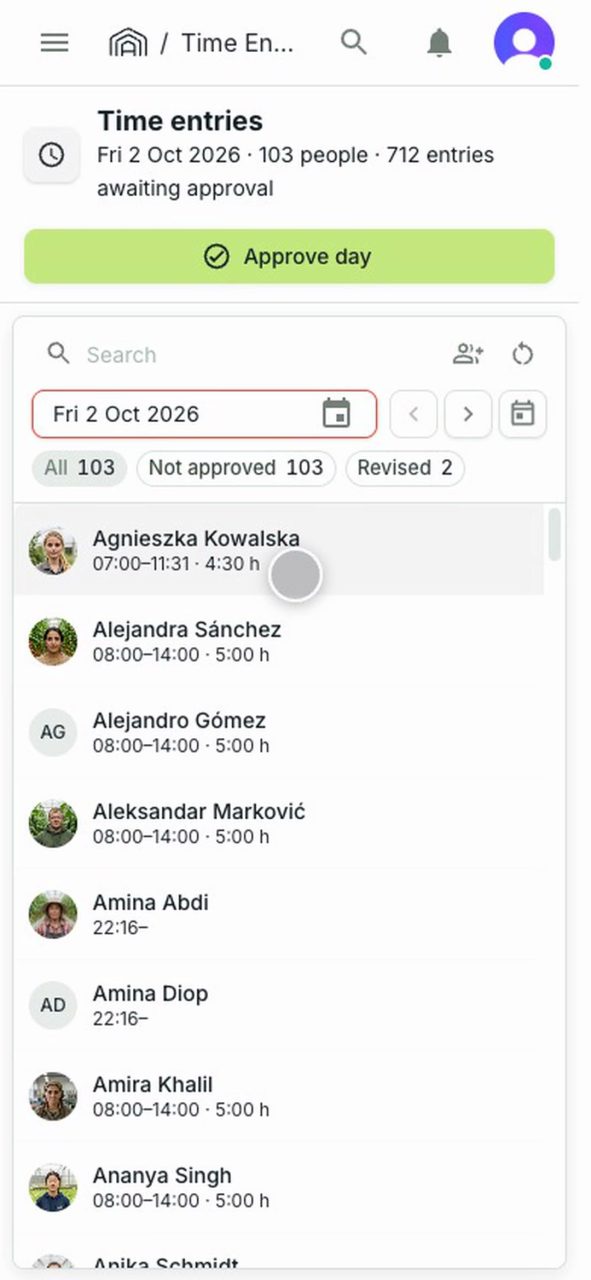
2 min Explain a low count before anyone has to ask
A supervisor adds a note to a team member's entry on a phone, so whoever reviews the day reads the reason before asking.
Read the story -
 2 min
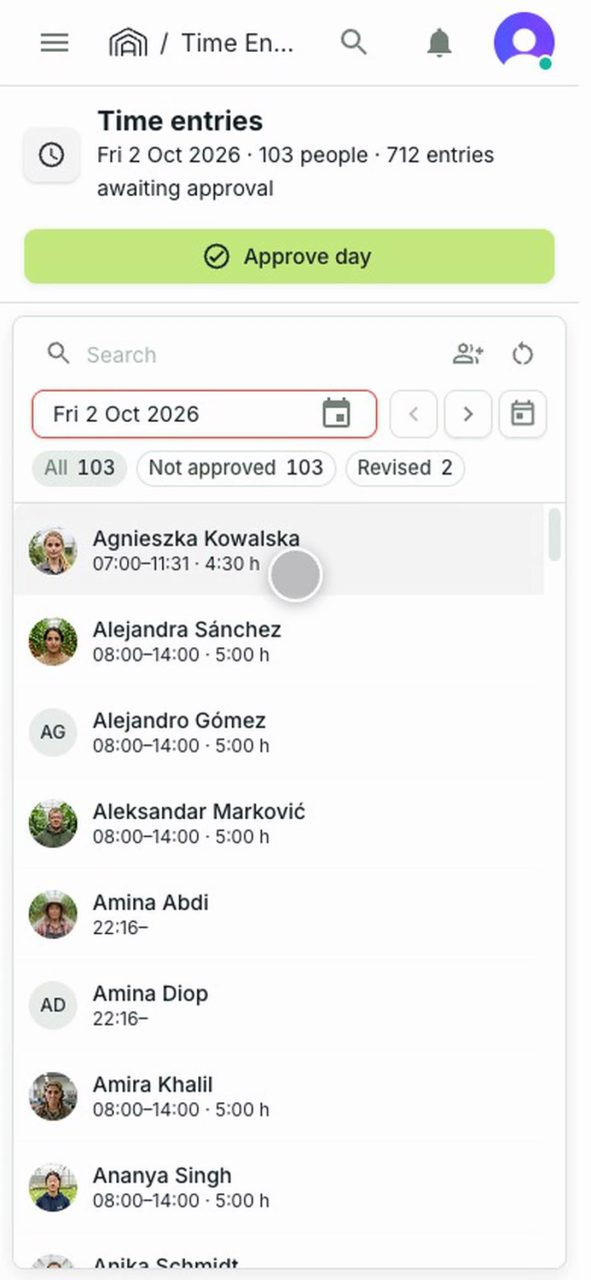
2 min Fix a wrong shift start before you leave the greenhouse
A supervisor spots a shift start clocked half an hour late and corrects it on a phone, while the crew is still on site.
Read the story -
 2 min
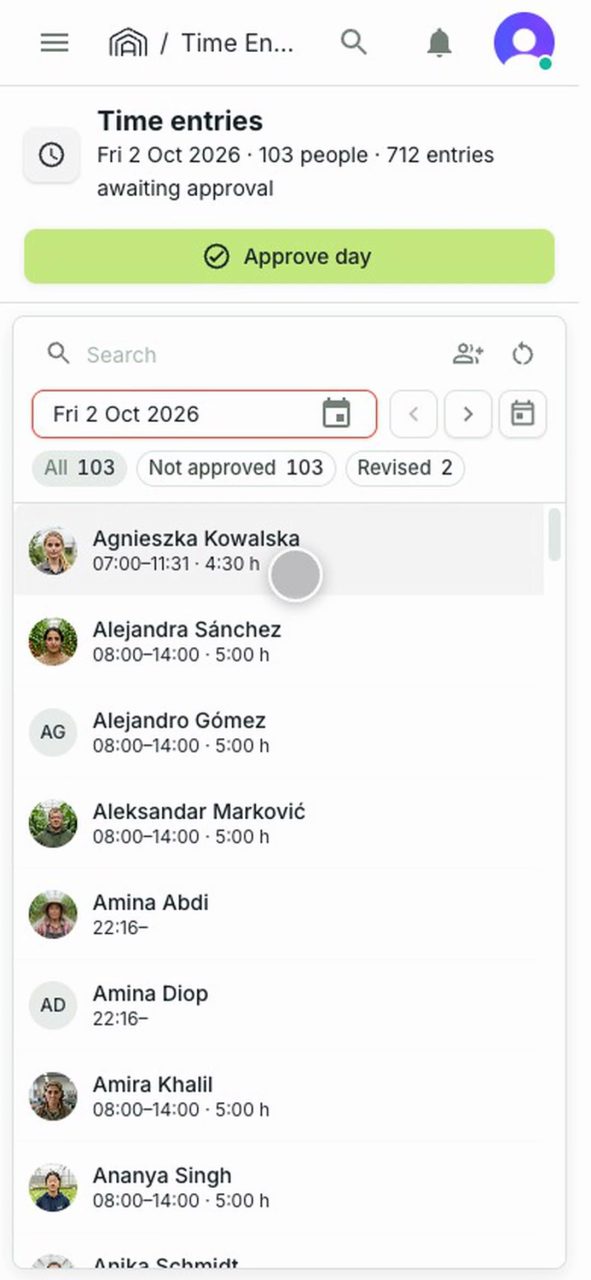
2 min Send the day for approval from the greenhouse floor
A supervisor approves the team's day on a phone, with a review note saying what was checked, then sees where a day already sent stands.
Read the story -
 3 min
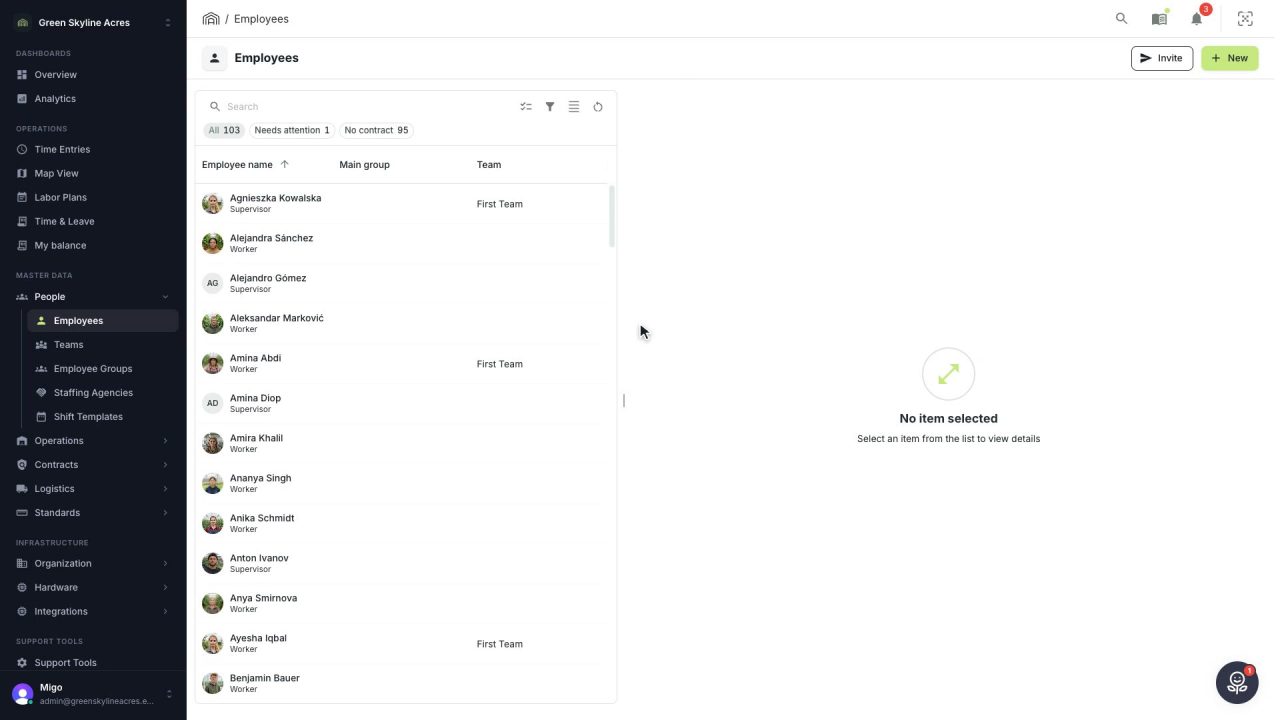
3 min Get the answer about the screen in front of you
Every screen and every form has its own chapter, and it opens docked beside your work at the right place, so nobody has to search a handbook or wait to be shown.
Read the story