Less admin, more time in the greenhouse
Agromigo Workforce in a few minutes, with Migo, your assistant, as the guide: your crew logs their own work on a phone, you start the day on the Overview, check and approve the hours, plan the week, reward output, keep every person on one record, hand payroll the figures, and you are up and running in an afternoon.
Three things make your season. People: good people are scarce, so train them, treat them well and reward your best, while productivity goes up, labor costs come down and your HR team spends less time on admin. Produce: your produce is valuable; poor crop work costs you harvest, and consistent quality protects both yield and value. Profit: hours, costs and bonuses by crop, activity, zone and worker let you decide on facts and improve your margin.
Agromigo helps with all three. Your crew records their own work as they go, you see and fix the day before payroll, and the figures you pay on are the figures that happened.
In this video
Migo shows you what Agromigo Workforce does for your greenhouse operation, from the greenhouse floor to payroll, and opens every screen from the menu, so you see where to find it.
- Your dashboard. Agromigo runs in your browser, on any device: the menu on the left, the toolbar with search at the top, your page in the middle, and Migo, your AI advisor, at the bottom right. Most screens are a list with the selected record beside it: a person’s record opens next to Employees and edits in one sheet, and each activity carries its own questions, which the crew app asks when a worker logs it.
- Start the day. The Overview says in plain words what is still open, with the button that fixes it. Migo points out what’s new, sums up the day in one click and tells you what to do first, and writes the message to a worker in their own language, for you to send.
- See and approve. The map shows your greenhouse row by row; a row booked twice turns red, and one drag moves the booking to where the work was really done. Then the day’s hours per person: ask Migo to review them, or how something works, and it answers from the user guide and opens the page that explains it. Approve the day with a note, through your approval chain.
- Plan. Plan next week per activity, day and person, and see before Monday where you need extra hands.
- Pay fairly. A bonus on every piece above target, worked out from what your crew records. Leave and time-for-time balances keep themselves up to date, and Migo explains why a balance changed.
- Your people. One record per person, with what still needs doing right on it.
- Reports. Payroll gets paid time per person and per day. Ask Migo what stands out and it tells you where the hours and the costs went; when no saved report fits, build your own from a template.
- Personal mode. Where the hours come from: the crew app. In Personal mode every worker carries their own phone; a tap on a row’s tag starts the task, and crates go in on big keys.
- Supervisor mode. One person registers for the whole crew, so workers need no phone at all, and every count still lands on the right name.
- Terminal mode. One shared phone at a fixed spot, and a personal badge per worker.
- Live in under an hour. Pick the layout that looks like your greenhouse and paste your team’s names, with no consultants and no extra hardware. New workers onboard themselves in their own language, watch your welcome video, and sign once.
Tips
- Start with one crew. Give one team the Agromigo Crew app for a week and compare the hours with your old lists.
- Start every day on the Overview. The Needs your attention card tells you what is still open before anyone has to ask.
- Approve the day while it is fresh. A correction made the same afternoon is a fact; one made a week later is a guess.
- Ask Migo first. Before building a report, ask the question; the answer comes from your own records.
Read more
The user guide covers each chapter: the crew app, search, the Overview, the map, approving hours, labor plans, Migo, performance pay, balances, employees, reports and getting started.
See what it does for your greenhouse operation. Try it free for 1 month, no credit card needed.
More stories
-
 2 min
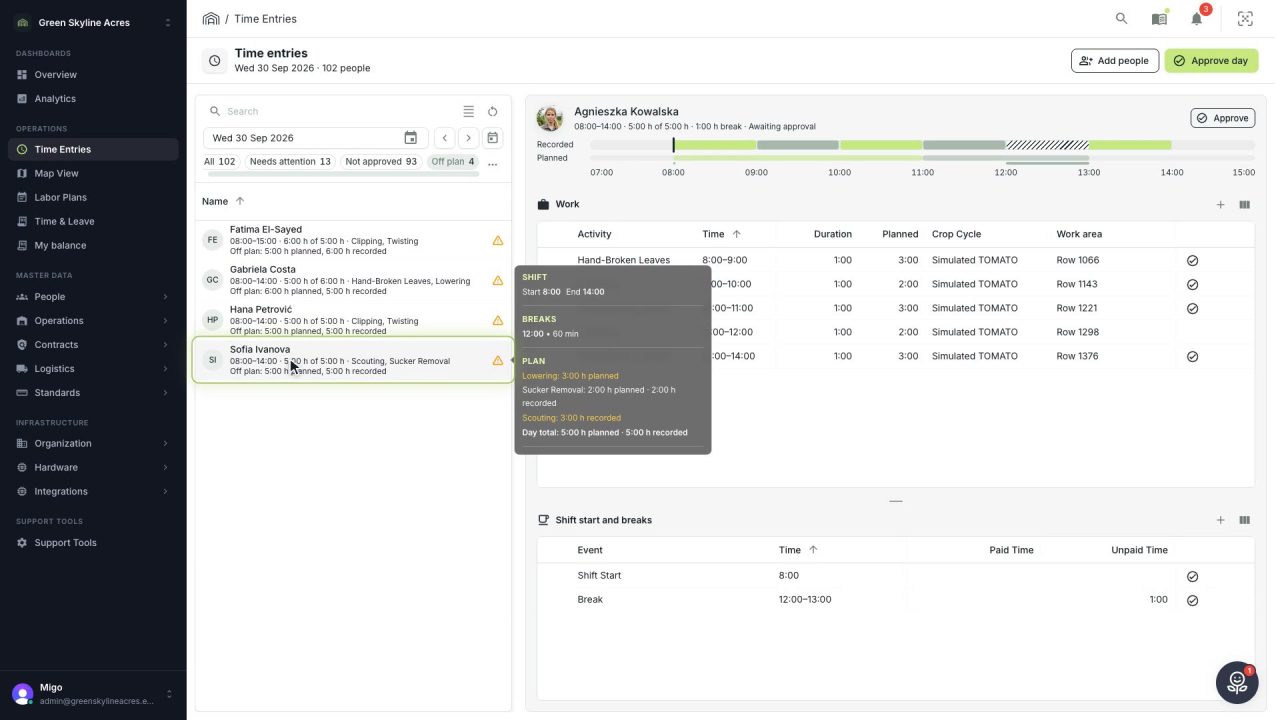
2 min See whose day went differently from the plan
Check a work day against the labor plan, see who worked something else or did not show up, and accept a change of plan that had a good reason.
Read the story -
 1 min
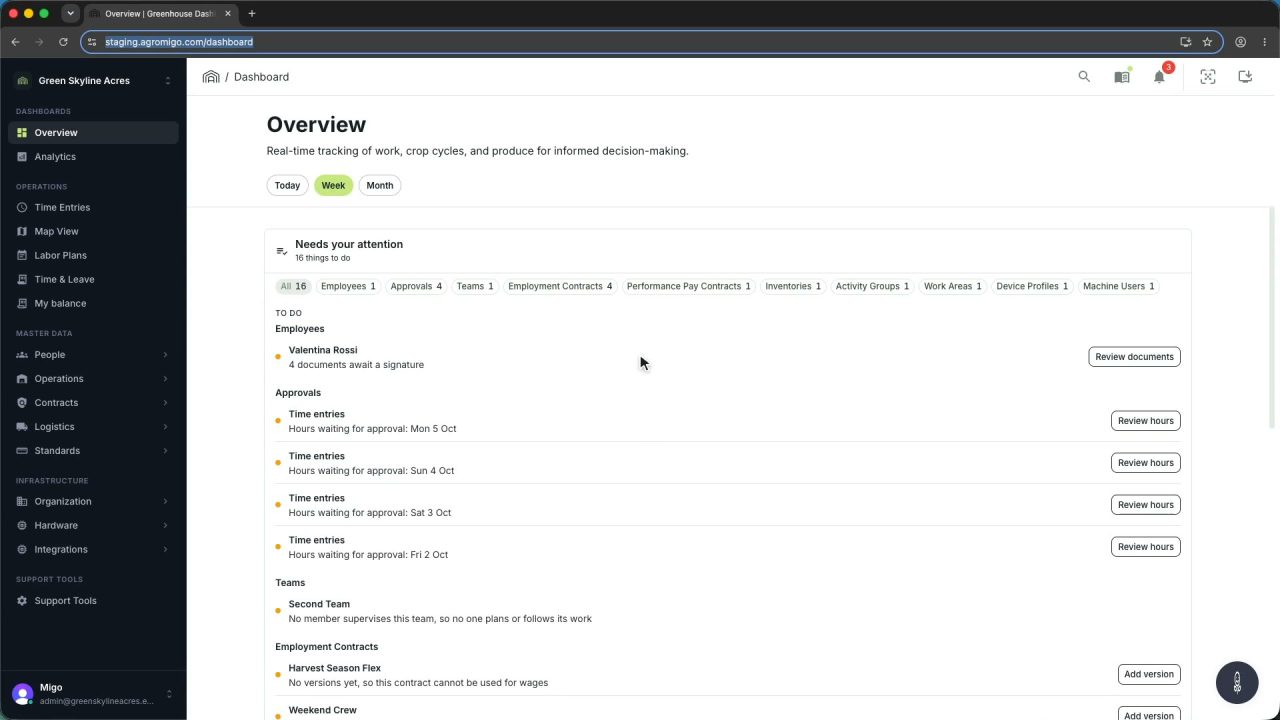
1 min Agromigo on your computer, in a window of its own
One click on the install icon and Chrome's Install button put the dashboard among your programs, opening in its own window, straight to your dashboard, always the latest version.
Read the story -
 2 min
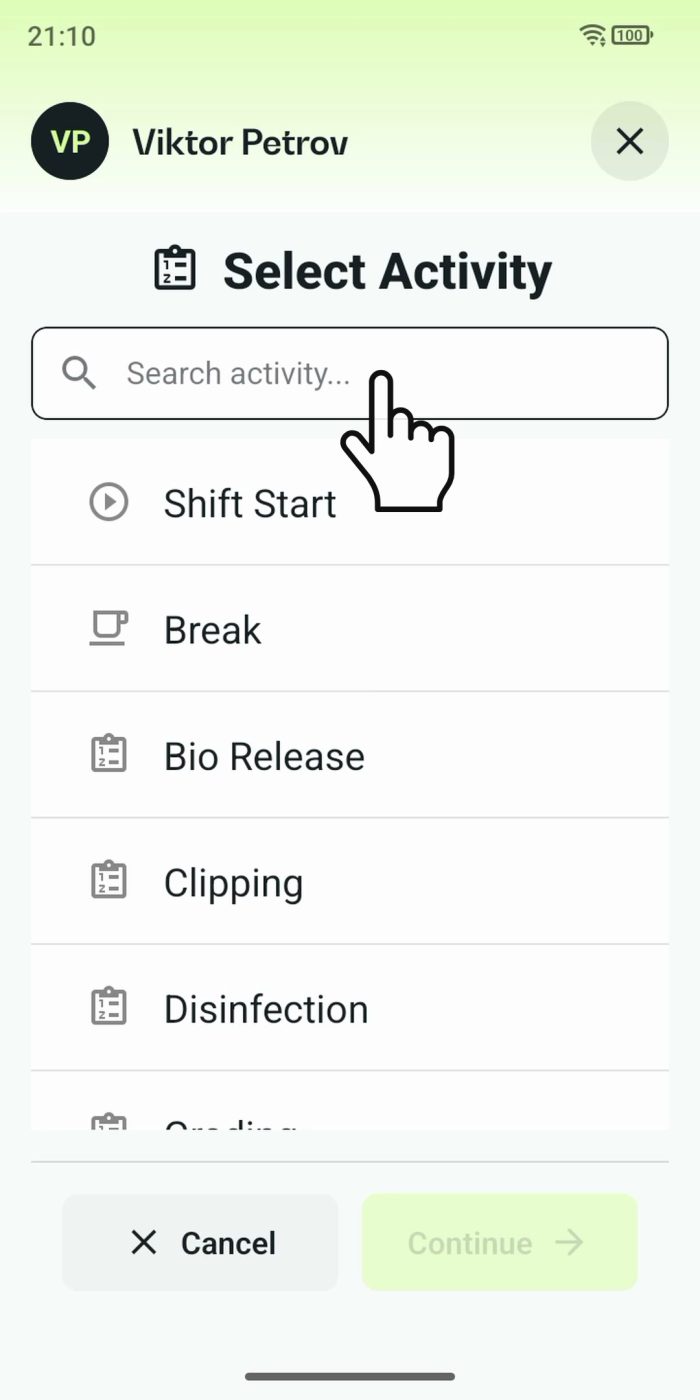
2 min One shared phone where the crew taps in with a tag
Terminal mode turns one phone into a terminal for a whole crew, at a fixed spot or moving with the team. Workers tap their personal tag, choose the task they finished, answer a few questions, and the screen resets for the next person.
Read the story