Product tours
Getting started
-
 8 min
8 min Less admin, more time in the greenhouse
Agromigo Workforce in a few minutes, with Migo, your assistant, as the guide: your crew logs their own work on a phone, you start the day on the Overview, check and approve the hours, plan the week, reward output, keep every person on one record, hand payroll the figures, and you are up and running in an afternoon.
Read the story -
 2 min
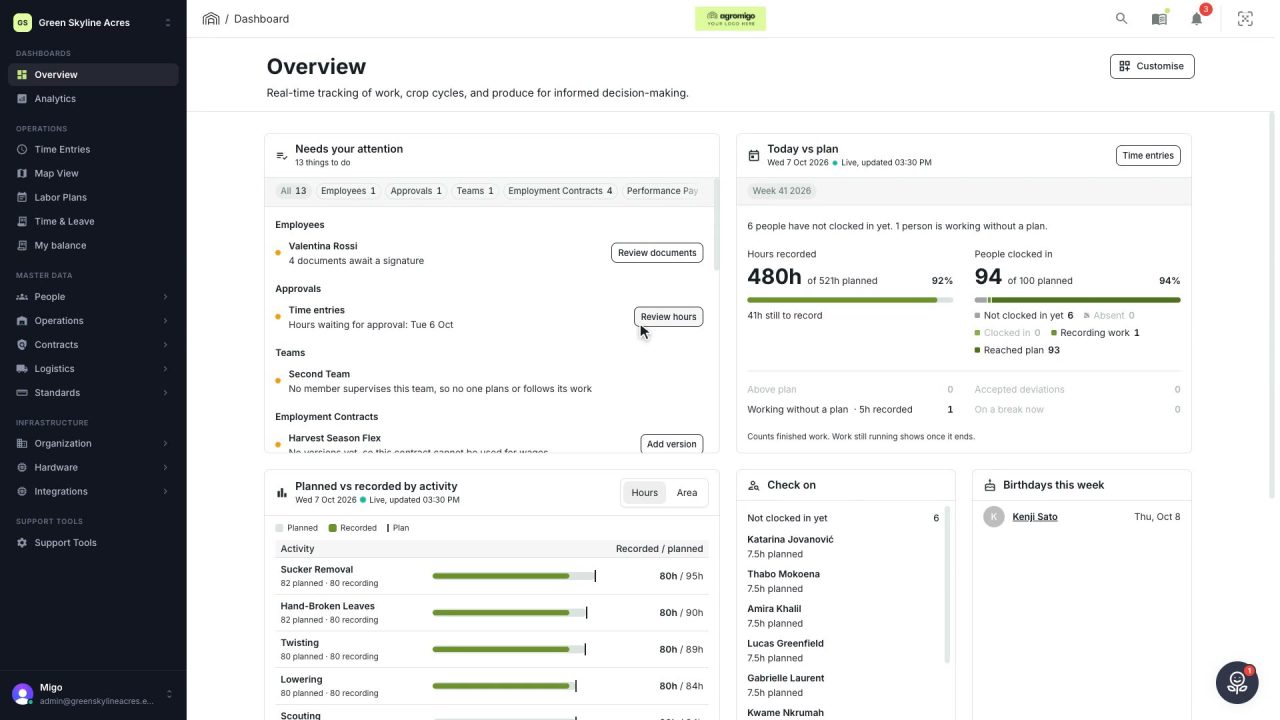
2 min Everything in your operation, one or two clicks away
Start the day on the Overview, search with a few letters and find every screen in a clear menu. Getting around Agromigo Workforce takes seconds.
Read the story -
 3 min
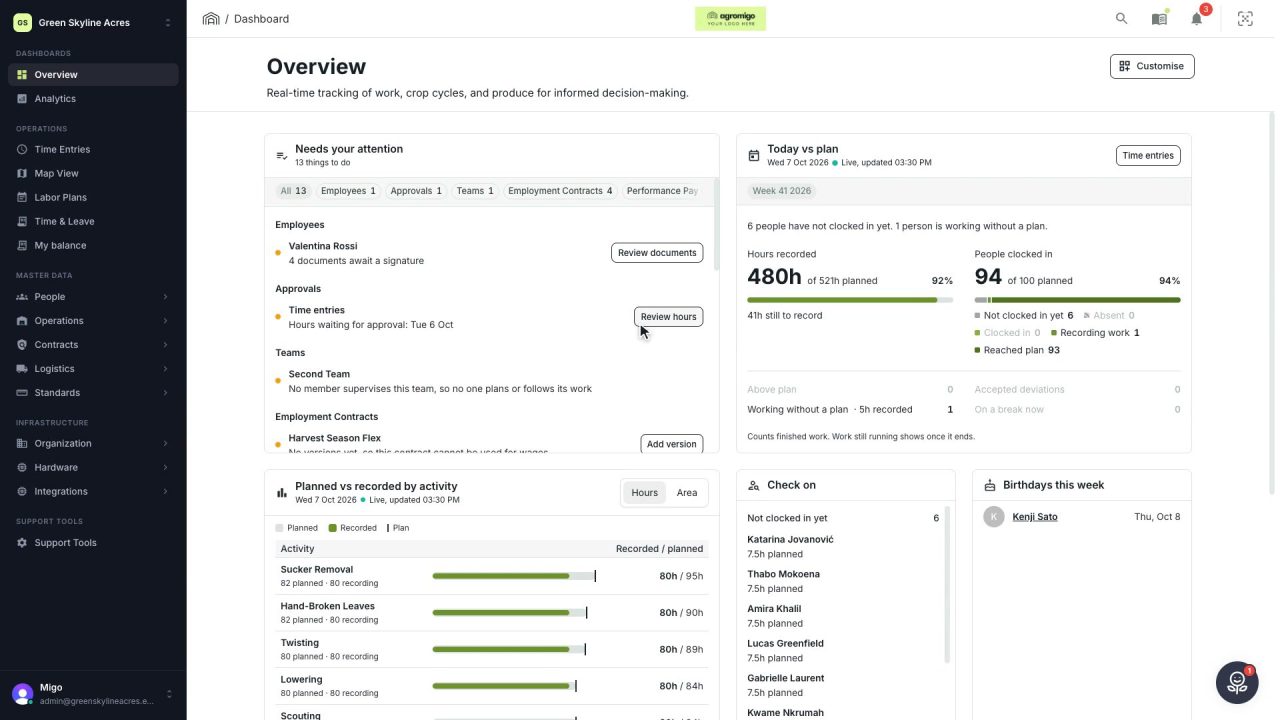
3 min Your whole day on one page
One page shows what needs your attention, how today is going against the plan, who to check on and how the last days went, each with the button or screen that takes it further.
Read the story -
 3 min
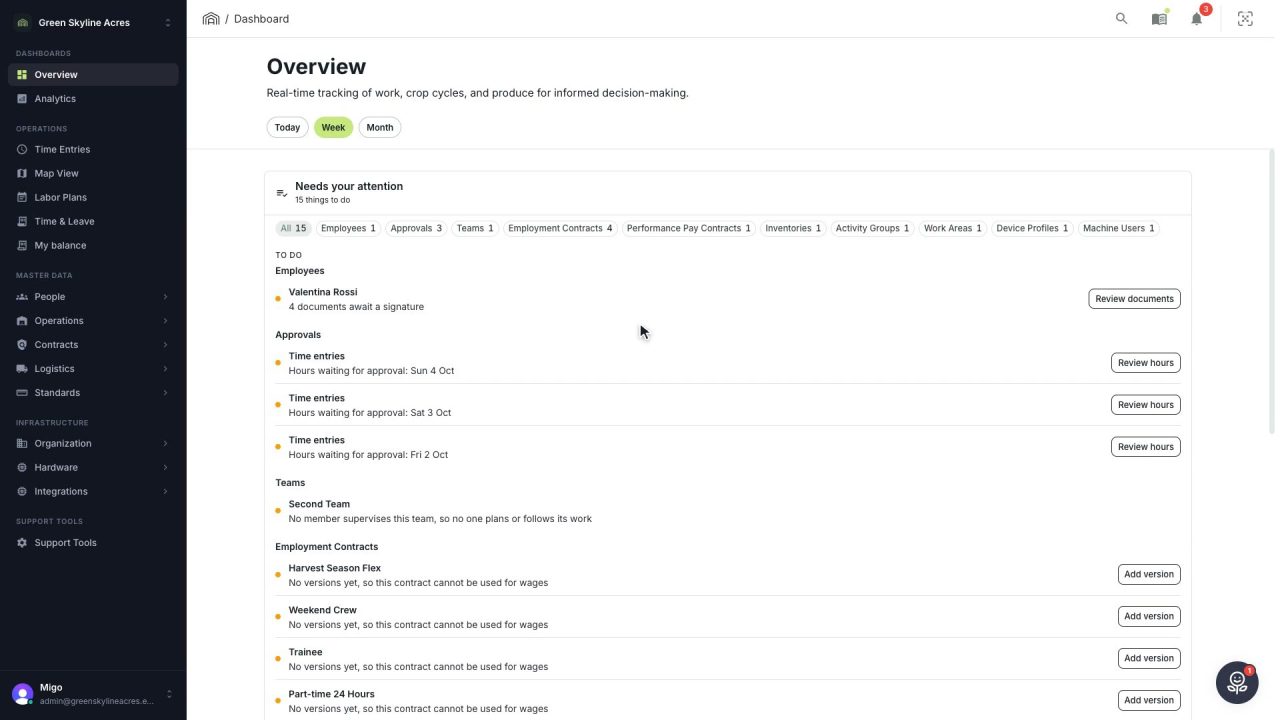
3 min Reach any person or record in a few keystrokes
One box finds people, records, screens and answers from the guide, and takes you straight to a worker's day, their balances or their details without walking the menu.
Read the story -
 3 min
3 min Get the answer about the screen in front of you
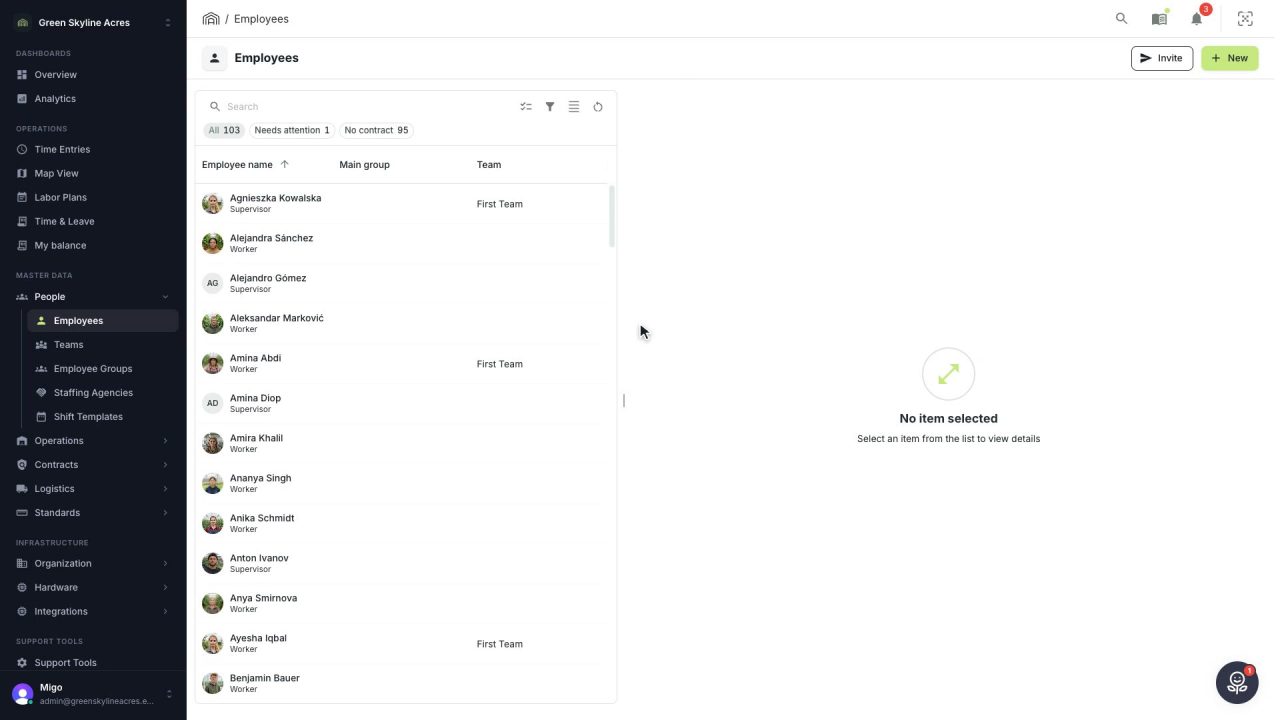
Every screen and every form has its own chapter, and it opens docked beside your work at the right place, so nobody has to search a handbook or wait to be shown.
Read the story -
 2 min
2 min Light or dark: the dashboard the way your eyes prefer
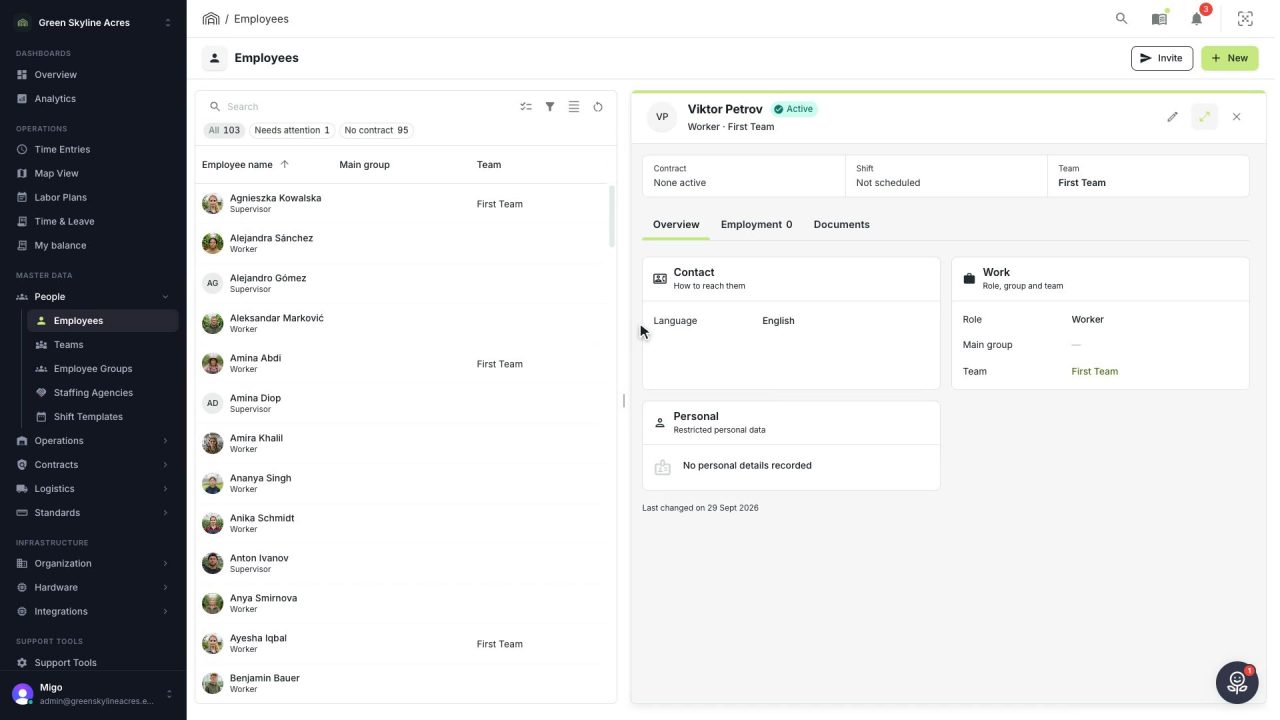
Switch Agromigo between light and dark in App settings, or let it follow your computer. Employees, time entries and reports, shown both ways.
Read the story -
 2 min
2 min Set up your greenhouse operation in a few minutes
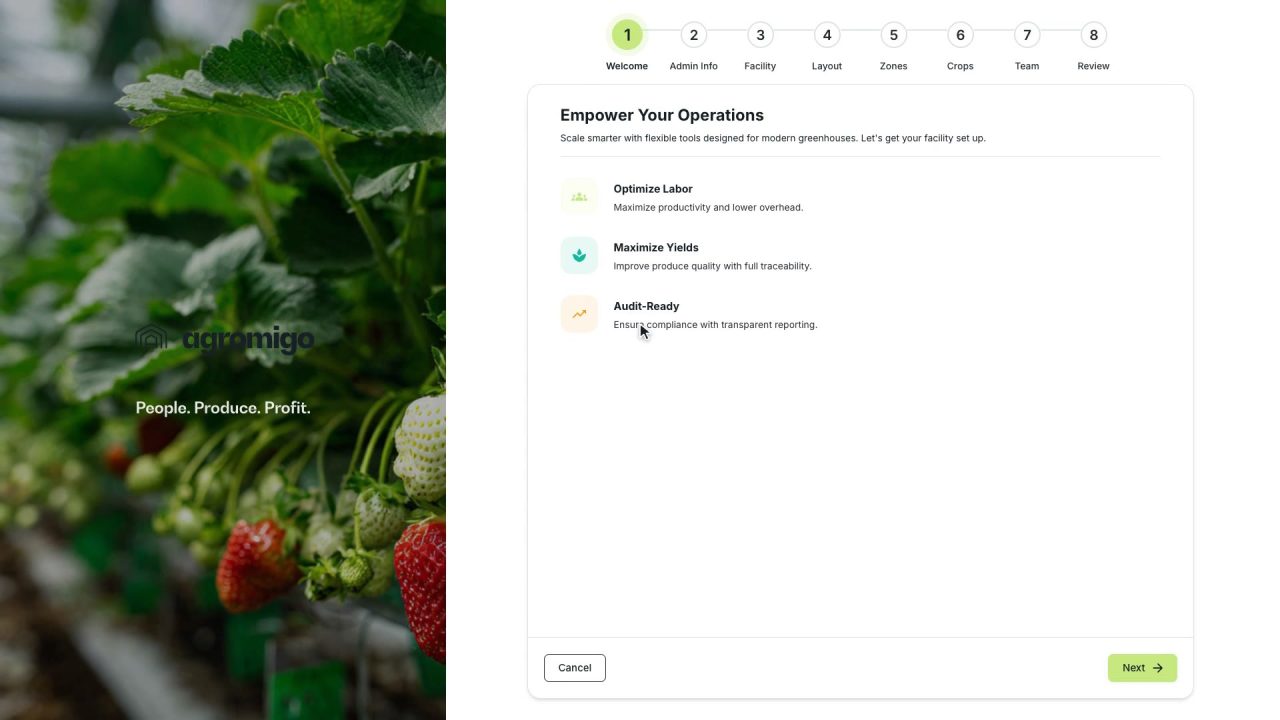
A short wizard takes you from your name to a working dashboard, with your greenhouse mapped, your crops loaded and your team on record, and a welcome email with the next step.
Read the story
People and teams
-
 3 min
3 min New seasonal workers, ready before their first workday
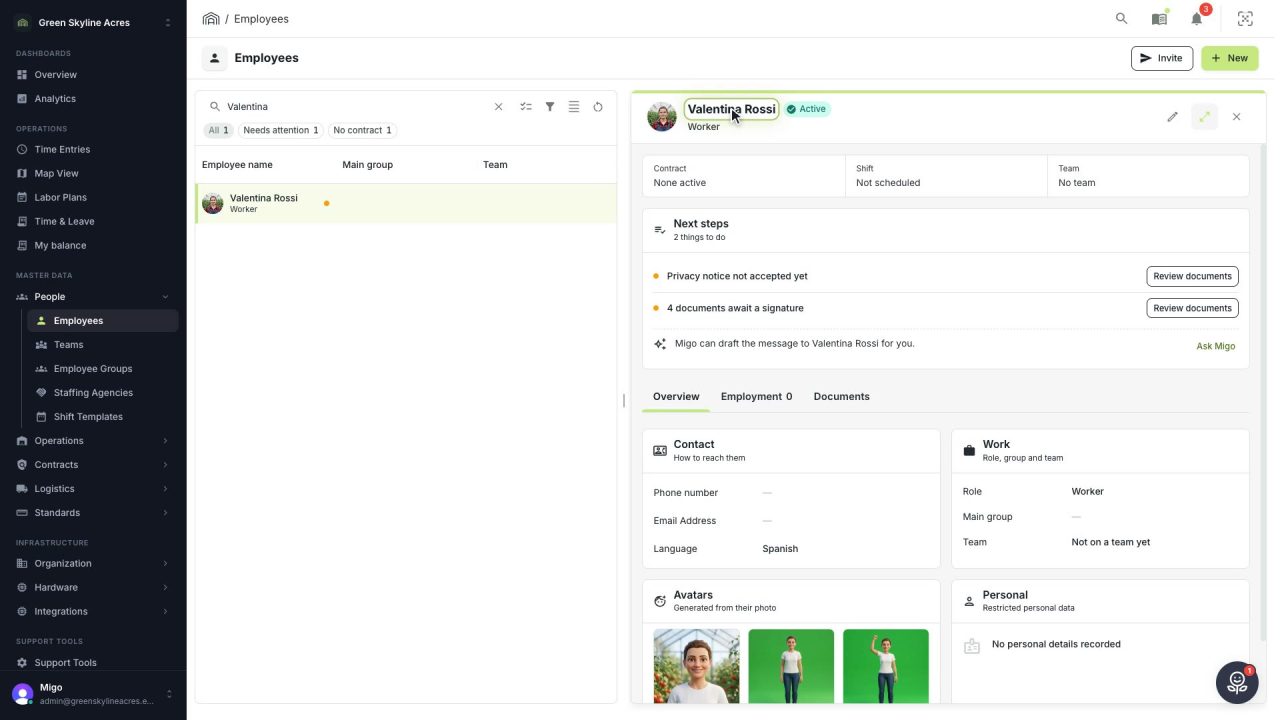
Add a new seasonal worker in minutes, spot the gaps in existing records at a glance and invite people once their details are complete.
Read the story -
 2 min
2 min Read a worker’s passport into their record in seconds
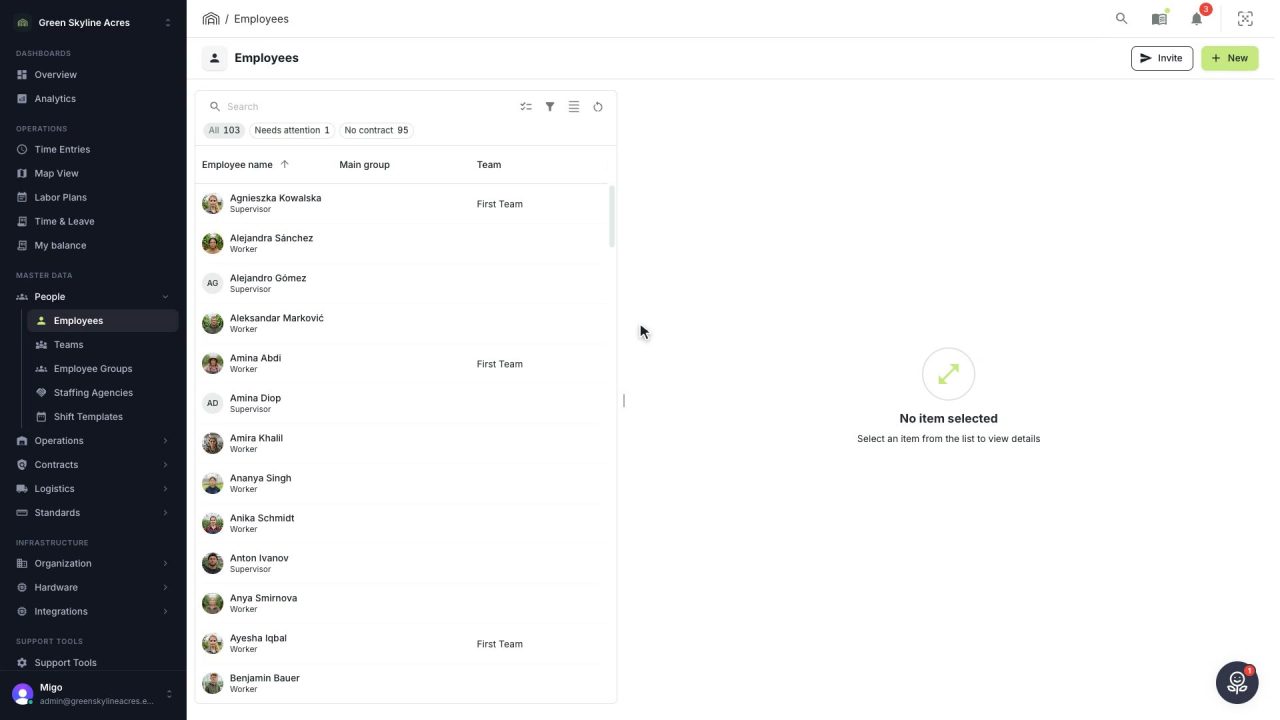
Upload a photo of a passport, identity card or driving licence and Agromigo fills in the employee record, turns down an expired document and saves only a masked scan.
Read the story -
 2 min
2 min An invited worker onboards on their own phone
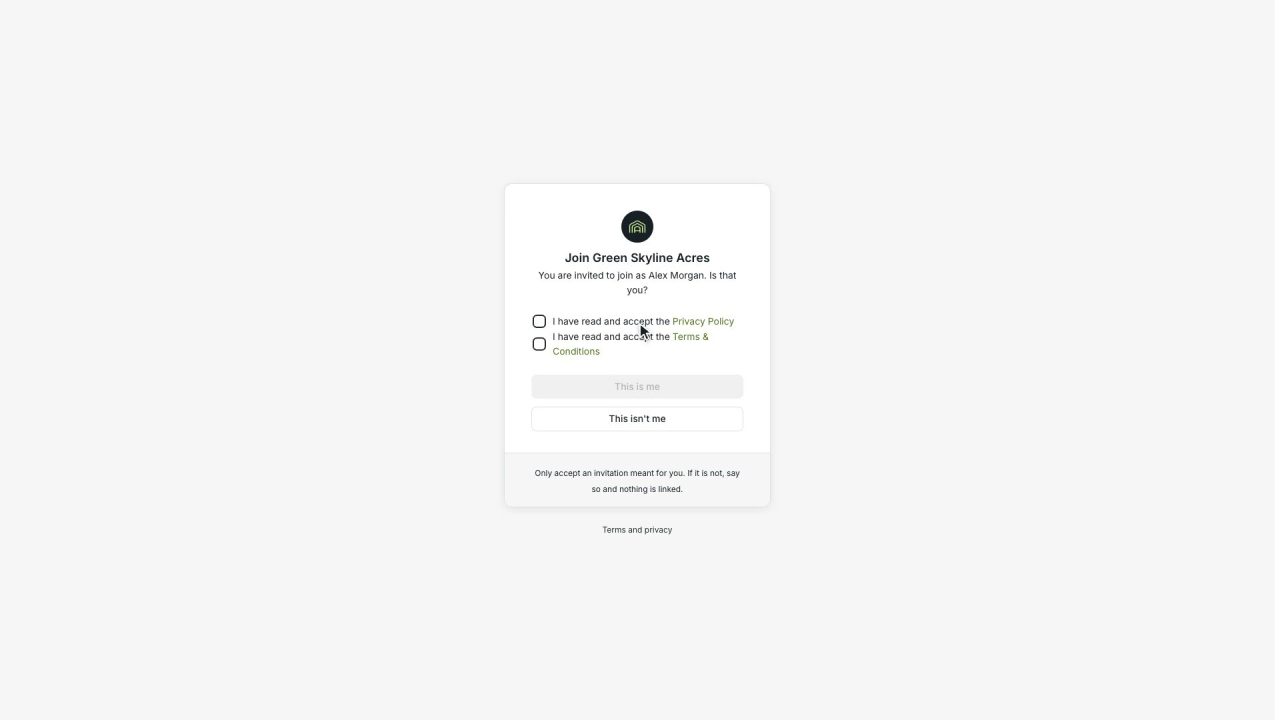
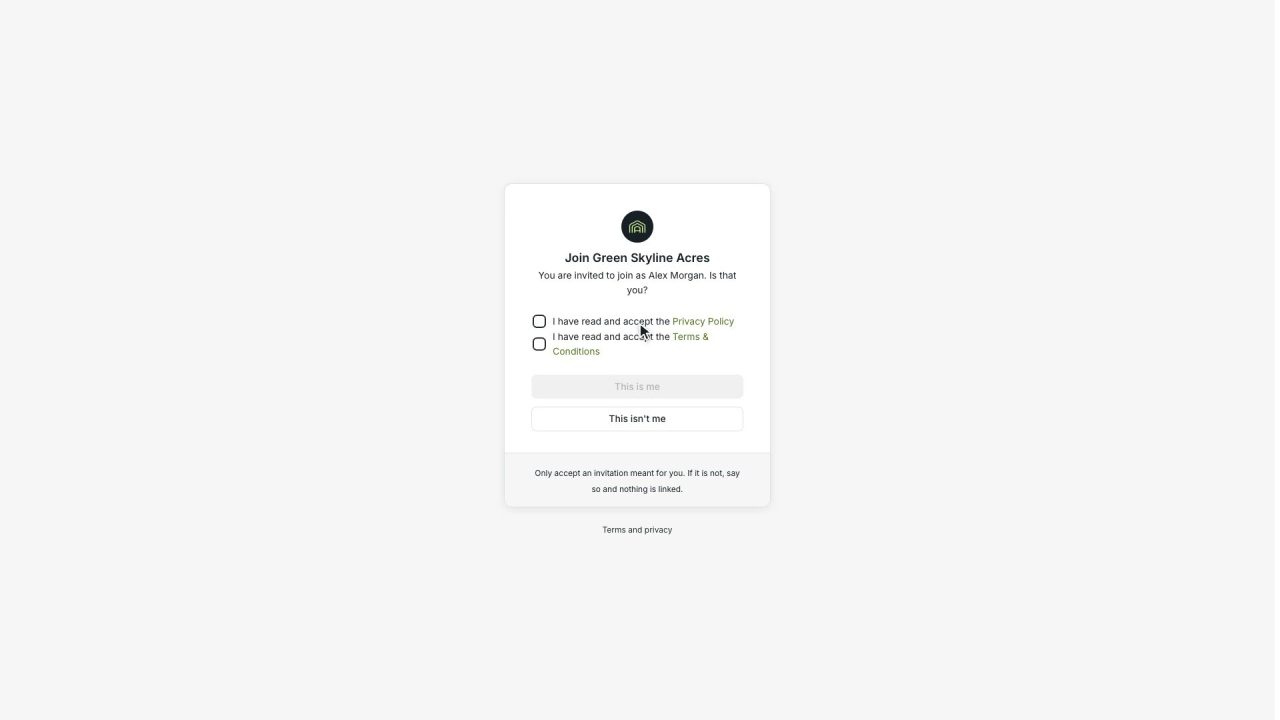
Invite a worker by email and they complete their own onboarding, from accepting the terms to watching your required videos and signing, while you get a notification when they are ready.
Read the story -
 2 min
2 min New workers identify themselves before their first day
An invited worker scans their own passport or identity card while onboarding. An expired document is turned down, a valid one fills in their details, and only a masked scan is saved.
Read the story -
 3 min
3 min The rules every new worker reads, watches and signs
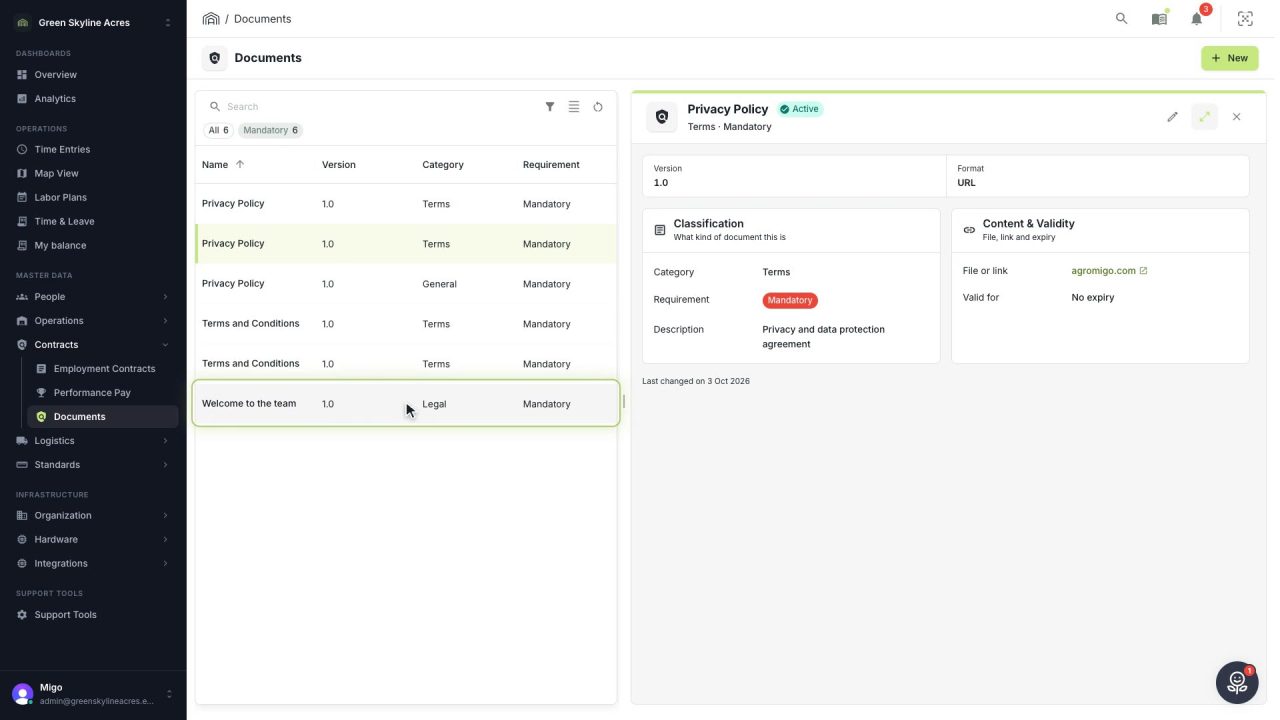
Set up a privacy notice, house rules or a welcome video once, decide whether it is mandatory, and see per worker what is signed and what is still waiting.
Read the story -
 2 min
2 min New workers join your operation themselves
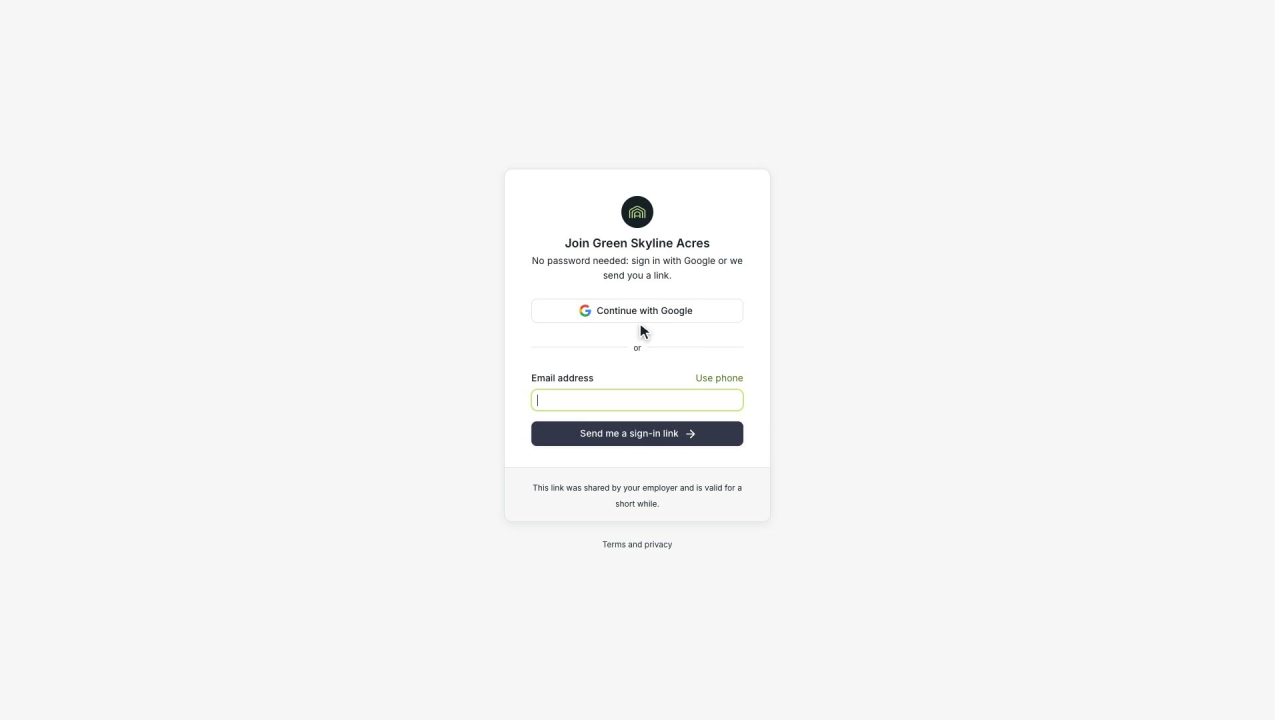
Hand a new worker a QR code and they join your operation on their own, with a secure sign-in link instead of a password, the terms accepted once, and onboarding continuing in their own language.
Read the story -
 3 min
3 min An extra pair of hands on the crew, in one step
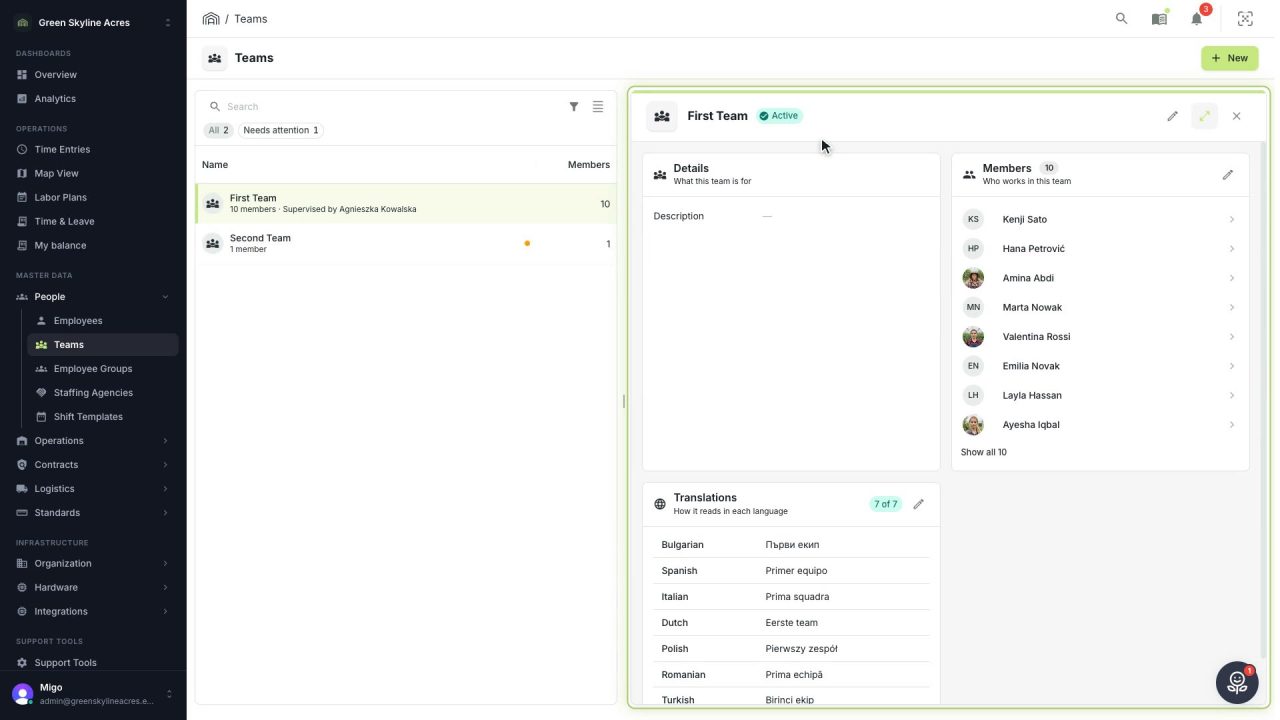
Add a worker to a crew in a few clicks, without pulling anyone off another team by accident. Their own record follows automatically.
Read the story -
 3 min
3 min Connect your other systems without sharing a password
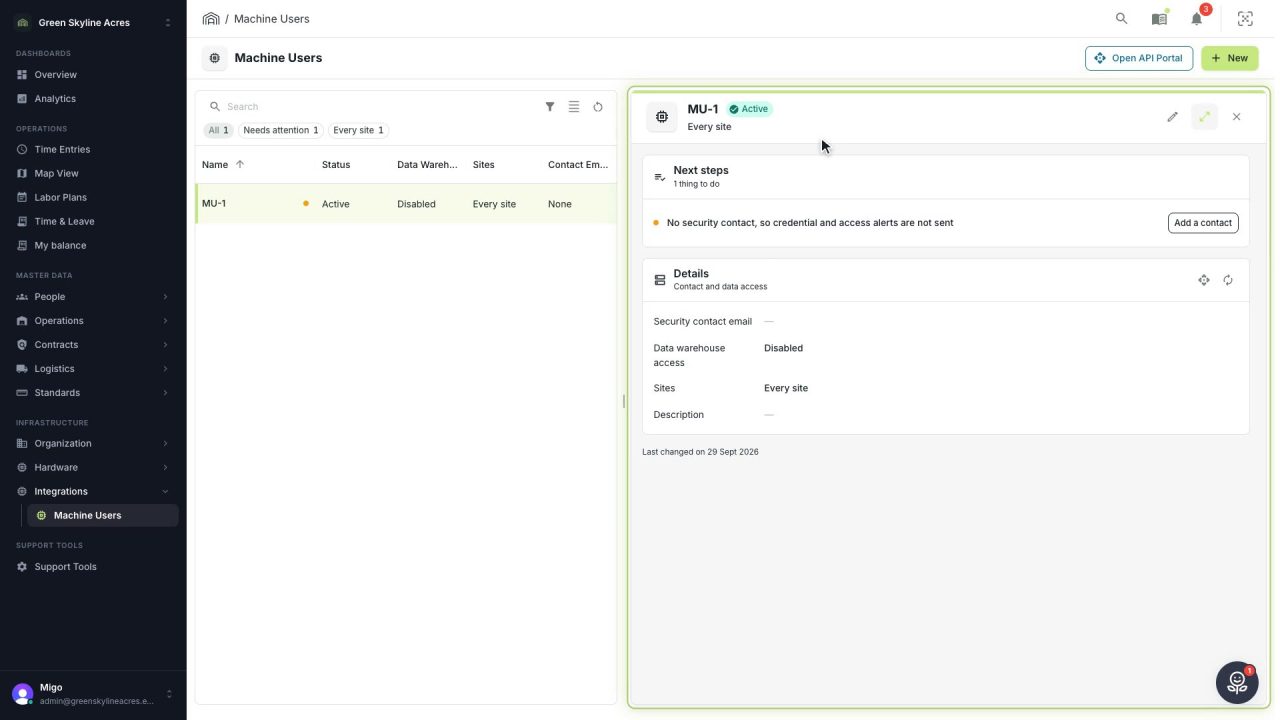
Give your payroll, climate or BI system its own account in Agromigo, with only the access it needs and alerts that reach the right person.
Read the story -
 3 min
3 min Meet your data duties as part of the working day
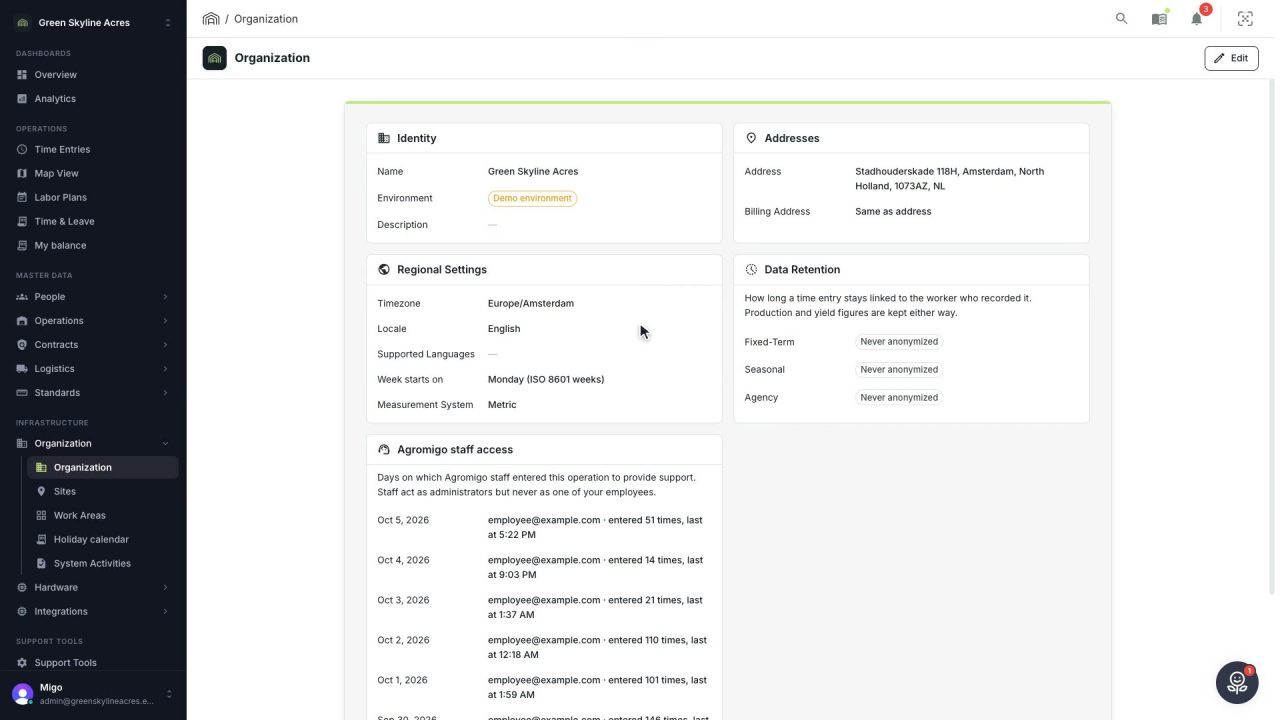
Retention limits per contract type, personal data split across four records with access by role, signed consent on the worker's own record, and a data export that answers an access request in minutes.
Read the story
Hours and approval
-
 2 min
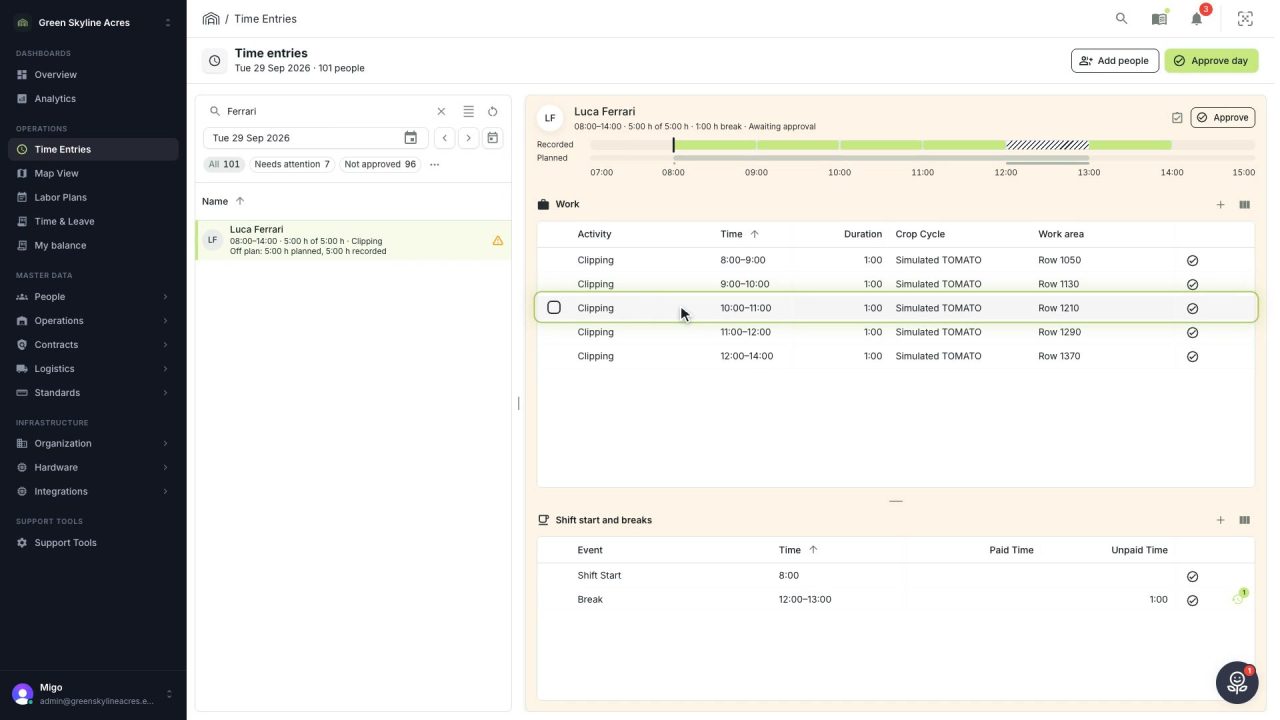
2 min Close the workday with every hour in place
Check the day's hours against the plan and the colleagues, fix a wrong activity, add a missing break in one click, and hand payroll a day that is complete and correct.
Read the story -
 2 min
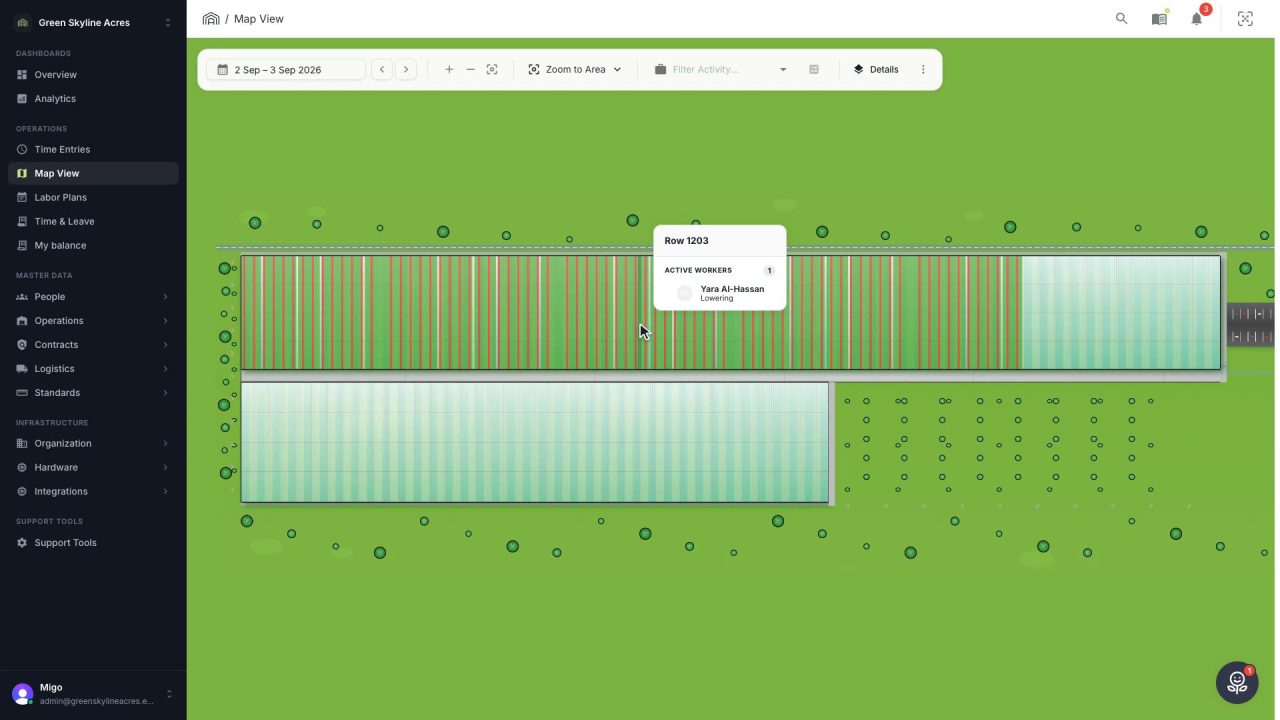
2 min See where the work happened, row by row
Your greenhouse drawn to scale with every row shaded by how much of it was worked, red where bookings do not add up, and a booking moved to the right row by dragging it.
Read the story -
 2 min
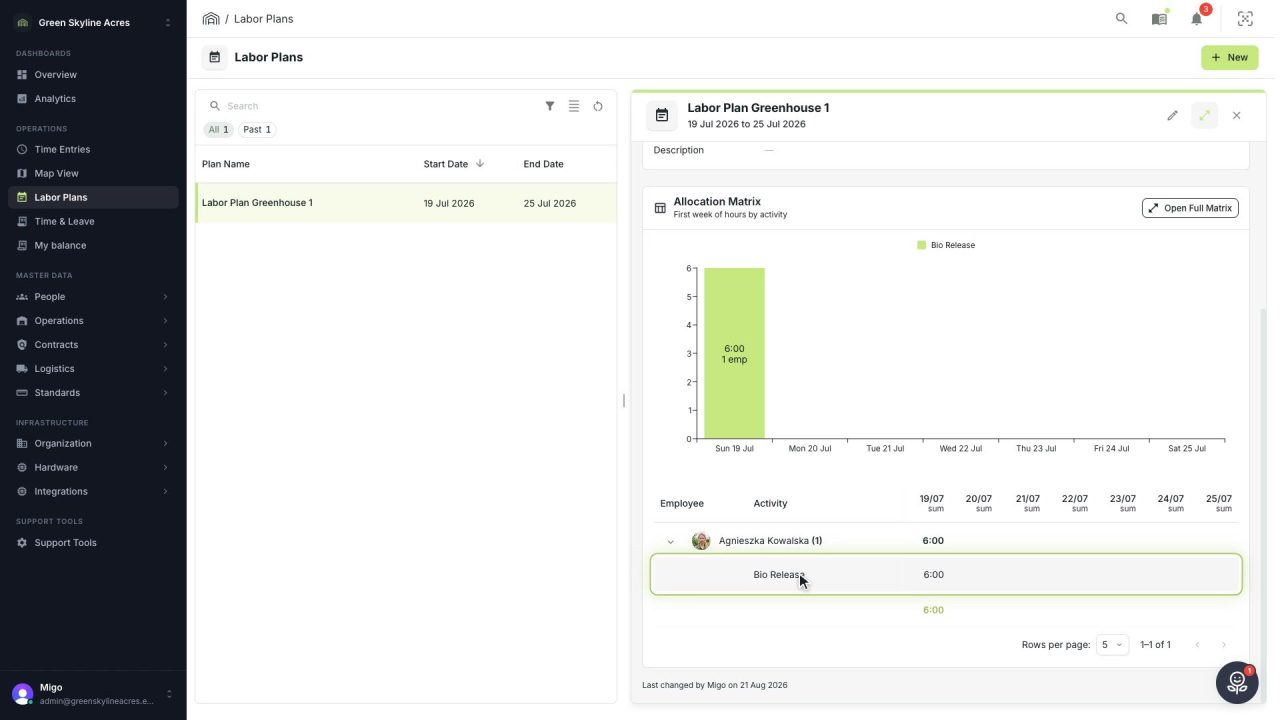
2 min Know who works where before the week begins
Plan next week's labor per activity, day and person, and see where extra hands are needed before Monday comes around.
Read the story -
 2 min
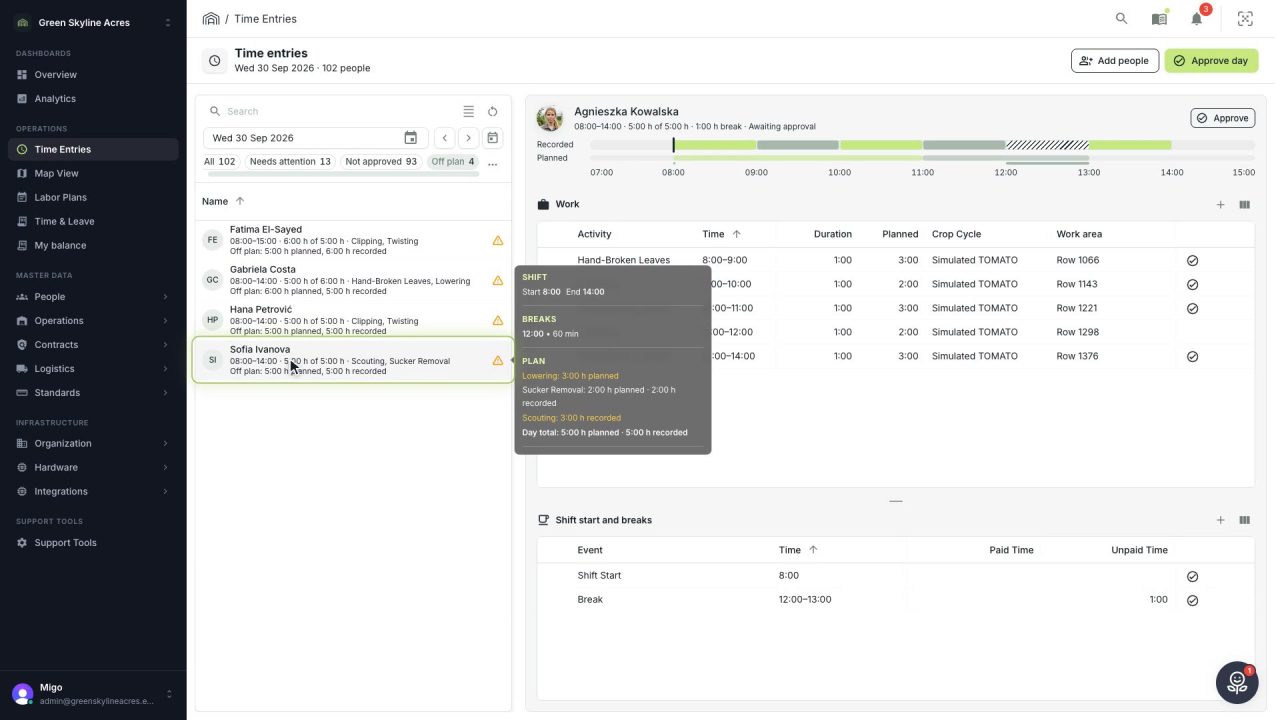
2 min See whose day went differently from the plan
Check a work day against the labor plan, see who worked something else or did not show up, and accept a change of plan that had a good reason.
Read the story
On the greenhouse floor
-
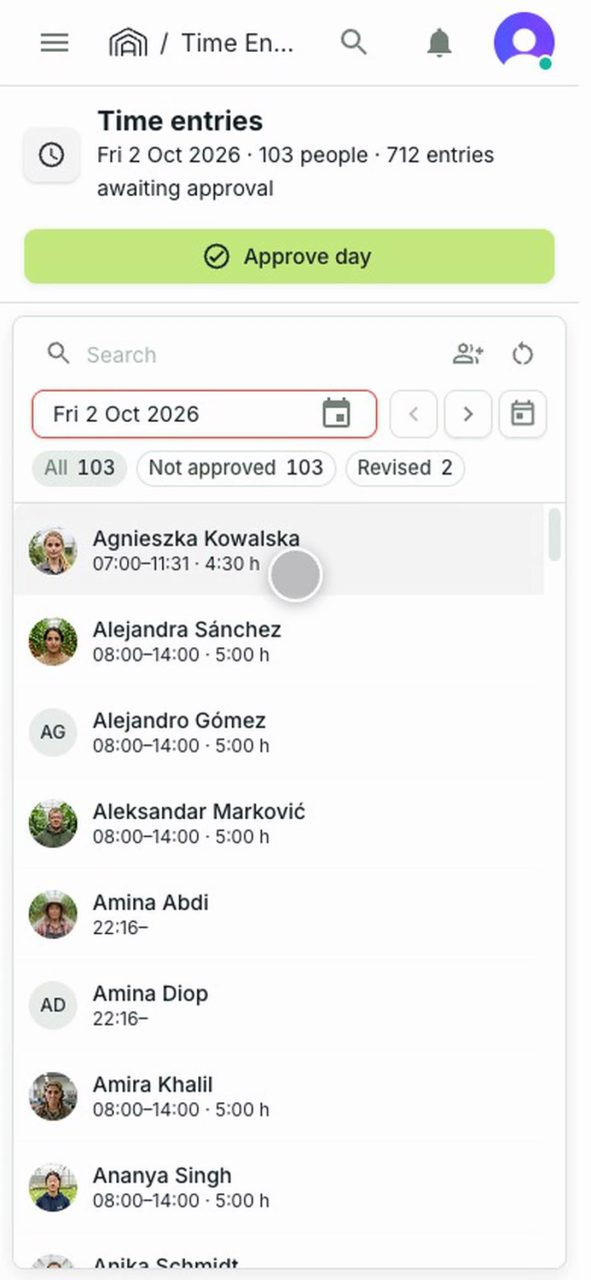 2 min
2 min Fix a wrong shift start before you leave the greenhouse
A supervisor spots a shift start clocked half an hour late and corrects it on a phone, while the crew is still on site.
Read the story -
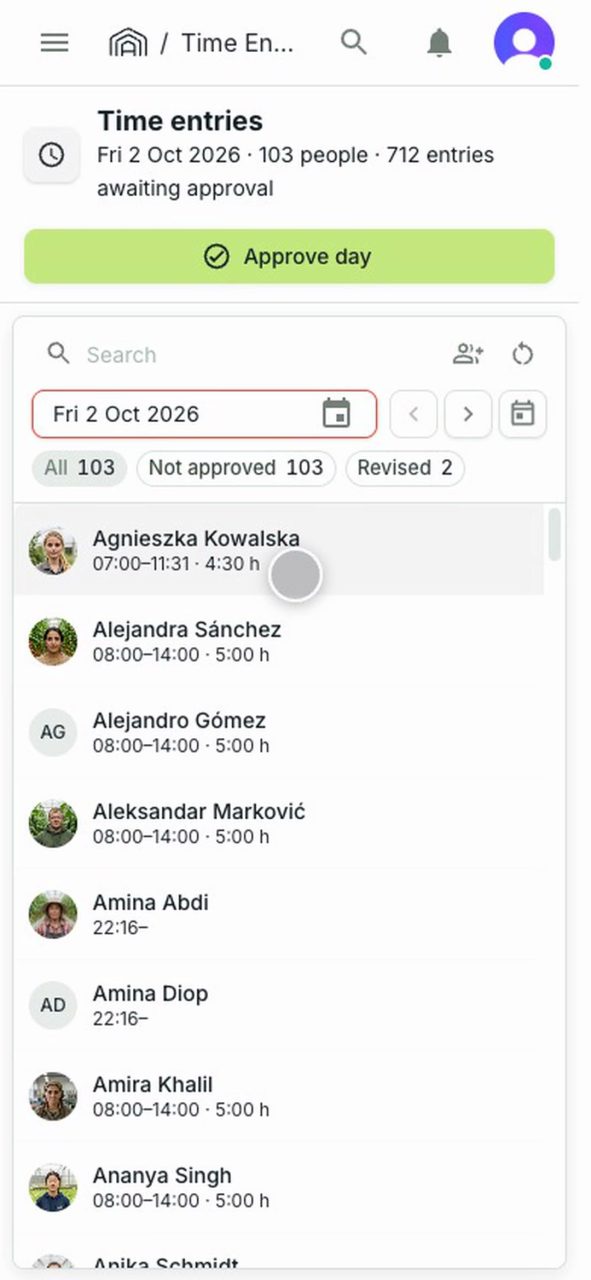 2 min
2 min Explain a low count before anyone has to ask
A supervisor adds a note to a team member's entry on a phone, so whoever reviews the day reads the reason before asking.
Read the story -
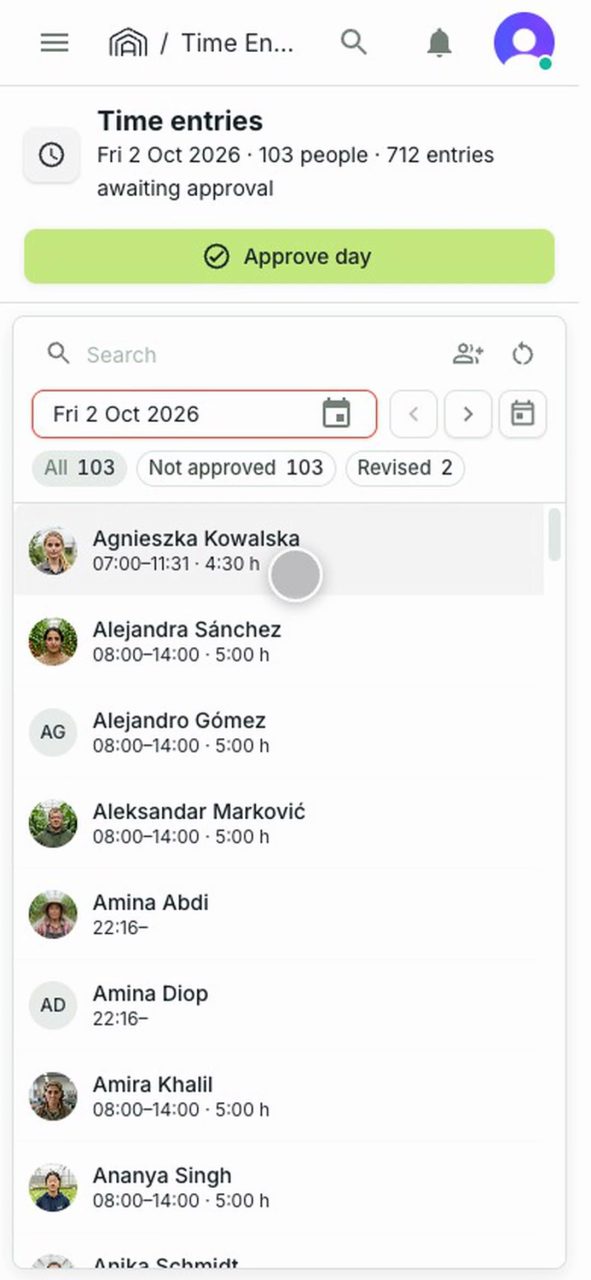 2 min
2 min Send the day for approval from the greenhouse floor
A supervisor approves the team's day on a phone, with a review note saying what was checked, then sees where a day already sent stands.
Read the story
Contracts and pay
-
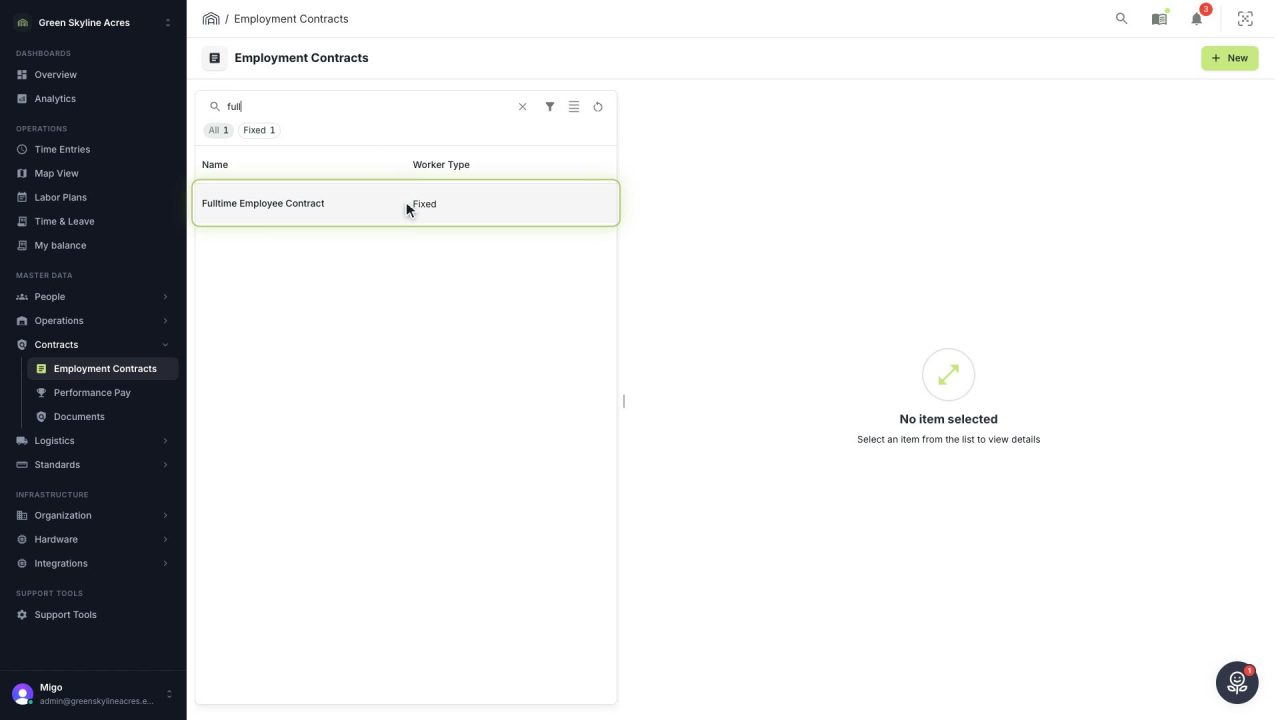 6 min
6 min Change pay terms without rewriting last month’s payroll
Record a wage rise or a new collective agreement as a new contract version, so every hour is paid by the terms that applied on the day it was worked.
Read the story -
 5 min
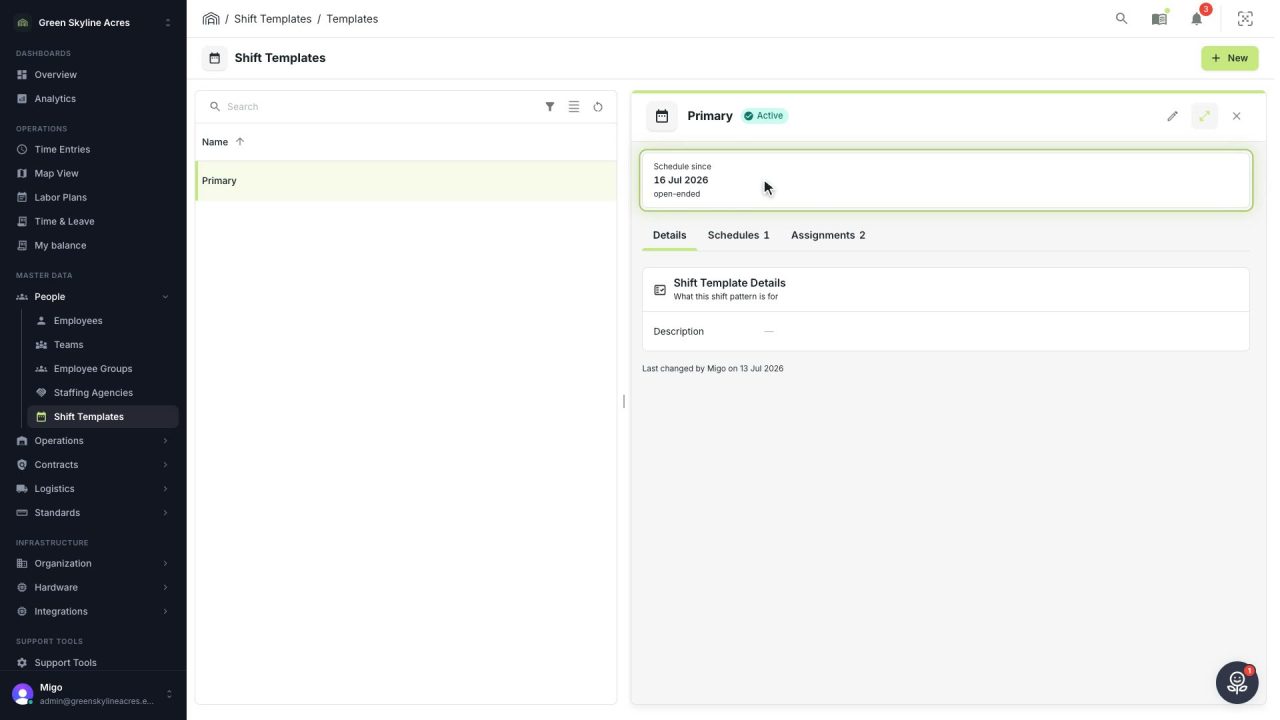
5 min Change the working day without changing the days already worked
Plan a new start time or break as a new schedule on the shift template, so every past day keeps the times and breaks it was worked under.
Read the story -
 5 min
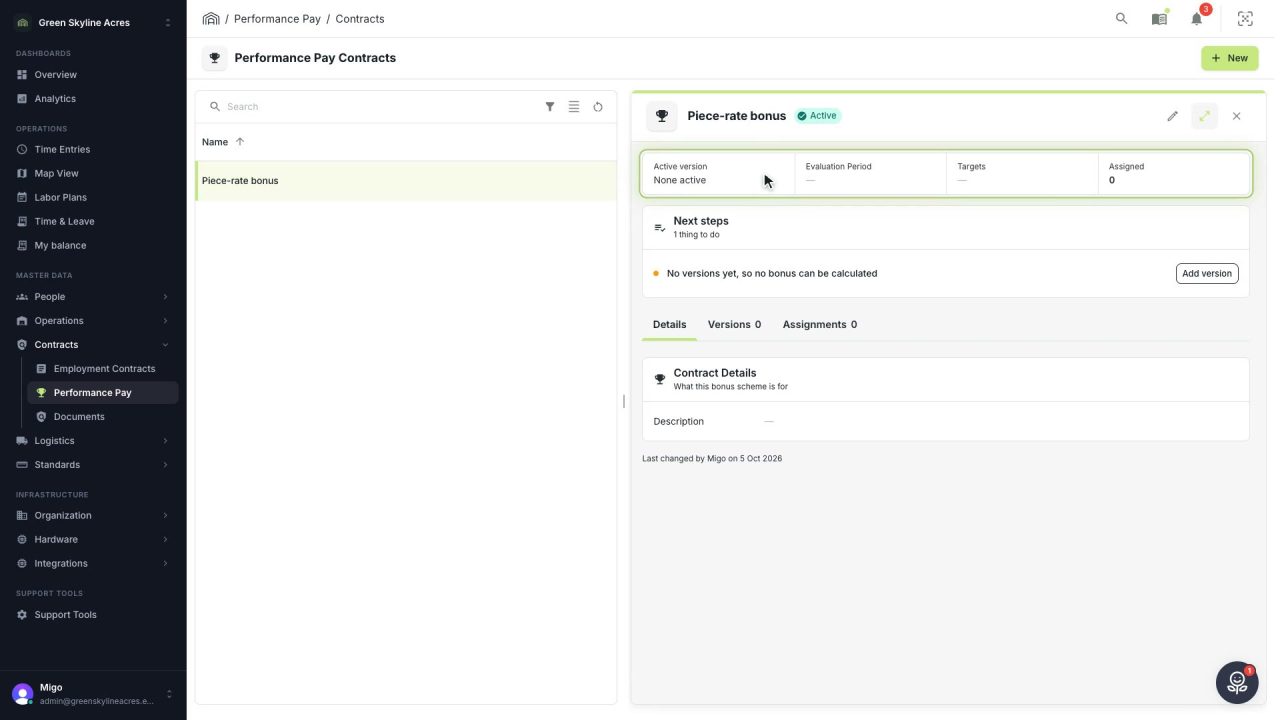
5 min Reward output with bonus rules you can change safely
Build a piece-rate bonus as a versioned scheme, test the formula in its live preview, and change the rules later without moving a single bonus already calculated.
Read the story -
 2 min
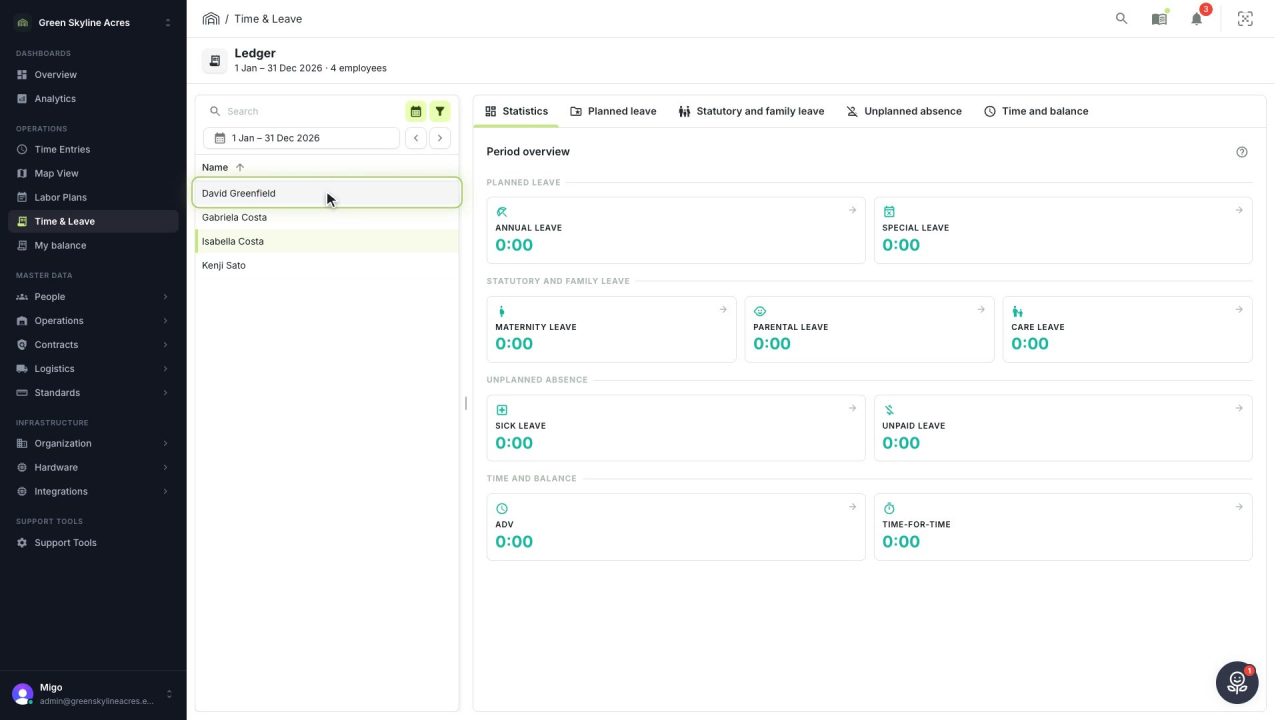
2 min Answer any question about leave without guessing
Every balance is booked week by week from the hours behind it, and each week opens into the full calculation, so the answer you give an employee holds.
Read the story
Crops and set-up
-
 3 min
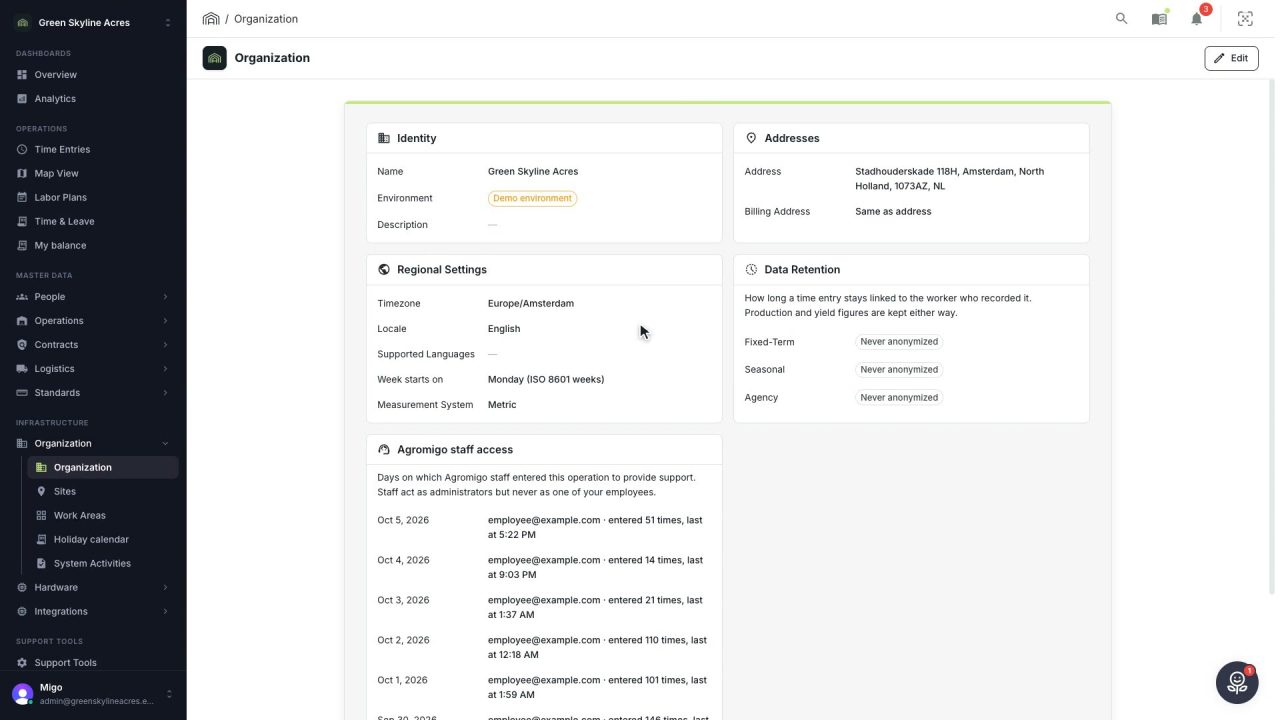
3 min Set up your operation once, and every screen follows
Your operation's identity, regional settings, data retention and holiday calendar, set once and used by payroll and every report.
Read the story -
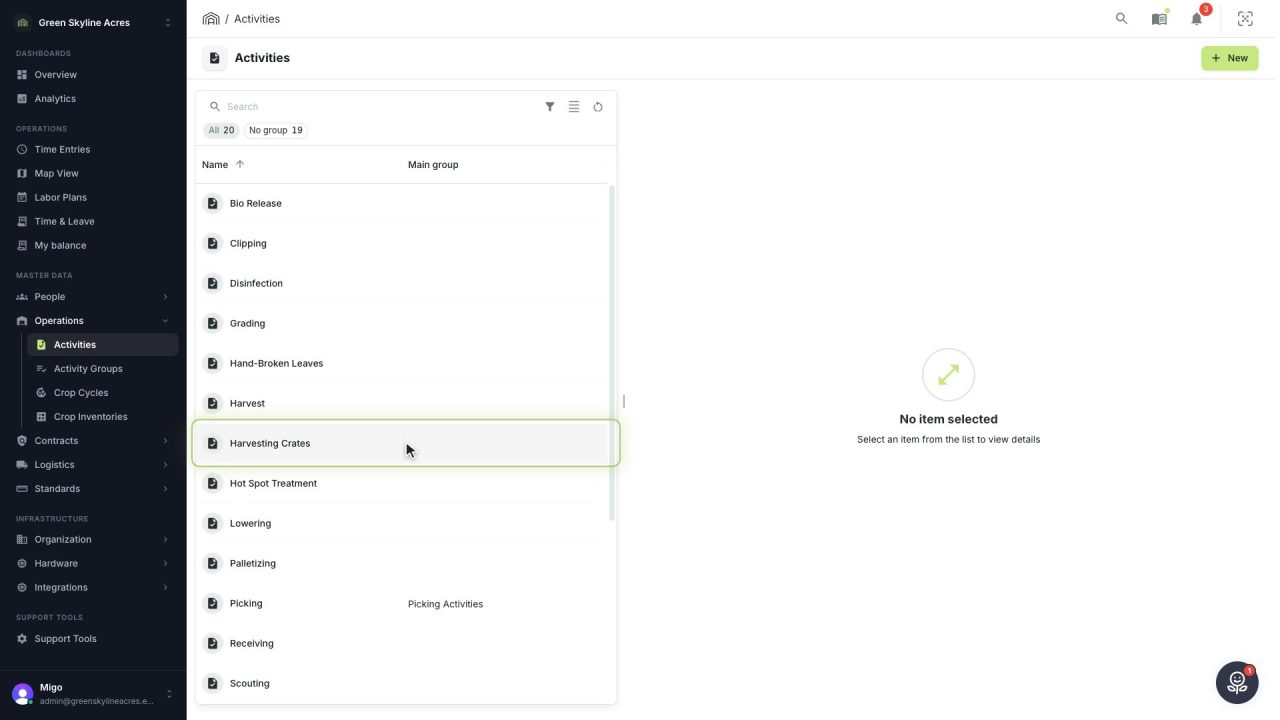 3 min
3 min Set up your basic data once, and every hour lands right
Activities, employees, carts and container types are what every recorded hour and every crate hangs on. A tour of the four screens, and what each setting decides later.
Read the story -
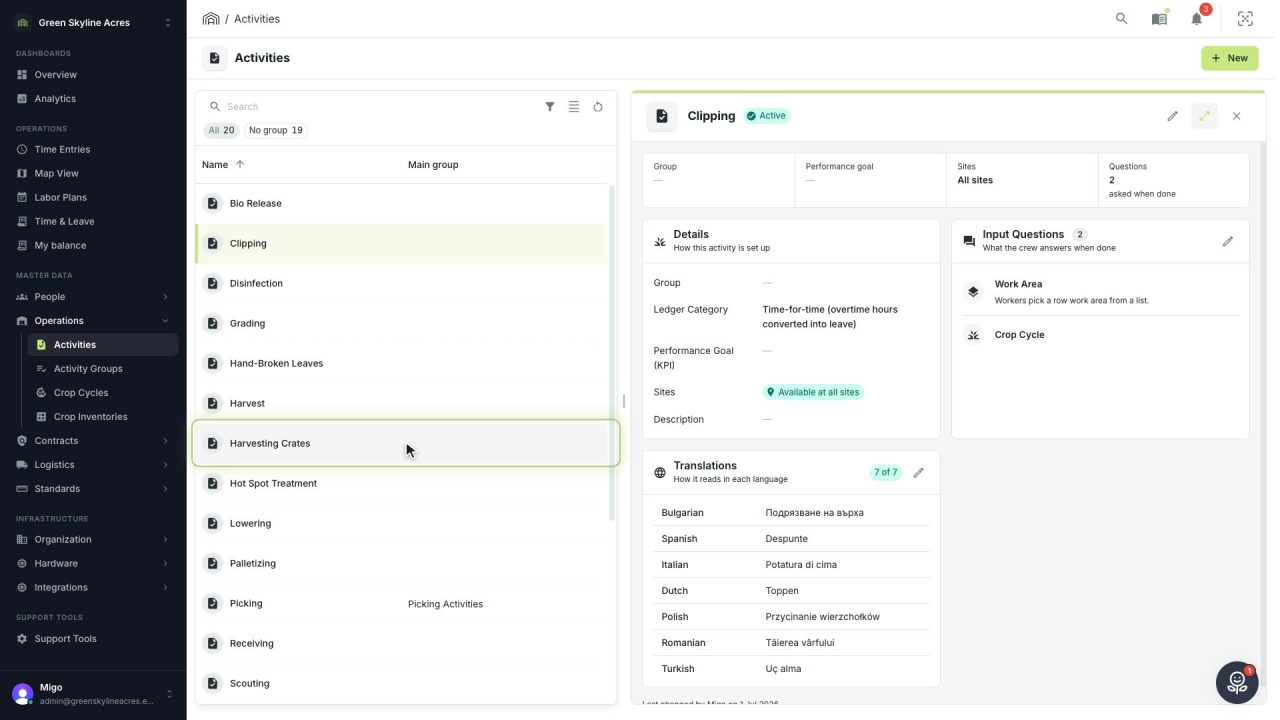 4 min
4 min Collect exactly the detail your operation needs
Decide per activity what your crew is asked when they record work, from nothing at all to the row, the kilos and every crate, and add a question whenever your operation asks for more.
Read the story -
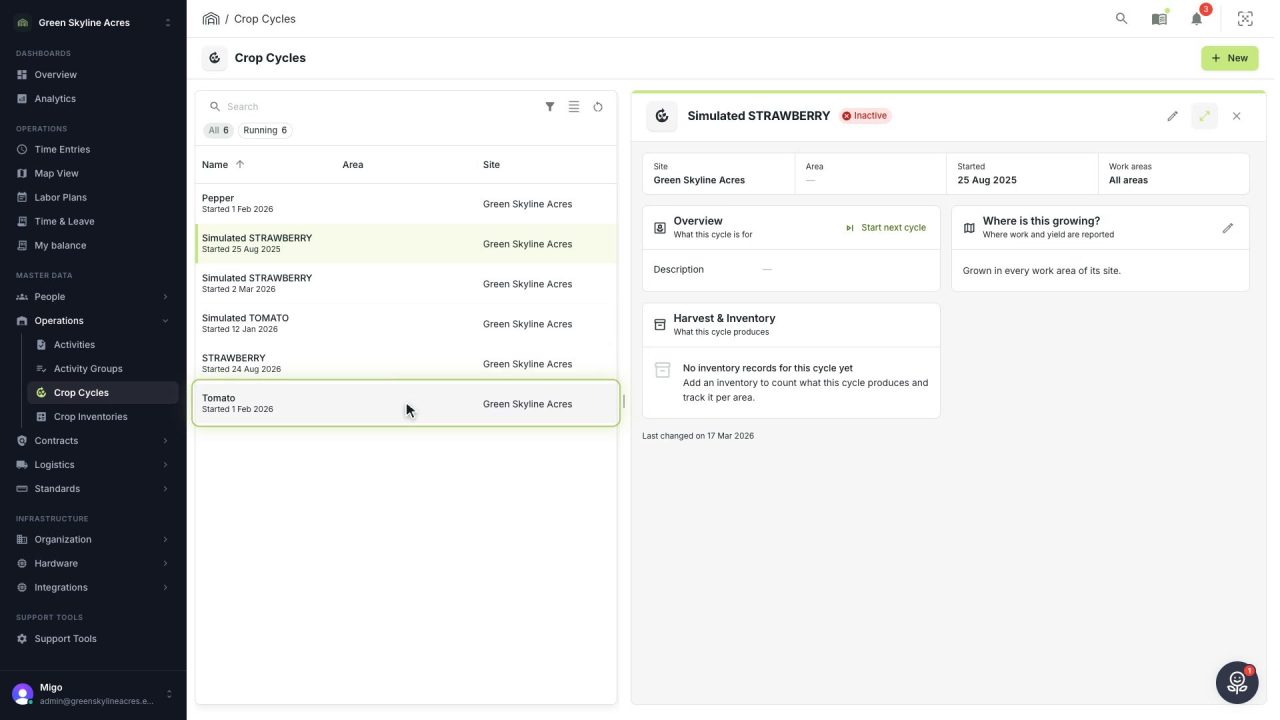 3 min
3 min Know what every planting costs, from day one
Set up a new planting as a crop cycle before the first plants go in, so labor and yield are booked to the right crop from the very first day.
Read the story -
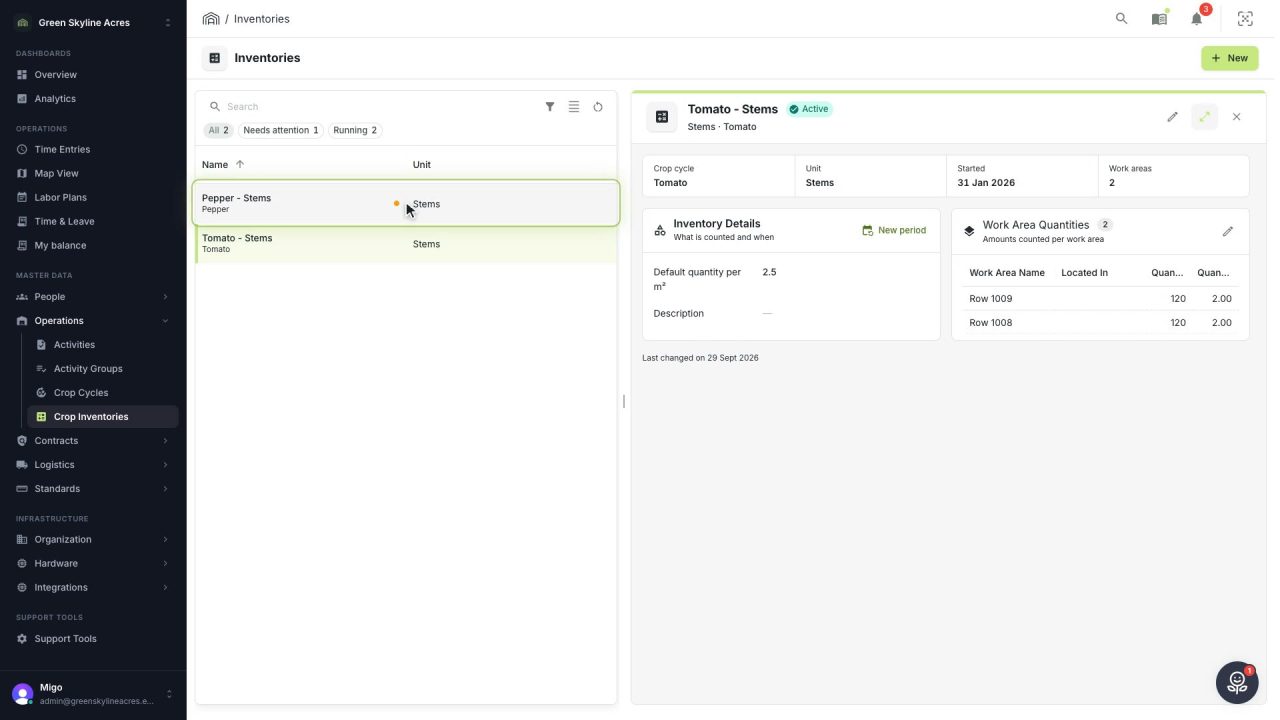 3 min
3 min Real stem counts behind every labor and yield figure
Record how many stems grow in each work area in a few clicks, so labor plans and yield reports start from real numbers instead of estimates.
Read the story
Devices and the crew app
-
 3 min
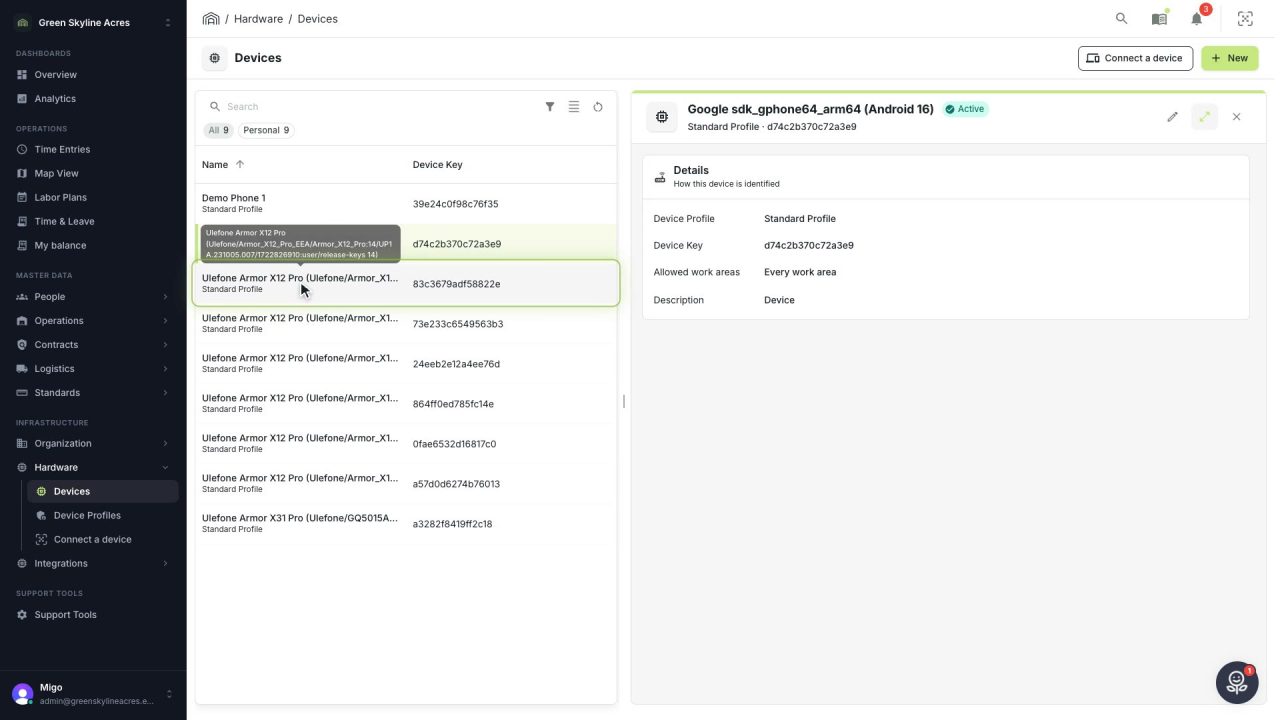
3 min Show each phone only the work that happens around it
Limit a device to the work areas where it is used and the activities that belong there, so your crew picks from a short list and a phone with one work area records it by itself.
Read the story -
 2 min
2 min Put time registration on a worker’s own phone
A short wizard in the dashboard produces one QR code. The worker scans it, installs the Agromigo Crew app from the Play Store, scans again, and their phone is part of your operation.
Read the story -
 3 min
3 min Turn a shared device into a crew terminal
One provisioning code carries your Wi-Fi, the Agromigo Crew app and your operation. Six taps on a factory-reset device and a scan, and it runs the Agromigo Crew app and nothing else.
Read the story -
 2 min
2 min Run the operation from your pocket
The Agromigo Admin app puts the dashboard on a manager's or supervisor's own phone, set up with the same QR code wizard and nothing erased.
Read the story -
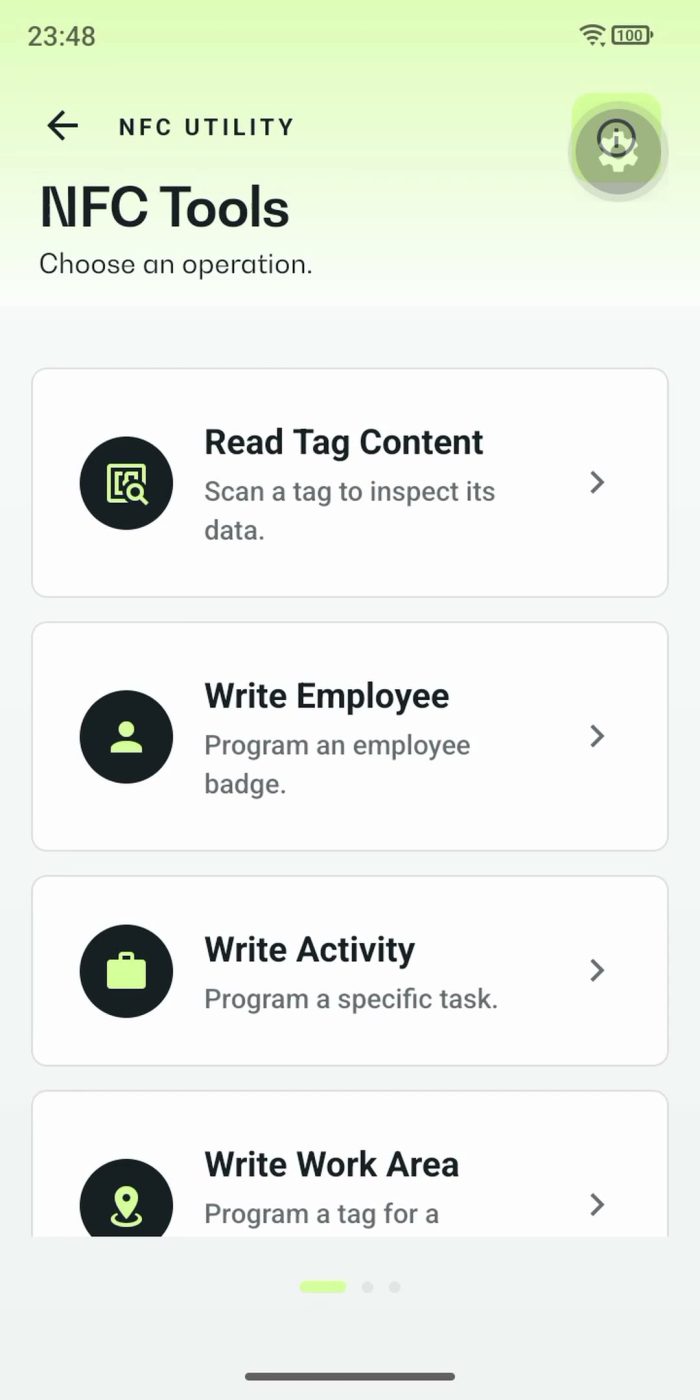 2 min
2 min Tag every badge, row and machine with one phone
Read what an NFC tag holds, program a badge for a worker, and tag a whole series of rows one after another, all with the Agromigo Admin app.
Read the story -
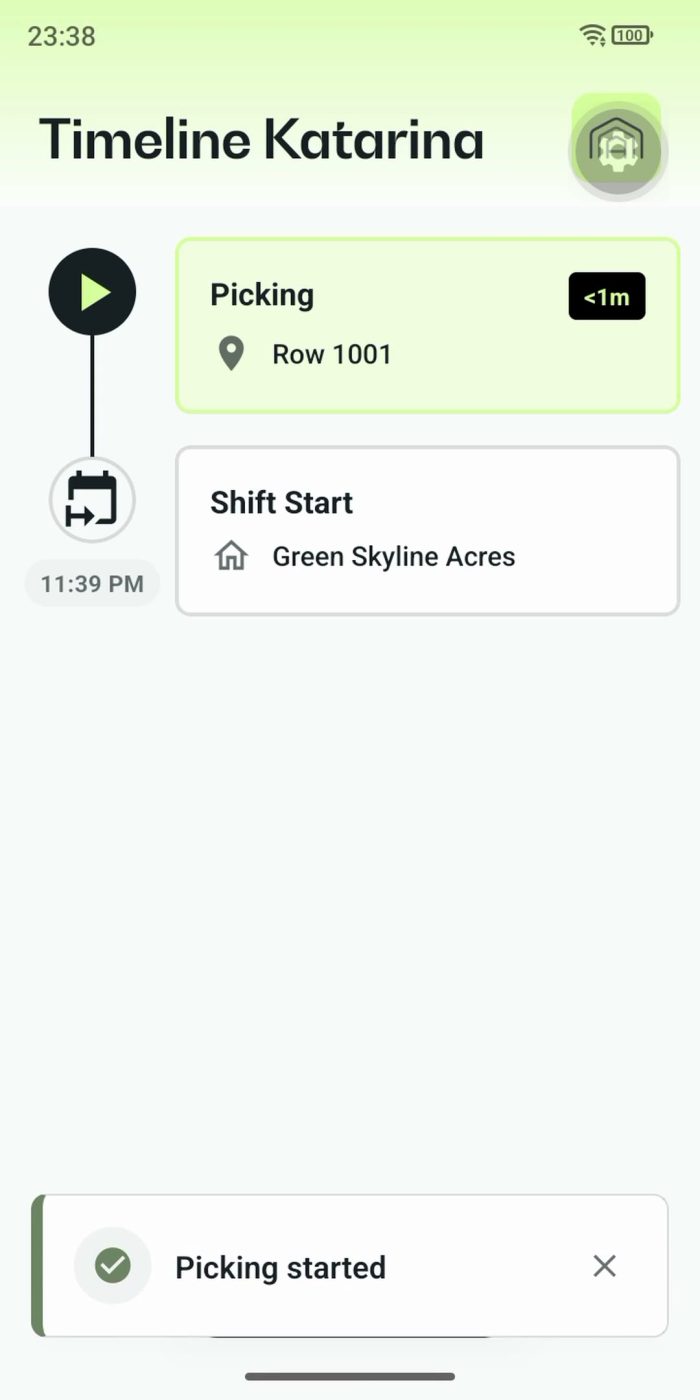 3 min
3 min Every worker logs their own day by tapping row tags
Personal mode gives every worker a phone with their own timeline, always within reach. A tap on a row tag starts the work, the next tag moves it on, and every crate lands on the right row.
Read the story -
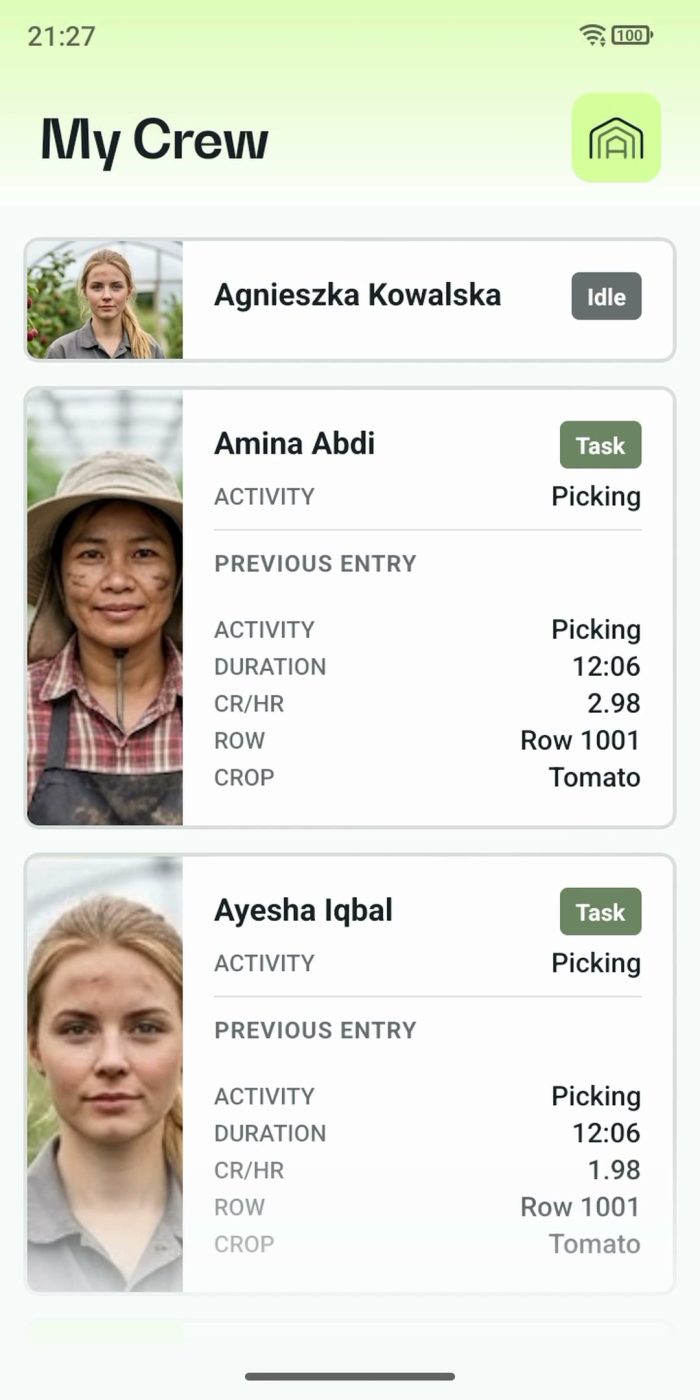 2 min
2 min One supervisor registers the work of the whole crew
In Supervisor mode the supervisor registers the work for the team on one phone. One tap starts a whole crew, everyone's status shows live, and the closing questions keep every crate on the right name.
Read the story -
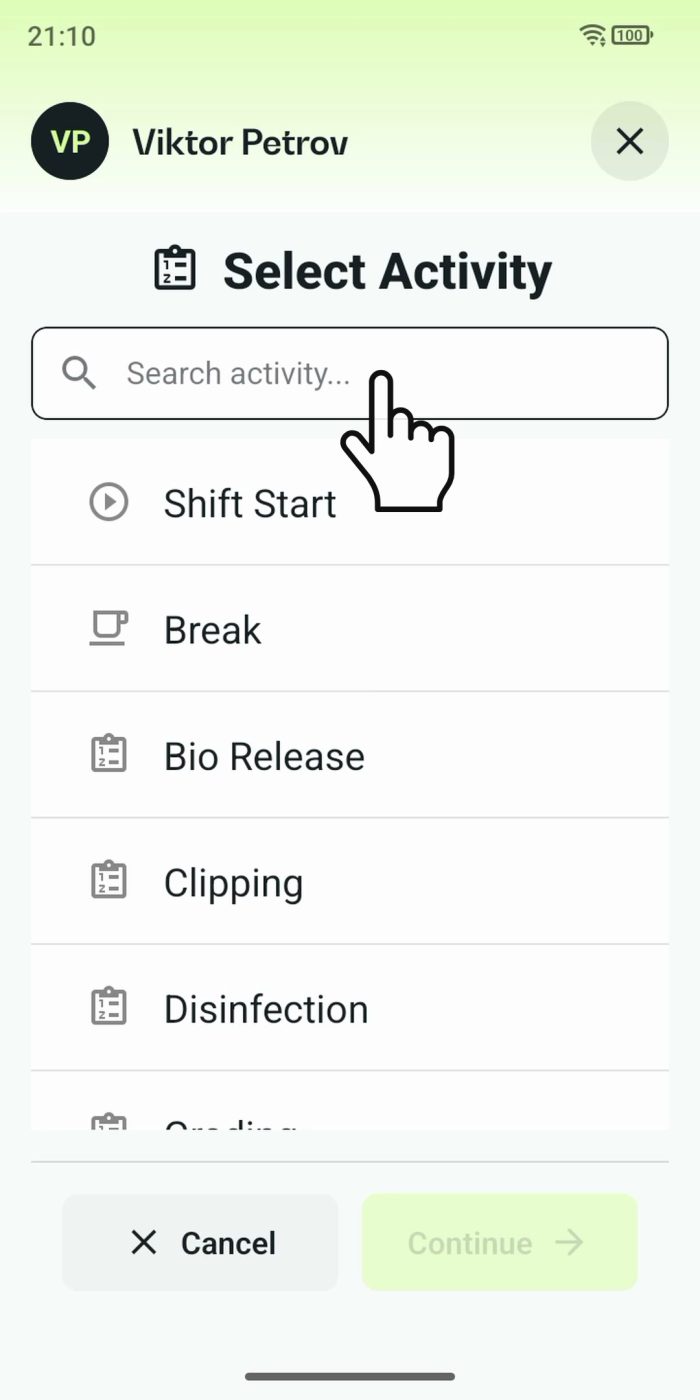 2 min
2 min One shared phone where the crew taps in with a tag
Terminal mode turns one phone into a terminal for a whole crew, at a fixed spot or moving with the team. Workers tap their personal tag, choose the task they finished, answer a few questions, and the screen resets for the next person.
Read the story
Reports and Migo
-
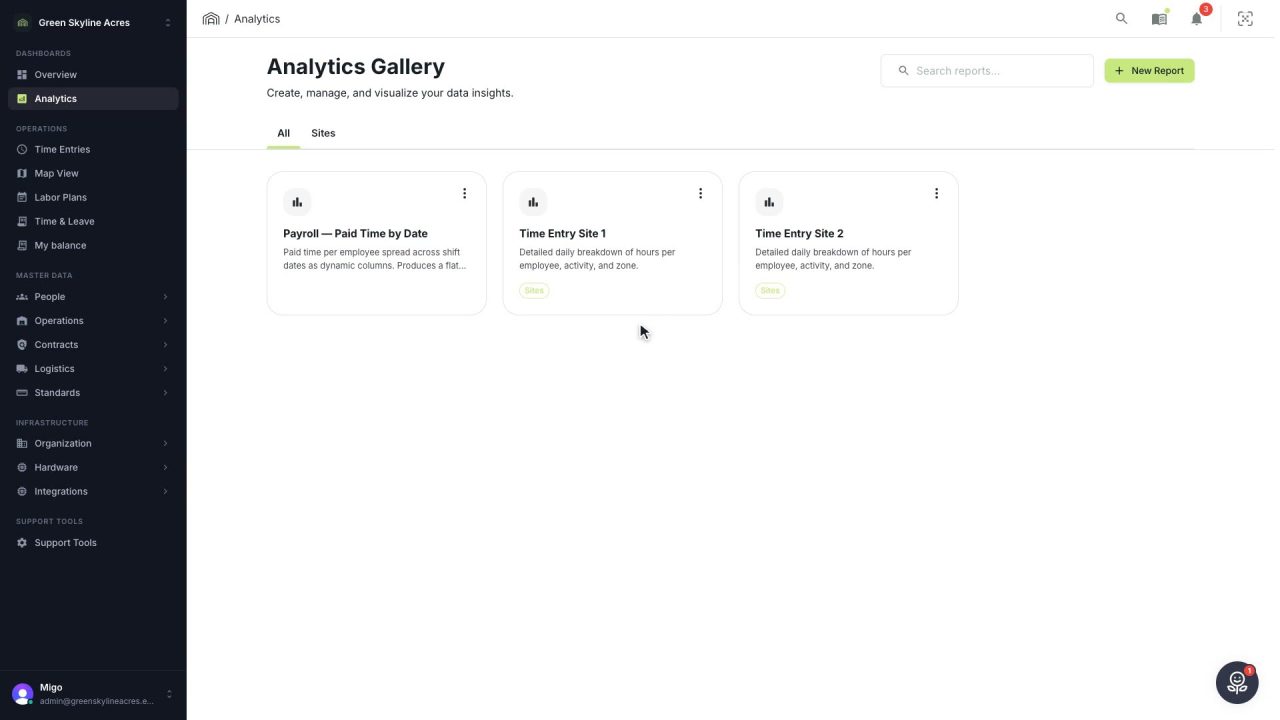 4 min
4 min Give payroll and the agency the same hours
Open a saved report for last week, build your own when no saved one fits, filter it down to one staffing agency and export the hours your devices actually recorded.
Read the story -
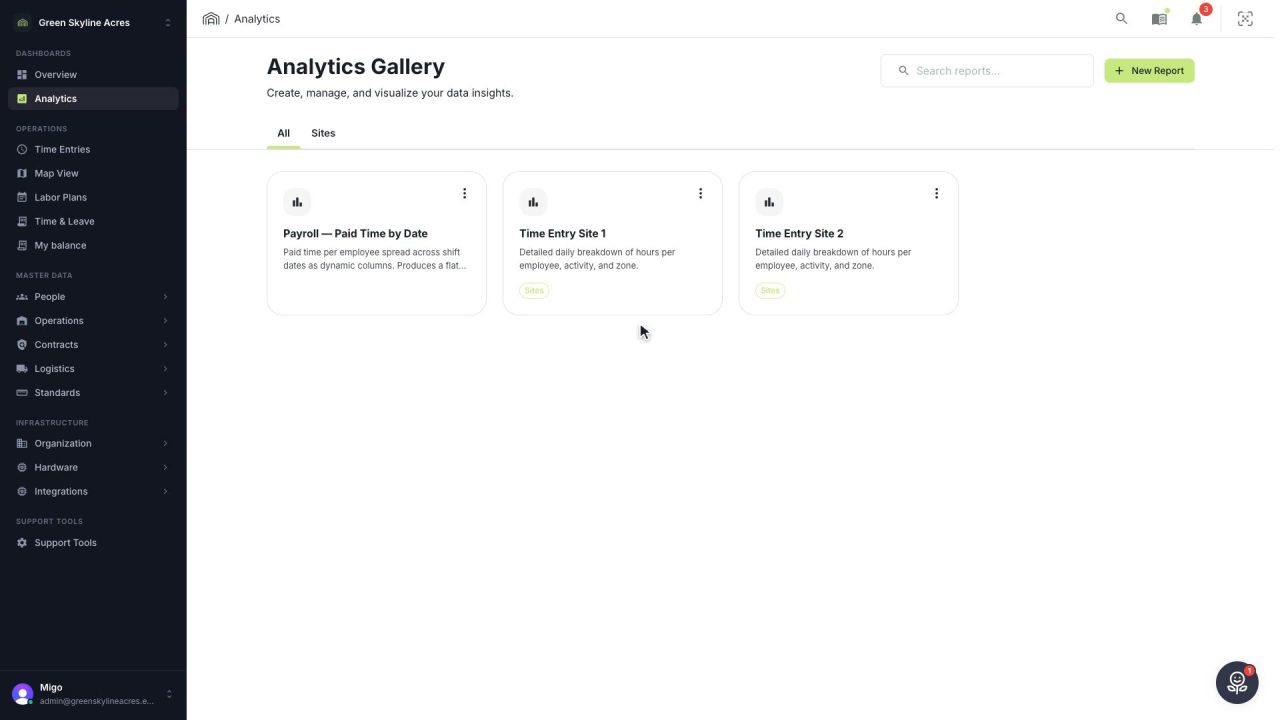 2 min
2 min Send this week’s hours without opening your mail
Email a report as an Excel or CSV file straight from Agromigo, to a list it remembers, with a safeguard before worker data leaves your greenhouse operation.
Read the story -
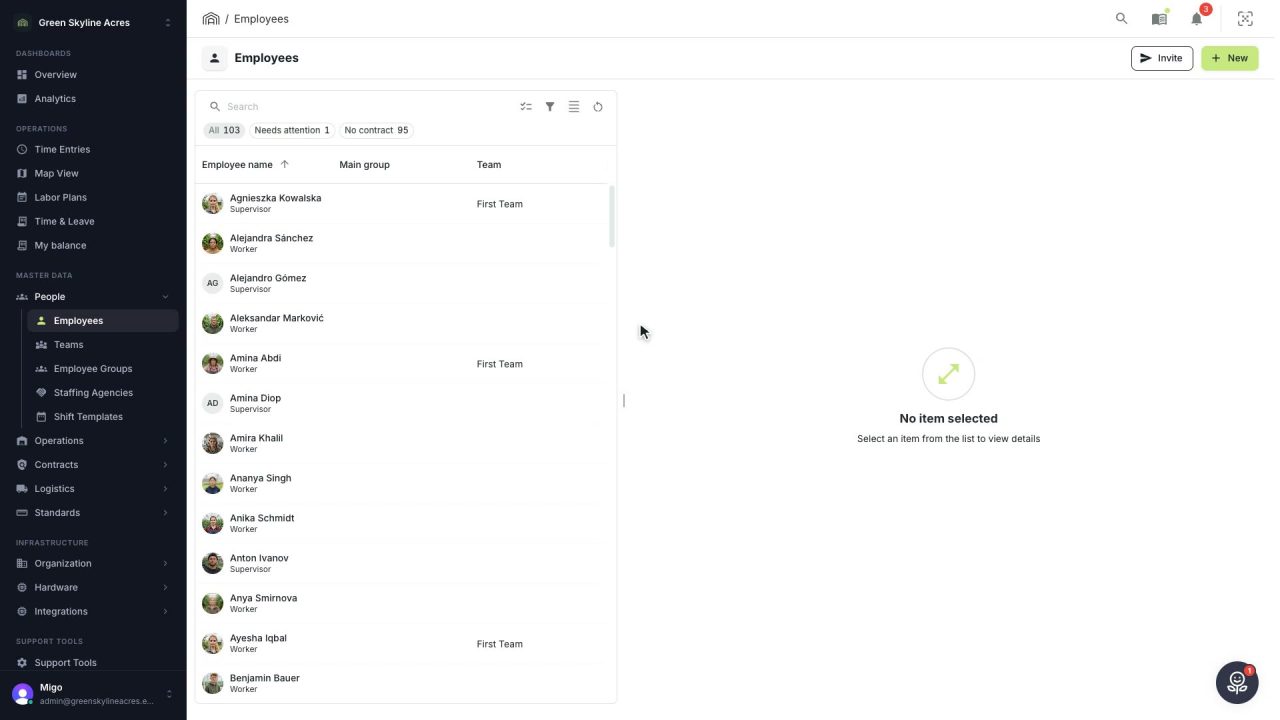 2 min
2 min Ask about your workforce and get an answer in plain words
Migo answers questions about your own records, follows up without losing the thread, and explains how Agromigo works, right beside your work.
Read the story -
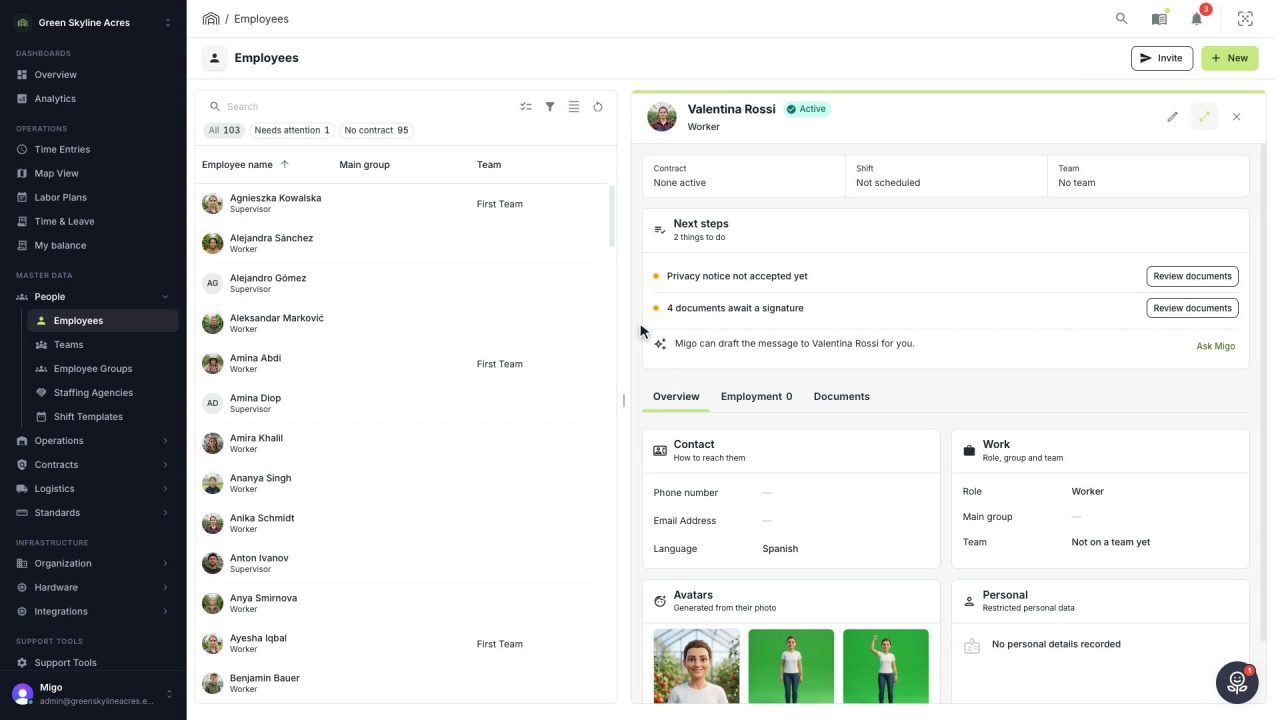 1 min
1 min A reminder in the worker’s own language, written for you
When a document waits for a worker's signature, Migo writes a short, friendly reminder in their language, ready for you to send.
Read the story