New workers join your operation themselves
Hand a new worker a QR code and they join your operation on their own, with a secure sign-in link instead of a password, the terms accepted once, and onboarding continuing in their own language.
A new picker starts on Monday. Someone in the office types their details, invents a password, writes it on a note, and walks it to the greenhouse. By Wednesday the note is gone, the password is reset, and the office has done the same dance twice more for the rest of the crew.
Agromigo turns that around. You hand the new worker a QR code, and they join your operation themselves. The page they land on carries your organization’s own name and logo, there is no password anywhere, and there is nothing on that page except joining, so nobody ends up somewhere they should not be.
In this video
Migo shows you how a new worker joins your operation with a QR code, without a password.
The page. The QR code opens one small page with your logo at the top: sign in, and join.
- Google, in one tap. A worker with a Google account signs straight in with it.
- Or a sign-in link. Everyone else types their email address, and Agromigo sends them a secure sign-in link. No password to invent, nothing to remember.
- The email arrives. Moments later the sign-in email is in their inbox: one button, a code they can type instead, and a link that works once and expires on its own.
- One tap signs them in. The button brings them straight back to joining.
- Terms, once. They accept the Terms and Conditions and the Privacy Policy one time, for their own account. It is recorded there, so onboarding never has to ask again.
- Join now. One tap, and they are part of your operation: the right place, the right role, nothing for you to set up.
- Onboarding continues. From there the wizard walks them through their own details in their own language: personal information, your organization’s documents, and a signature.
Tips
- Print the QR code where new people start their day. The link it carries expires on its own, so generate a fresh one for each intake round.
- Workers only join. An account that joins through a QR code cannot create a new organization, so a wrong tap cannot leave a stray operation behind.
- The same page works on any phone. Nothing to install for joining itself; the crew app comes afterwards, when the worker starts recording hours.
Read more
The user guide covers every way into Agromigo. Read Signing in for the sign-in link, the code it carries, and what to do when a link does not arrive.
Want to see how it fits your operation? Book a demo.
More stories
-
 2 min
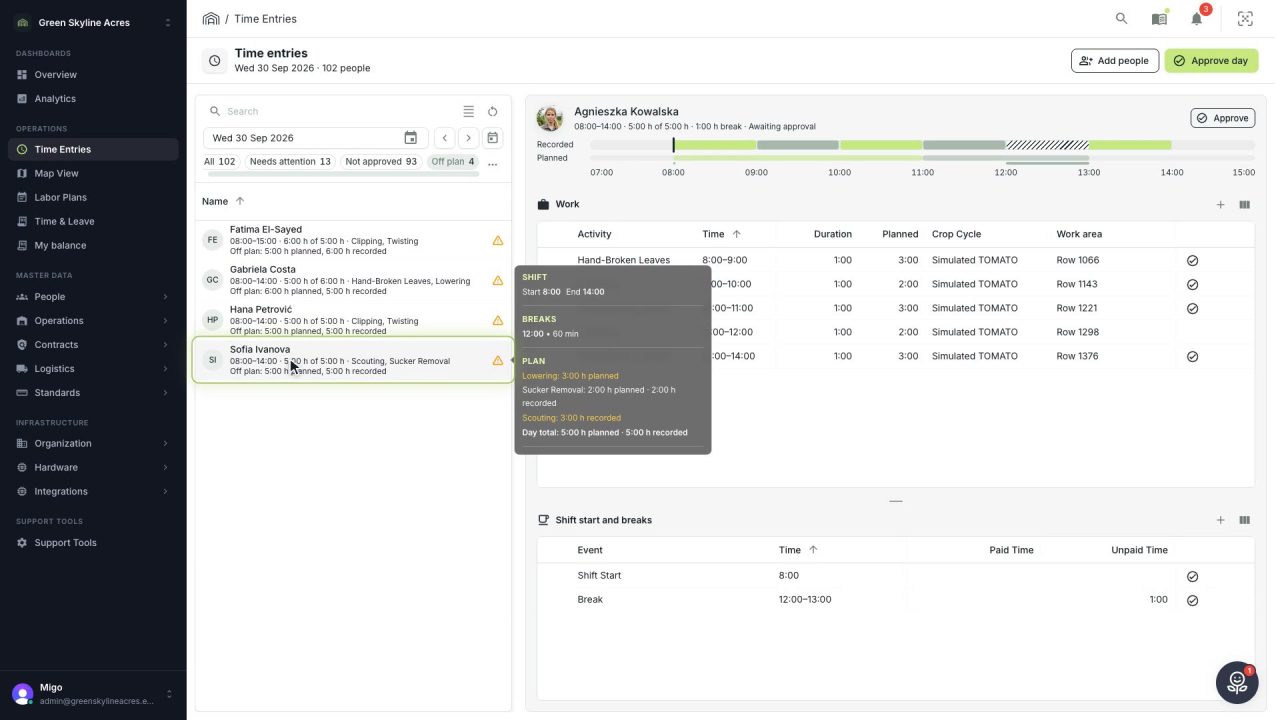
2 min See whose day went differently from the plan
Check a work day against the labor plan, see who worked something else or did not show up, and accept a change of plan that had a good reason.
Read the story -
 1 min
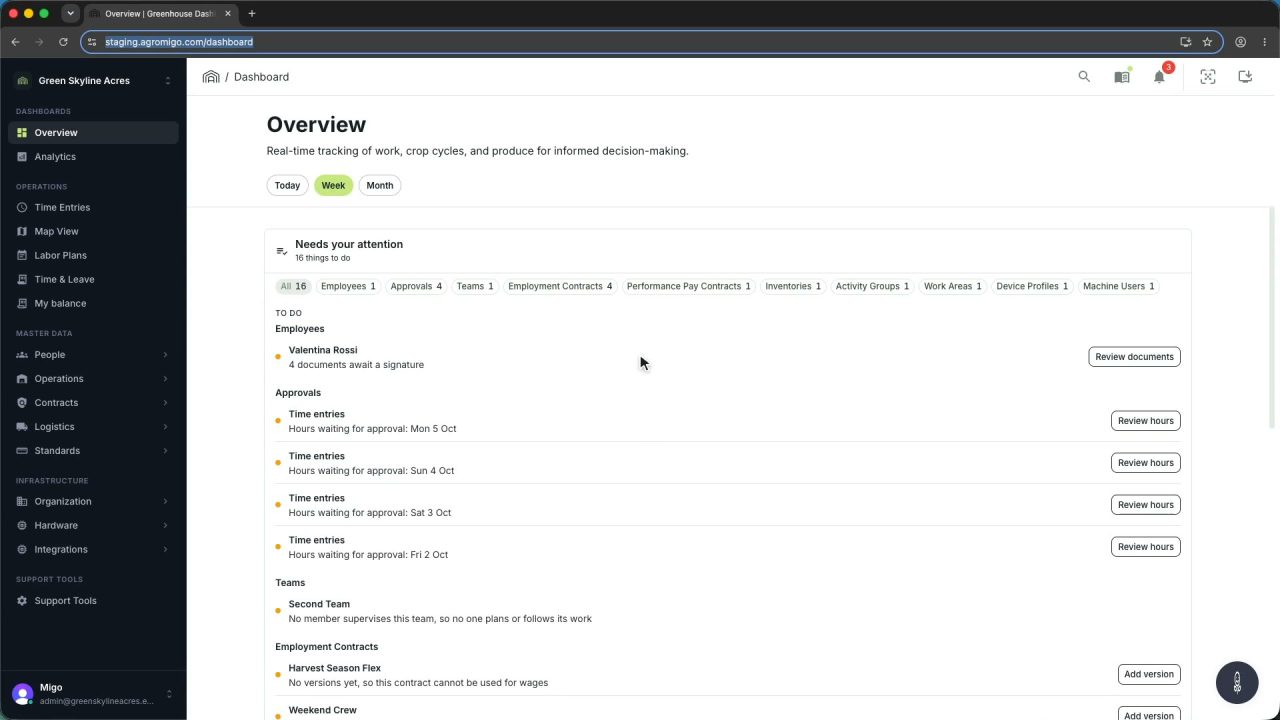
1 min Agromigo on your computer, in a window of its own
One click on the install icon and Chrome's Install button put the dashboard among your programs, opening in its own window, straight to your dashboard, always the latest version.
Read the story -
 2 min
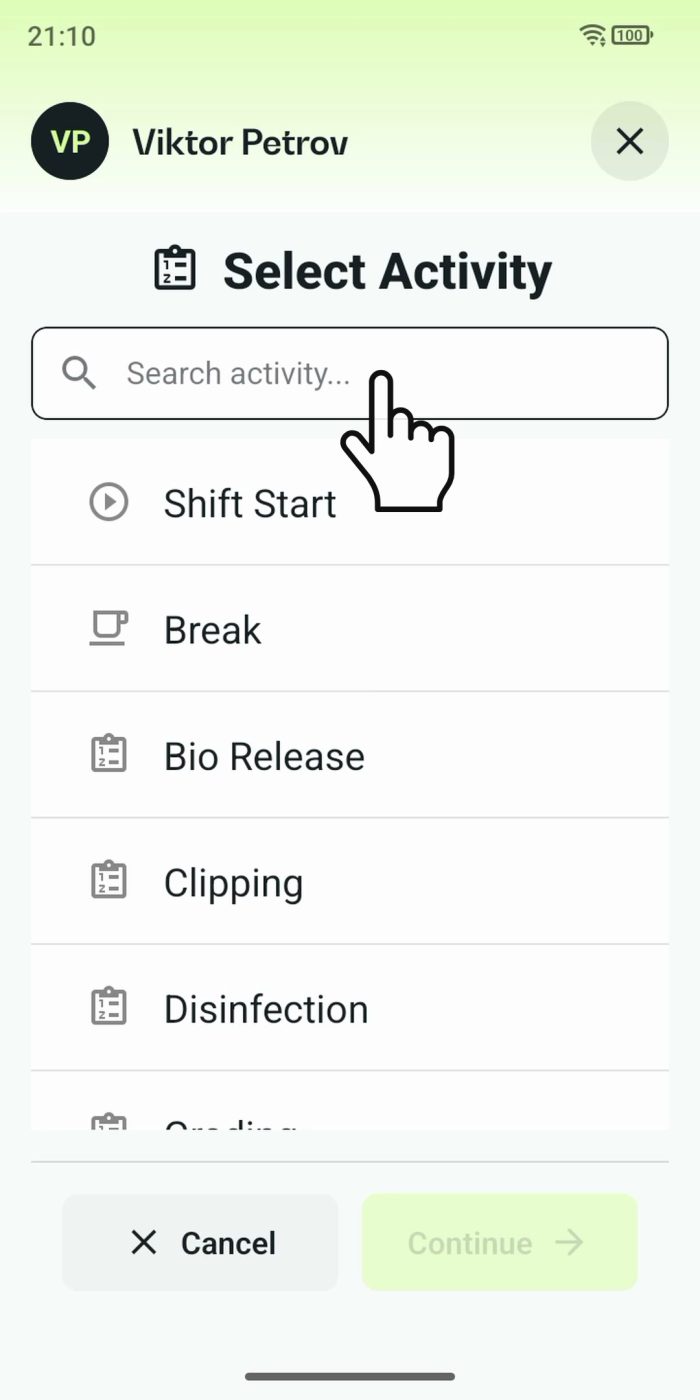
2 min One shared phone where the crew taps in with a tag
Terminal mode turns one phone into a terminal for a whole crew, at a fixed spot or moving with the team. Workers tap their personal tag, choose the task they finished, answer a few questions, and the screen resets for the next person.
Read the story