Reward output with bonus rules you can change safely
Build a piece-rate bonus as a versioned scheme, test the formula in its live preview, and change the rules later without moving a single bonus already calculated.
Paying for output motivates a crew, but only when everyone can see how the bonus is worked out, and only when changing the rules does not quietly change bonuses that were already paid.
In Agromigo, a performance pay scheme keeps its rules in versions, exactly like an employment contract. Each version holds a formula, a piece rate and the period it applies to. A change of rules is a new version, and every entry before its start date keeps the rules that were in force.
In this video
Migo shows you how to find a bonus scheme, test its formula, and change the rules without touching bonuses already paid.
The list. Performance Pay lists your bonus schemes: pay for output, such as kilos picked, plants handled or boxes packed. Select a scheme in the list to open its versions and targets.
This season you want to pay pickers for every piece above the target. The Stukloon scheme exists, but has no rules yet.
- The scheme. Stukloon opens beside the list. Its key facts show no active version, and the Next steps card warns that no bonus can be calculated.
- Why a new version. For every entry, Agromigo uses the active version in force on the day the work was done. Entries before the new start date keep the old rules.
- Effective Period. Add version opens the version sheet. Set Effective From, leave Effective To empty, and keep Status on Active: only an active version is used.
- The formula. The chips list the four values a formula can use: Pieces, Hours, PiecesPerHour and Target. Pieces minus Target pays for every piece above the target, and a negative result pays nothing rather than deducting.
- Live preview. Right under the formula, the preview tries it on a sample: 150 pieces against a target of 100 gives 50 bonus units.
- Supplement or replace. Supplement pays the bonus on top of the hourly wage. Replace makes the bonus the whole pay, and then the piece rate has to clear the legal minimum wage on its own.
- Piece rate. The rate turns units into money: 50 units at 0.15 is a bonus of 7.50, and the preview shows it at once.
- Evaluation period. Per shift calculates each workday on its own; per week and per month add up the whole period first.
- Nothing saved. Cancel, in the sheet’s footer at the bottom right, asks first, and Discard closes the sheet.
- Targets. Counted in the key facts, targets carry their own dates, so the expected rate can change with the season without rewriting the formula.
- A new scheme. New, at the top right, opens a sheet that asks only for a name and a status: the formula and the rate come later, in a version. Cancel closes it without saving.
Tips
- Let the formula count units, not money. The piece rate multiplies the result, so a formula that already returns an amount pays a number nobody intended.
- Make sure a target covers the period. A formula that uses Target with no target in force skips the entry without a message, which is the usual reason a scheme pays nothing.
- Try it on a past period first. Run a period that has already been worked through Analytics and compare what the scheme would have paid with what you expect.
Read more
The user guide explains performance pay and, in detail, the bonus formula and its versions.
Try it free for 1 month, no credit card needed.
More stories
-
 2 min
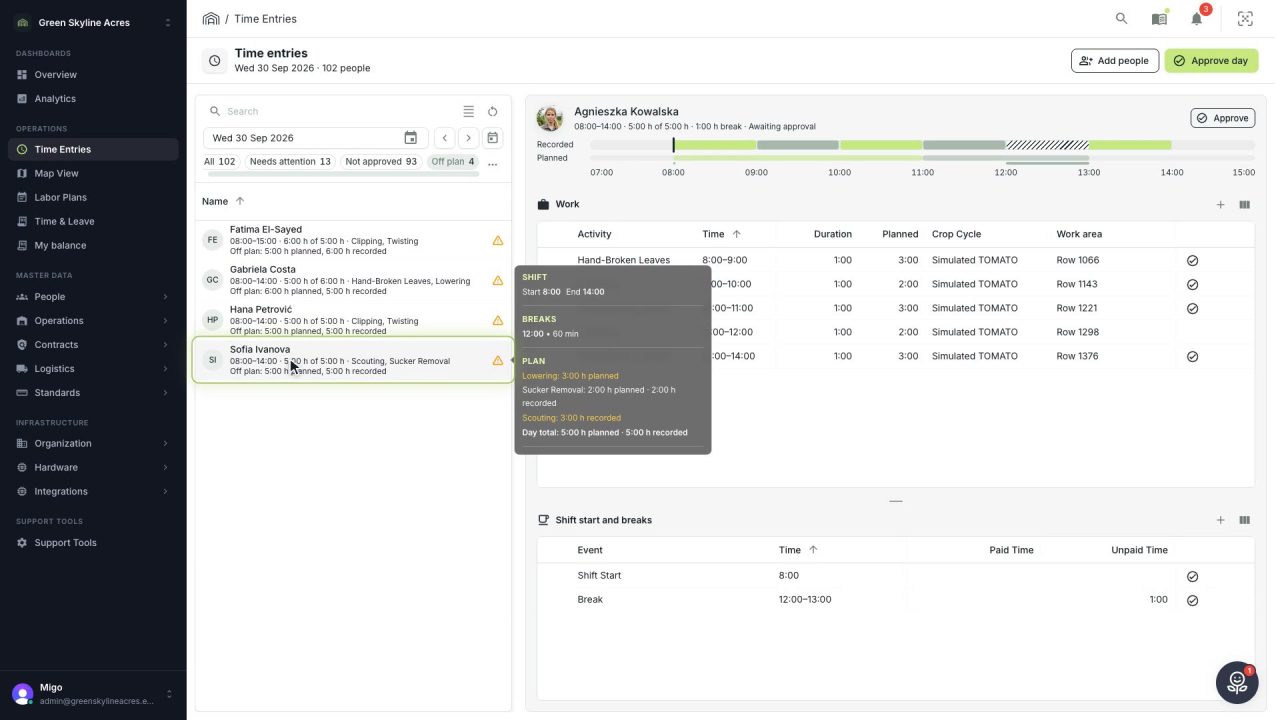
2 min See whose day went differently from the plan
Check a work day against the labor plan, see who worked something else or did not show up, and accept a change of plan that had a good reason.
Read the story -
 1 min
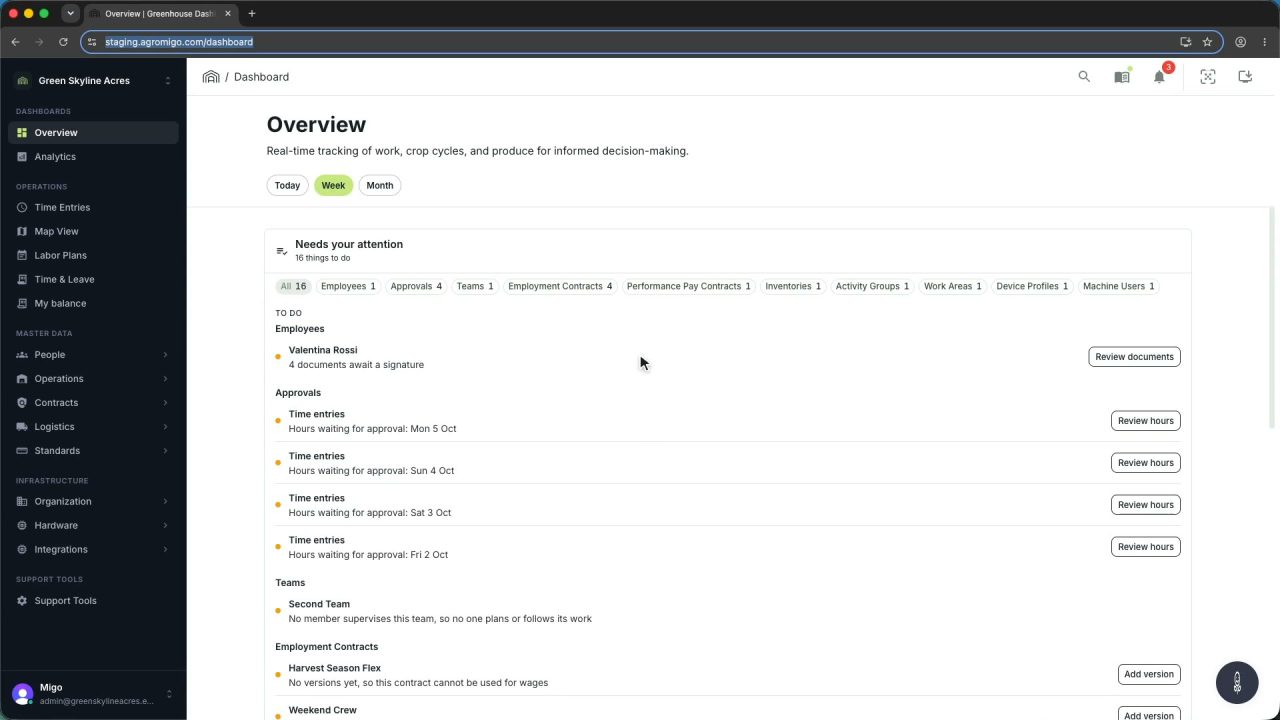
1 min Agromigo on your computer, in a window of its own
One click on the install icon and Chrome's Install button put the dashboard among your programs, opening in its own window, straight to your dashboard, always the latest version.
Read the story -
 2 min
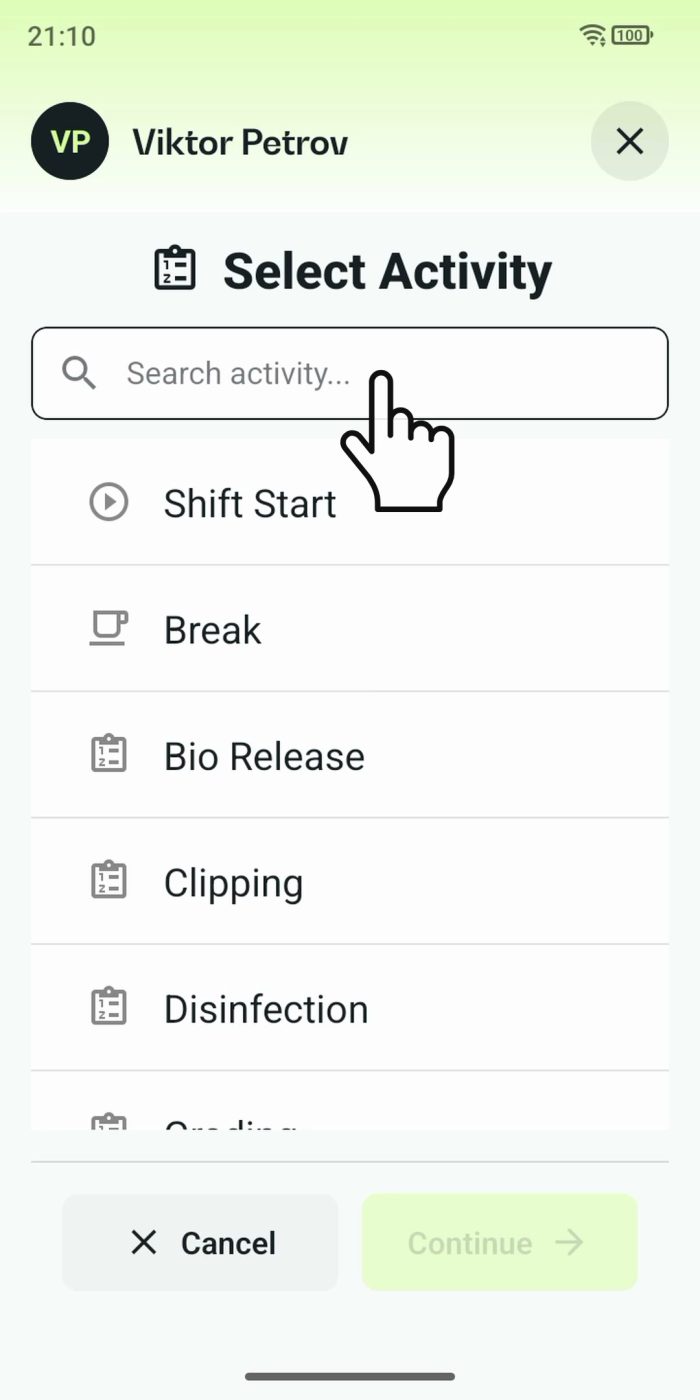
2 min One shared phone where the crew taps in with a tag
Terminal mode turns one phone into a terminal for a whole crew, at a fixed spot or moving with the team. Workers tap their personal tag, choose the task they finished, answer a few questions, and the screen resets for the next person.
Read the story