Read a worker’s passport into their record in seconds
Upload a photo of a passport, identity card or driving licence and Agromigo fills in the employee record, turns down an expired document and saves only a masked scan.
A new worker hands you their passport on the first morning, and someone types the name, the date of birth and the document number into the record. It is slow, and one wrong digit follows that person into payroll and into every audit after it.
With Agromigo you take a photo of the document instead. The record fills itself in, an expired document is turned down before anything reaches the record, and the photo itself is never stored.
In this video
Migo shows you how to read a passport into a worker’s record, and why only a masked scan is saved.
The screen. A new employee sheet, opened with New on the Employees page.
- Extract from ID. At the bottom left of the sheet, it opens Identity Verification. It takes a photo of a passport, an identity card or a driving licence, as a JPEG or PNG.
- An expired document. A driving licence that ran out in 2022 is read and turned down: "The uploaded identity document appears to be expired." Nothing from it reaches the sheet.
- A valid passport. This one is accepted. The preview is the masked scan, with details read from the passport, such as the name, blacked out automatically.
- Apply Data. The name, date of birth and nationality are filled in, and the Identity Document card holds the type, the number, the issuing country, the issuing authority and both dates.
- Nothing saved. The sheet is cancelled and discarded, as on every tour.
Why only a masked scan
Privacy law asks you to keep no more personal data than you need. The details go into the record as text, so a full photo of the passport would only be a second copy of the same data, with more risk and no extra use. That is why the original photo is never stored: the only image Agromigo saves is the masked scan. It still shows that a valid document was checked, and gives away far less if it ever ended up in the wrong hands.
Tips
- Check what was read. Apply Data only fills in the form, so read it over before you save, just as you would after typing it yourself.
- Use a clear, flat photo. A document that cannot be read clearly is reported rather than guessed at. Retake the photo in good light.
- Let workers do it themselves. Invited workers scan their own document during onboarding, before their first day.
Read more
The user guide explains the Identity Document card and Extract from ID in Reading details off an identity document.
Try it free for 1 month, no credit card needed.
More stories
-
 2 min
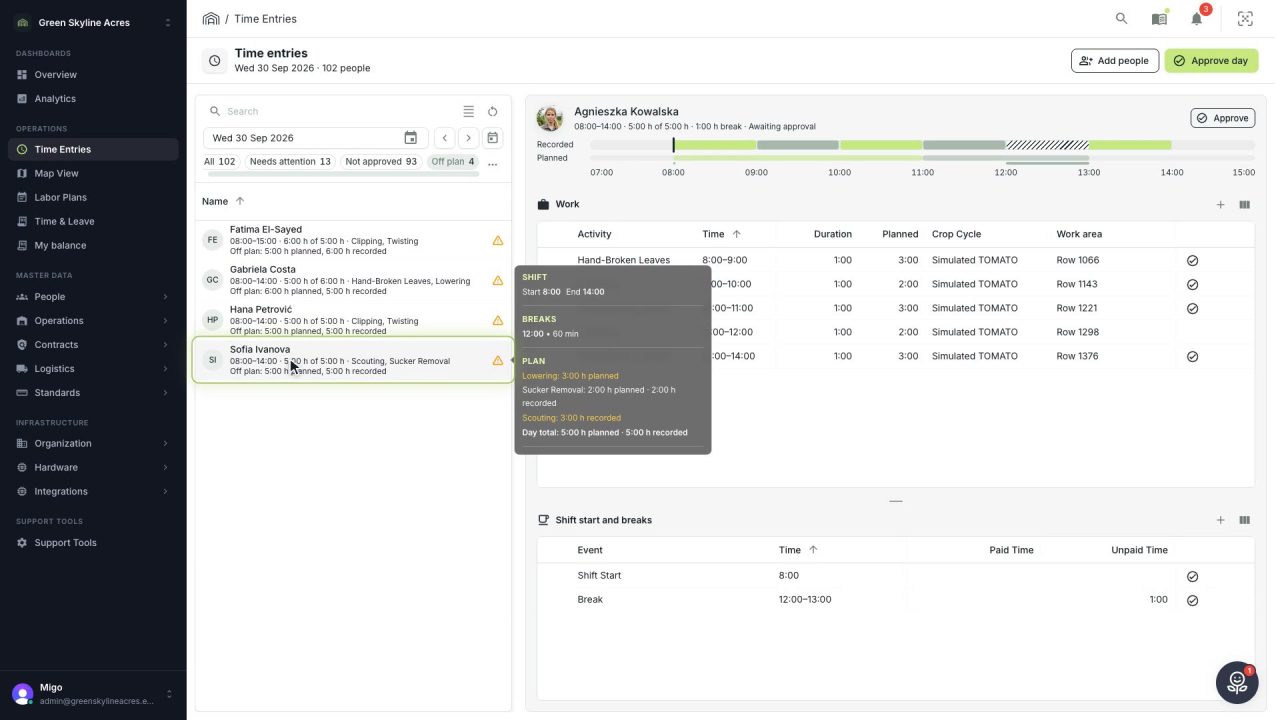
2 min See whose day went differently from the plan
Check a work day against the labor plan, see who worked something else or did not show up, and accept a change of plan that had a good reason.
Read the story -
 1 min
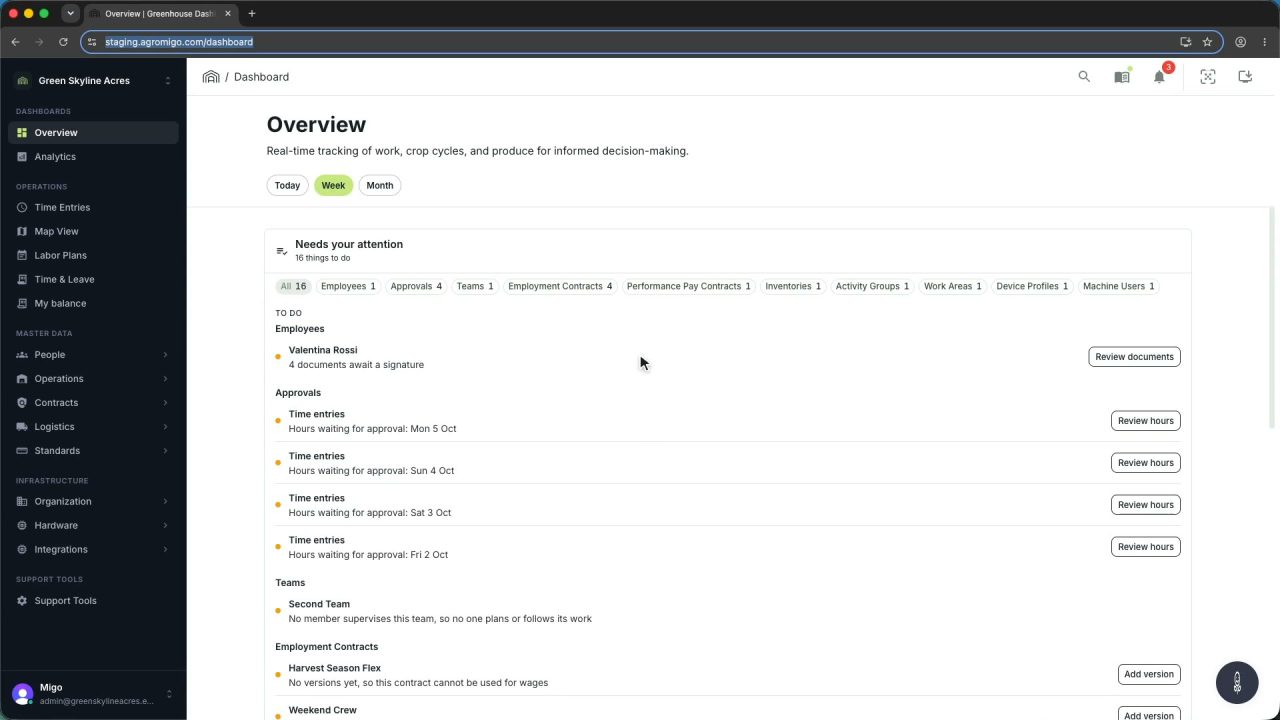
1 min Agromigo on your computer, in a window of its own
One click on the install icon and Chrome's Install button put the dashboard among your programs, opening in its own window, straight to your dashboard, always the latest version.
Read the story -
 2 min
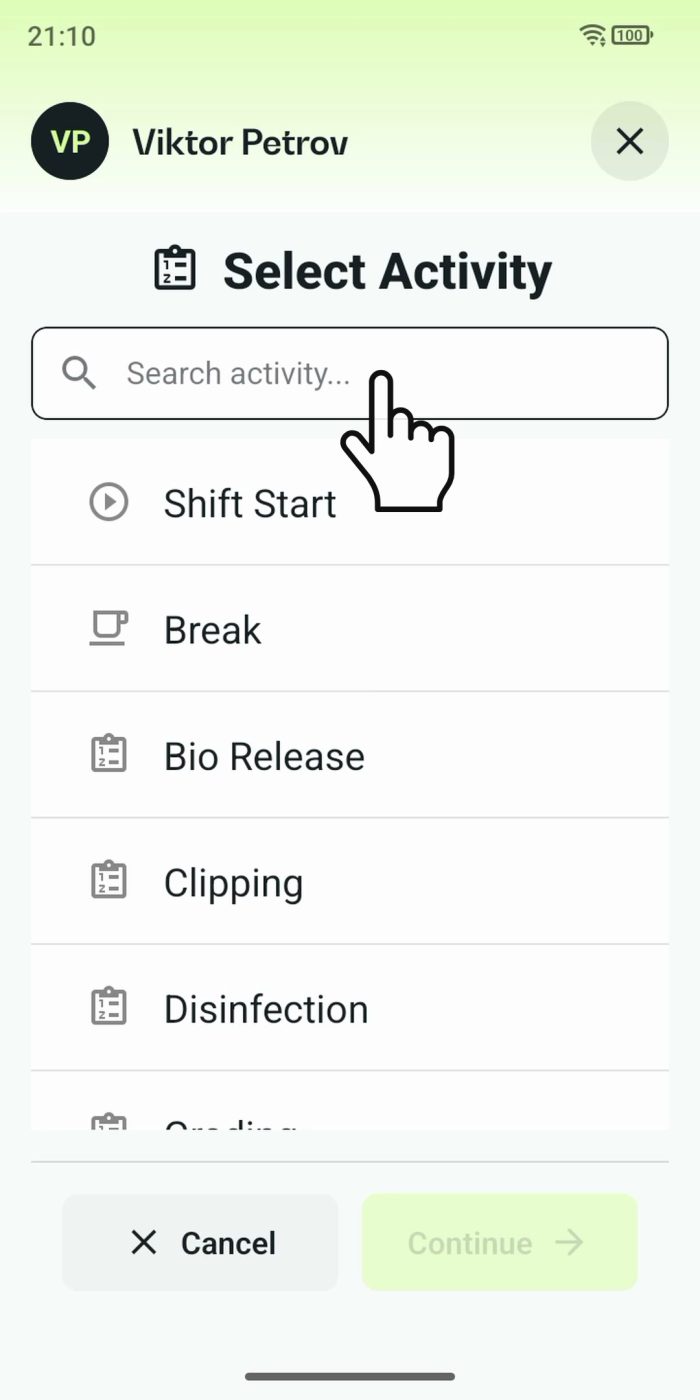
2 min One shared phone where the crew taps in with a tag
Terminal mode turns one phone into a terminal for a whole crew, at a fixed spot or moving with the team. Workers tap their personal tag, choose the task they finished, answer a few questions, and the screen resets for the next person.
Read the story