A reminder in the worker’s own language, written for you
When a document waits for a worker's signature, Migo writes a short, friendly reminder in their language, ready for you to send.
A document nobody has signed is a small thing until an audit asks for it. Chasing it means writing the same polite message again and again, often in a language you do not speak, to someone who reads it on a phone between rows.
Agromigo spots the unsigned document on the worker’s record and offers to have Migo write the reminder. You read it, send it, and Migo does the wording.
In this video
Migo shows you how Migo writes a reminder for a worker, in their own language, ready for you to send.
The record. Valentina’s record is open beside the list. The Next steps card, just below the key facts, lists what she still has to do: documents are still waiting for her signature.
- The suggestion. Just below the list, Migo offers to write the reminder for you.
- Ask Migo. The button at the end of that line opens the chat on the right, with the request already typed in the box at the bottom.
- Read it first. Change anything you like. Nothing goes to Migo until you send it.
- Send. The arrow to the right of the box asks Migo, which writes a short, friendly message in the language Valentina reads.
- Ready to send. The message appears below your request, ready to copy into WhatsApp, a text or an email.
Migo writes it, and you decide when it goes out. From a document still to sign to a reminder ready to send, in one click.
Tips
- Set each worker’s language. The request asks Migo to write in the language on the worker’s record, so a Polish worker gets Polish and a Romanian worker gets Romanian.
- It works for expiring papers too. When an ID or permit is running out, the suggestion asks Migo for a message to bring the renewed one, with the date it expires.
- Make it yours. The request is only a starting point: add a deadline, mention where to find the document in the app, or ask Migo for a shorter version.
- Migo never sends anything. It writes the text; sending it, and to whom, stays your decision.
Read more
The user guide covers Migo, including what it is good for and what happens to your data, and what needs your attention on an employee’s record.
Try it free for 1 month, no credit card needed.
More stories
-
 2 min
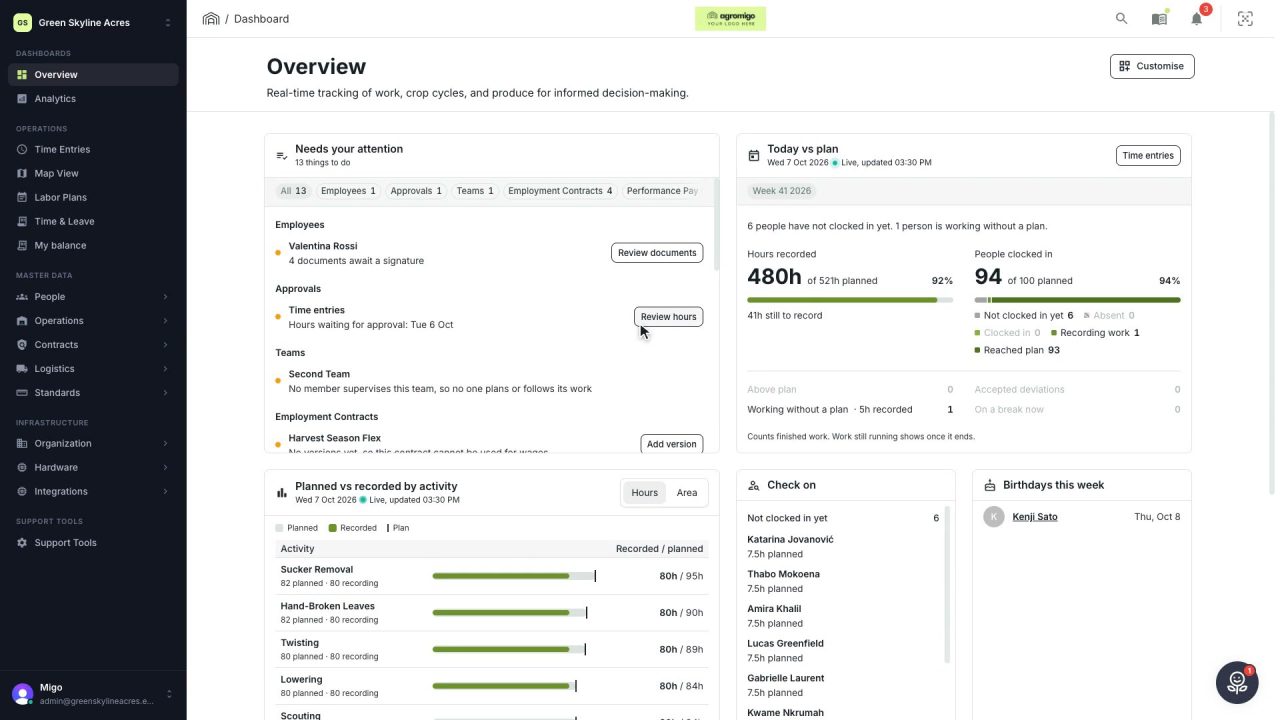
2 min See how today is going against the plan, while it is still going
The Today vs plan card on the Overview follows today's labor plan live. You see whether the day is on track, who is in and who to check on, without opening the plan or the time entries.
Read the story -
 2 min
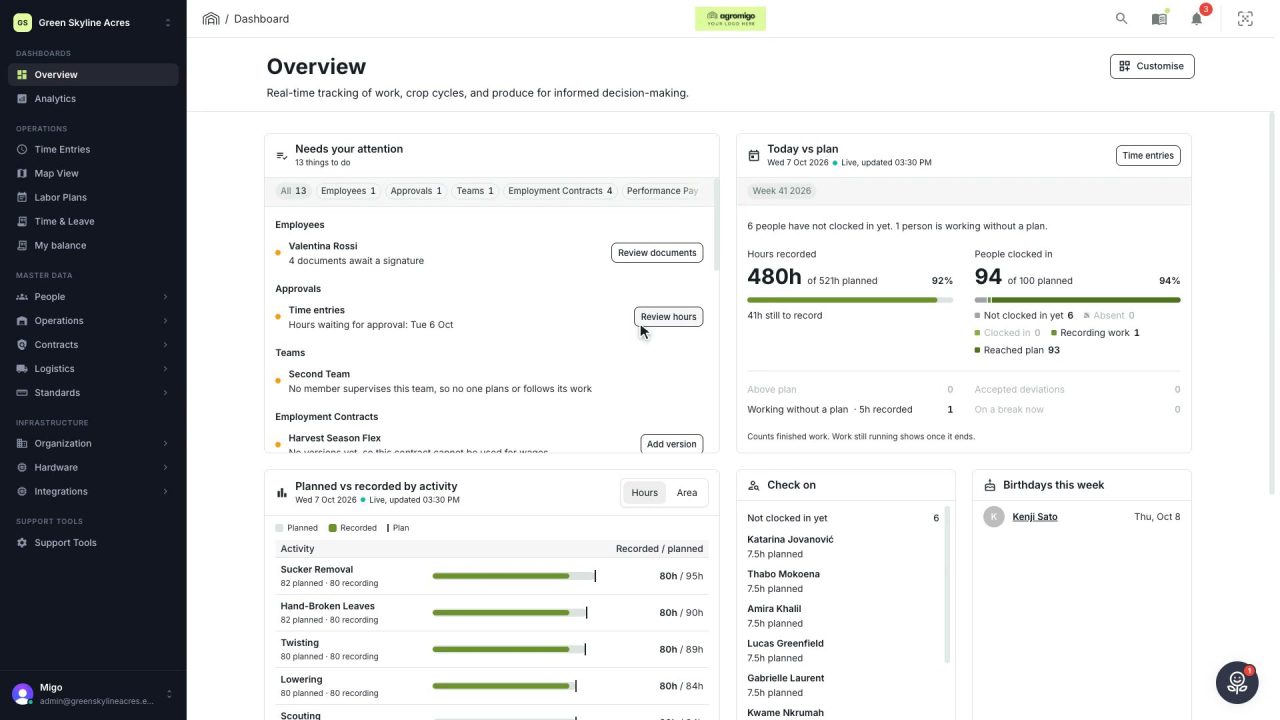
2 min Arrange the Overview the way you work
Move, resize and hide the cards on the Overview, so the figures you check every day are at the top and a long list has the room it needs.
Read the story -
 2 min
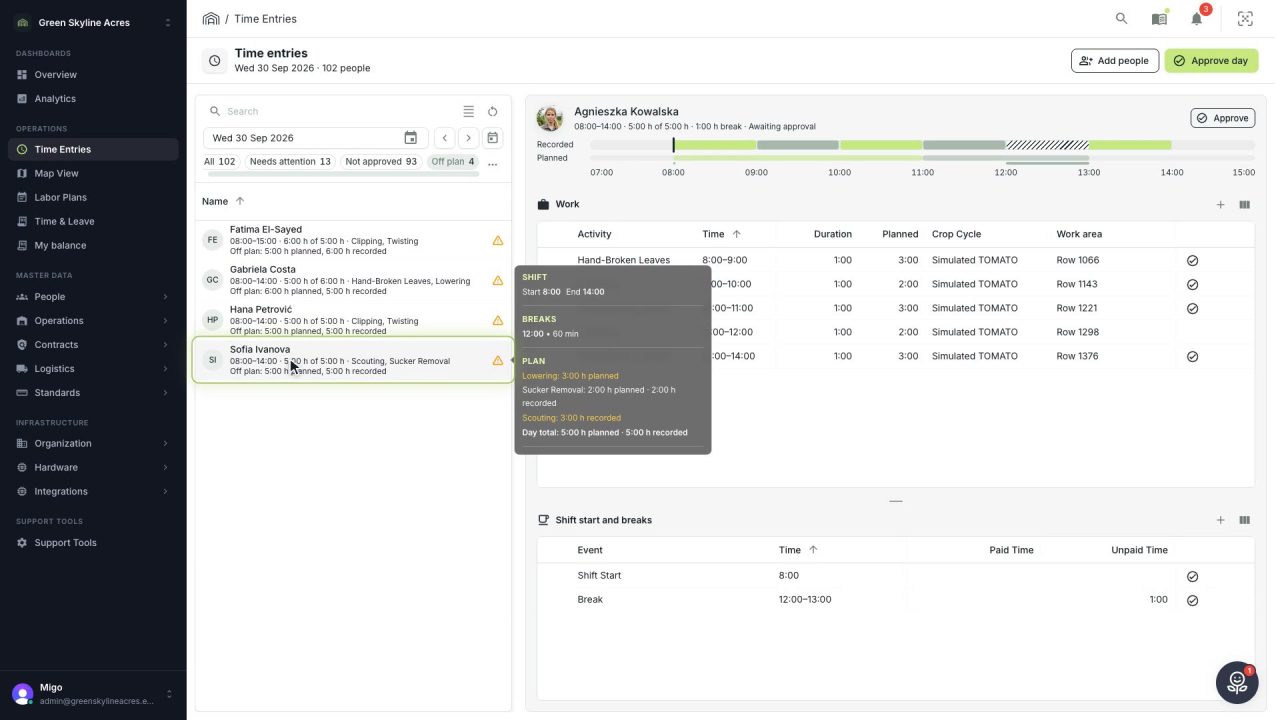
2 min See whose day went differently from the plan
Check a work day against the labor plan, see who worked something else or did not show up, and accept a change of plan that had a good reason.
Read the story