Stories
-
 2 min
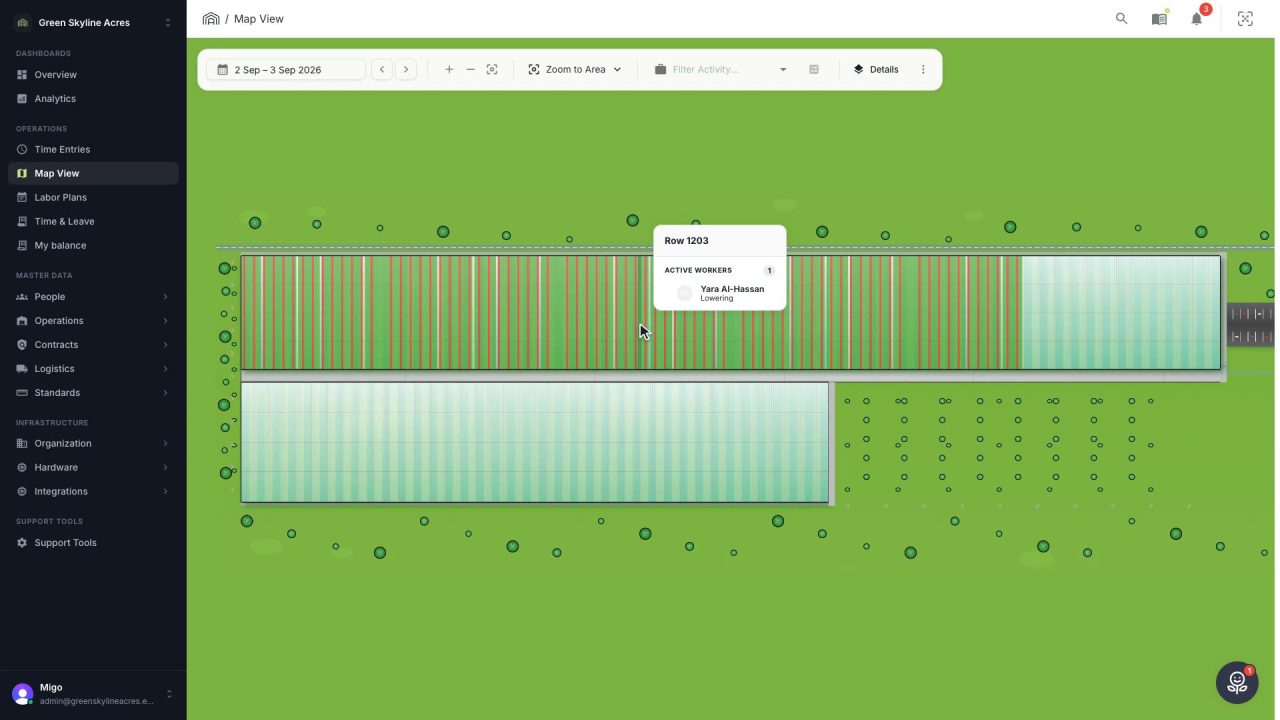
2 min See where the work happened, row by row
Your greenhouse drawn to scale with every row shaded by how much of it was worked, red where bookings do not add up, and a booking moved to the right row by dragging it.
Read the story -
 5 min
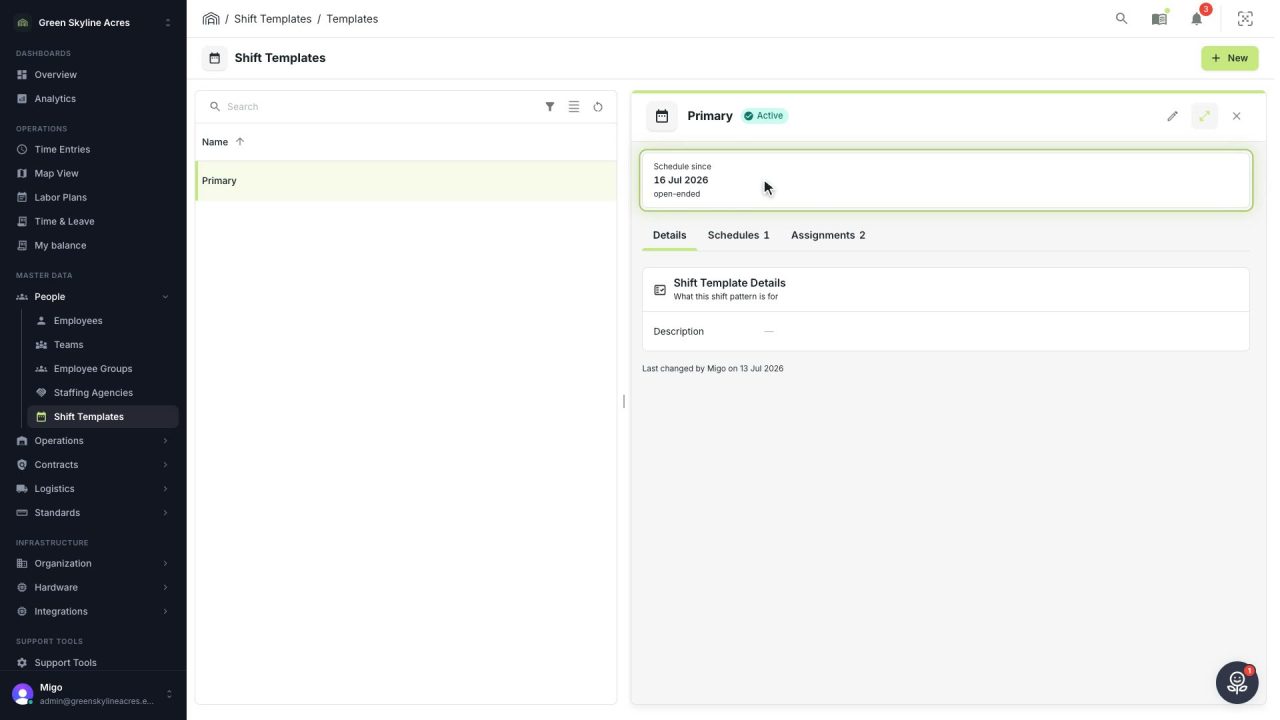
5 min Change the working day without changing the days already worked
Plan a new start time or break as a new schedule on the shift template, so every past day keeps the times and breaks it was worked under.
Read the story -
 4 min
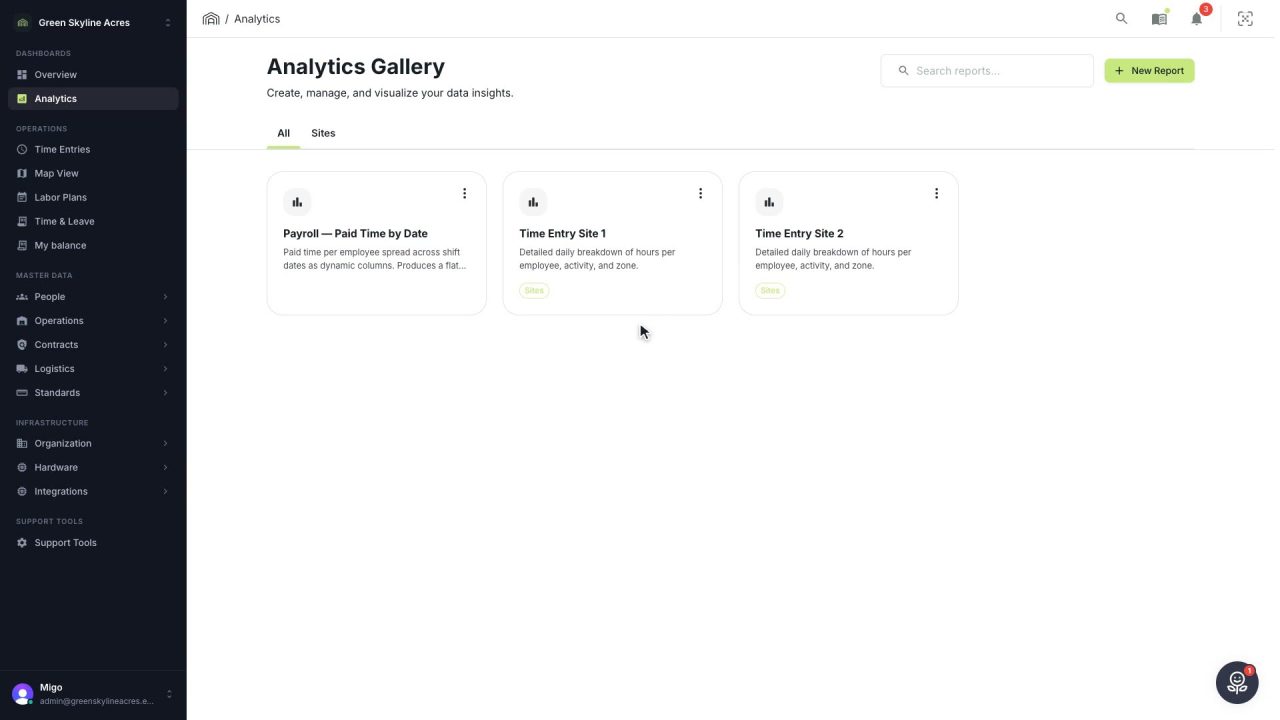
4 min Give payroll and the agency the same hours
Open a saved report for last week, build your own when no saved one fits, filter it down to one staffing agency and export the hours your devices actually recorded.
Read the story -
 2 min
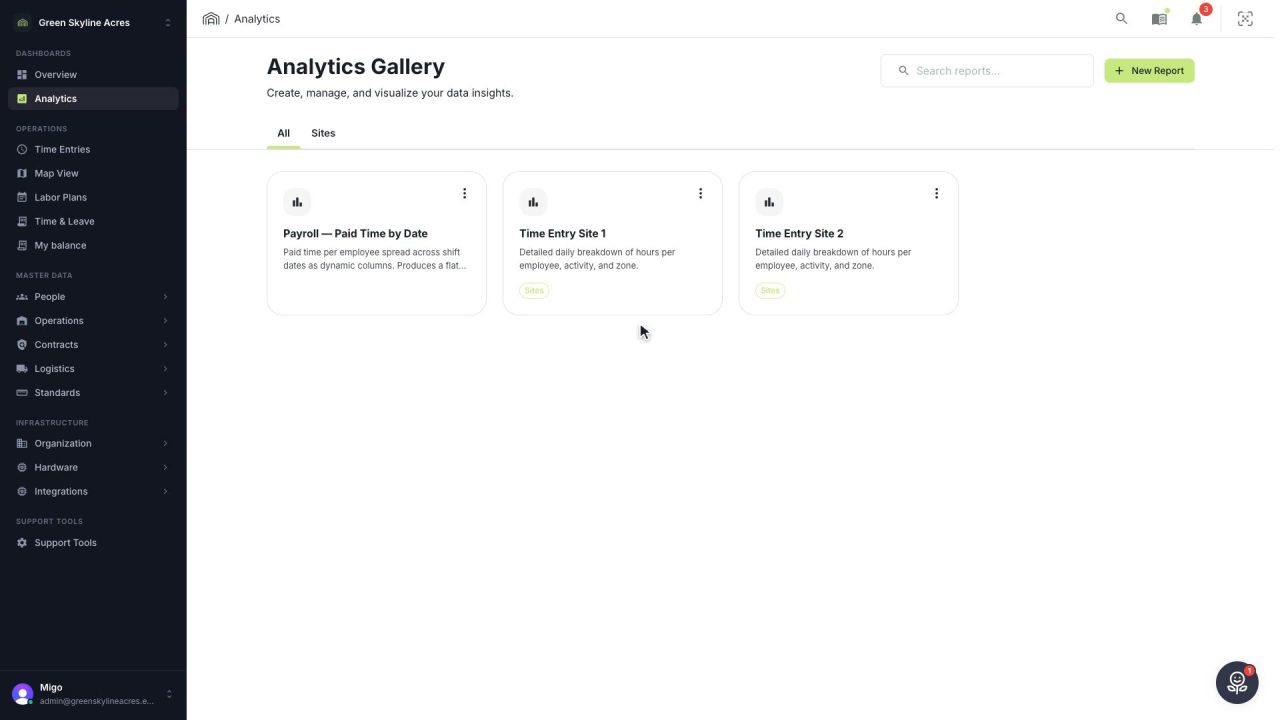
2 min Send this week’s hours without opening your mail
Email a report as an Excel or CSV file straight from Agromigo, to a list it remembers, with a safeguard before worker data leaves your greenhouse operation.
Read the story -
 3 min
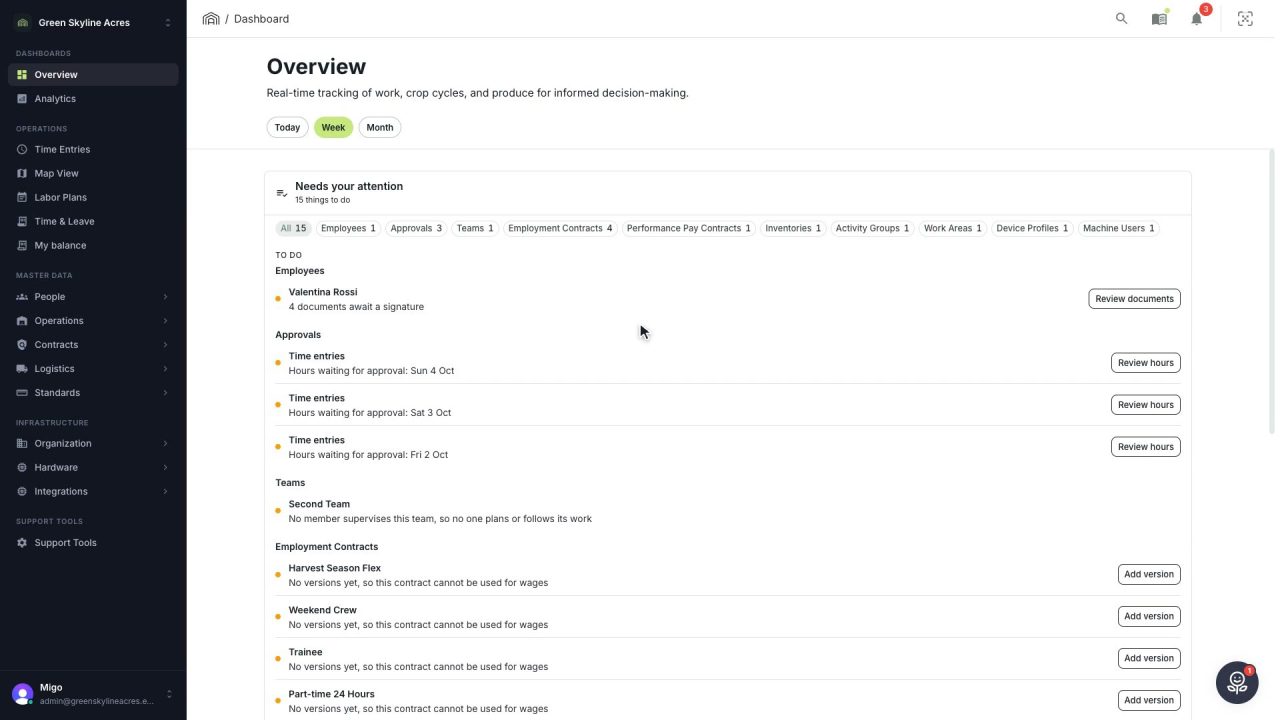
3 min Reach any person or record in a few keystrokes
One box finds people, records, screens and answers from the guide, and takes you straight to a worker's day, their balances or their details without walking the menu.
Read the story -
 5 min
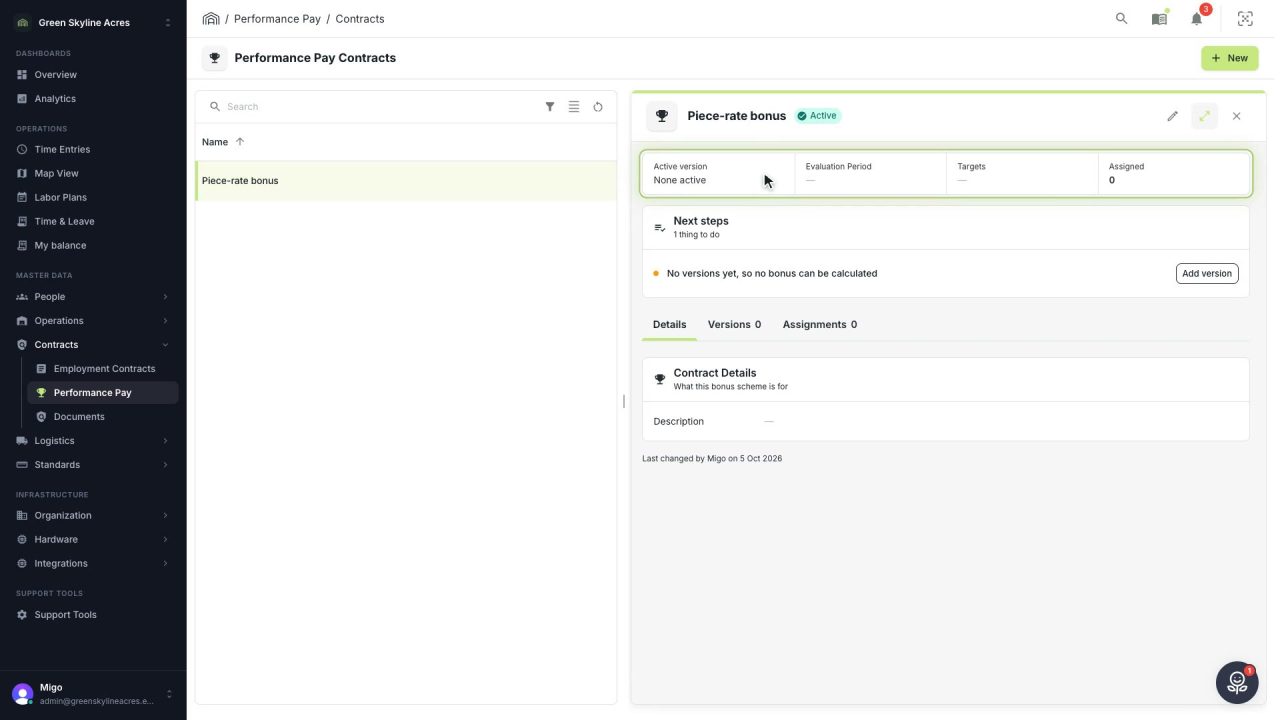
5 min Reward output with bonus rules you can change safely
Build a piece-rate bonus as a versioned scheme, test the formula in its live preview, and change the rules later without moving a single bonus already calculated.
Read the story -
 3 min
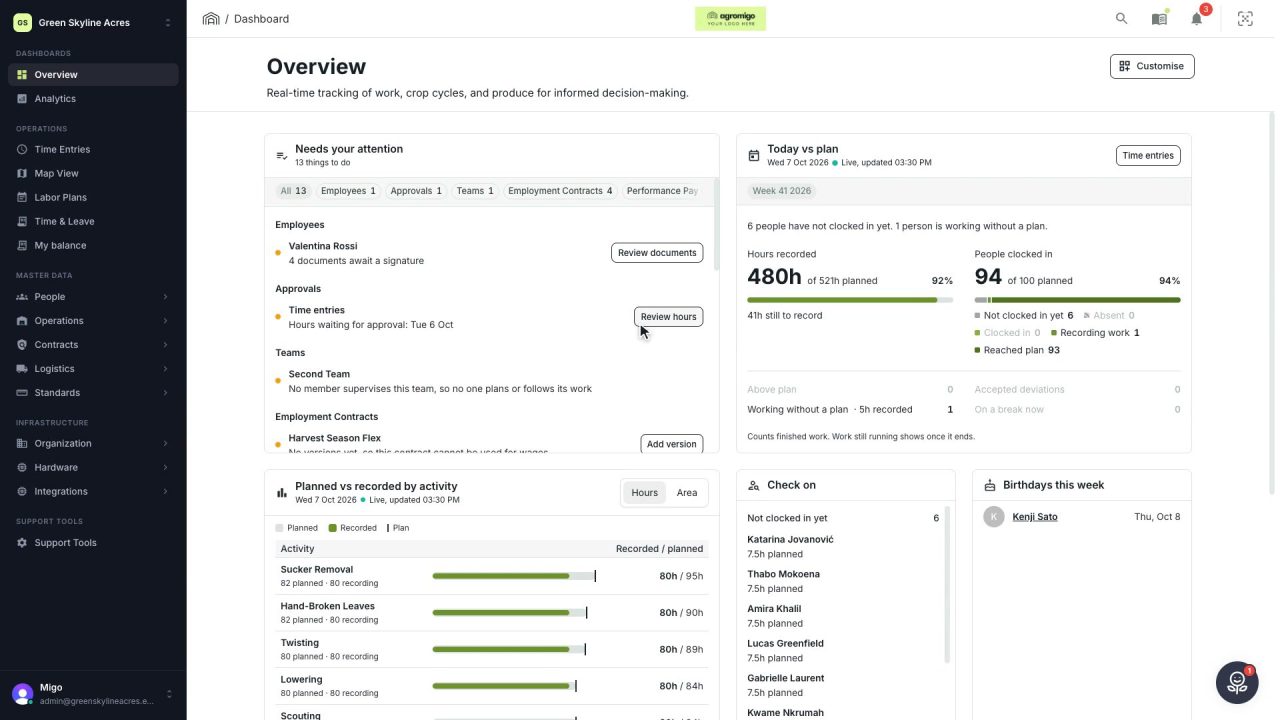
3 min Your whole day on one page
One page shows what needs your attention, how today is going against the plan, who to check on and how the last days went, each with the button or screen that takes it further.
Read the story -
 1 min
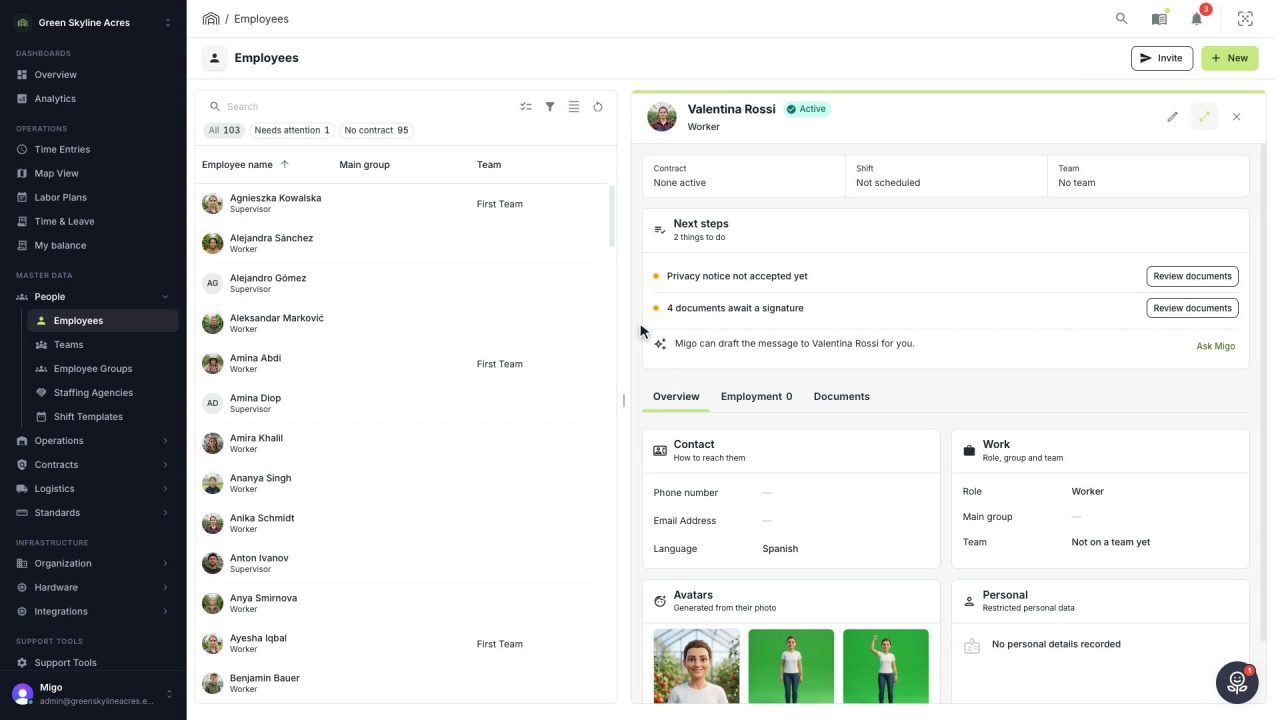
1 min A reminder in the worker’s own language, written for you
When a document waits for a worker's signature, Migo writes a short, friendly reminder in their language, ready for you to send.
Read the story -
 2 min
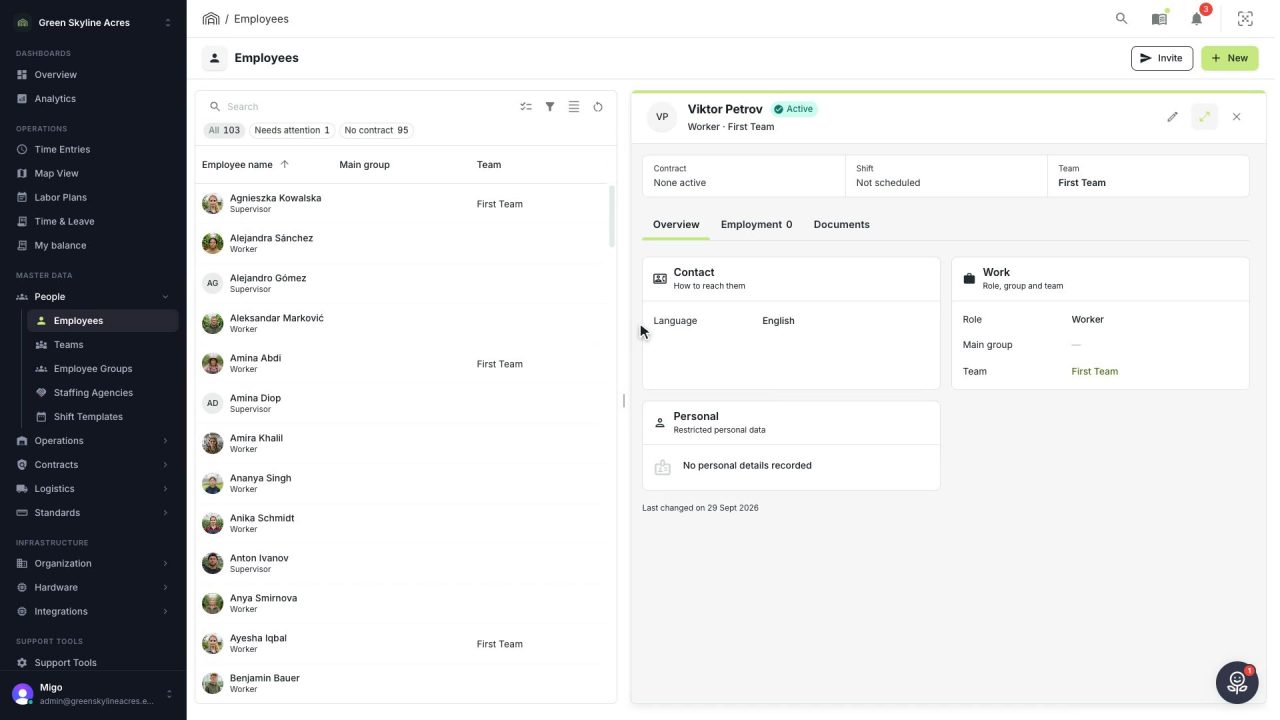
2 min Light or dark: the dashboard the way your eyes prefer
Switch Agromigo between light and dark in App settings, or let it follow your computer. Employees, time entries and reports, shown both ways.
Read the story -
 2 min
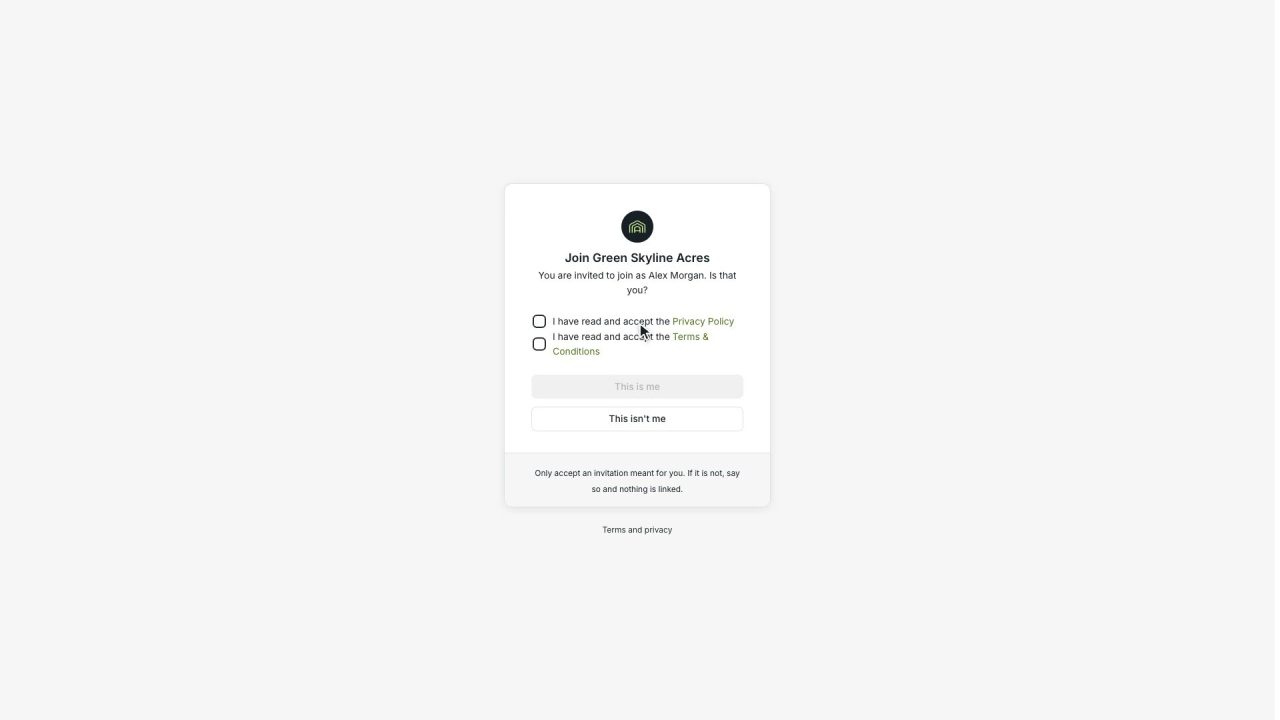
2 min New workers identify themselves before their first day
An invited worker scans their own passport or identity card while onboarding. An expired document is turned down, a valid one fills in their details, and only a masked scan is saved.
Read the story