An invited worker onboards on their own phone
Invite a worker by email and they complete their own onboarding, from accepting the terms to watching your required videos and signing, while you get a notification when they are ready.
The first morning of a new worker is paperwork. A form for their details, a copy of the house rules, a safety briefing somebody has to give again, and a signature at the bottom of a page that ends up in a folder. Multiply that by a seasonal intake of forty people.
With Agromigo the worker does it themselves, before they arrive or in the canteen on day one. You send an invitation, and everything else happens on their phone.
In this video
Migo shows you how an invited worker completes their own onboarding on their phone, and how you know when they’re ready.
The invitation. The worker opens it from their email and sees which organization it is from.
- Terms, once. They accept the Terms and Conditions and the Privacy Policy one time, for their own account.
- This is me. That links the invitation to them, and onboarding begins.
- Their language. They pick it first, and everything after that is in it.
- Identity. A document can be scanned to fill in their details, or skipped and handled in person.
- Personal details. Their name is already there from the invitation. They add the rest.
- Photo and emergency contact. The photo is optional; one contact tells you who to call.
- Your documents. A required video plays to the end before it can be confirmed. It cannot be skipped forward, so a confirmation means it was really watched. Written documents open to read, and are confirmed the same way.
- One signature. It confirms everything they acknowledged.
- Done. Their employee record exists, with the confirmed documents attached, and you get a notification that a new team member is ready.
Tips
- Put what matters in a required video. Safety instructions, hygiene rules and house rules are seen by everyone, in full, before day one.
- Let the worker choose the language. The wizard and your documents follow it, so nobody signs something they could not read.
- Skipping identity is fine. You can check the document in person and complete the record from the dashboard.
Read more
The user guide explains every way into Agromigo in Signing in.
Want to see how it fits your operation? Book a demo.
More stories
-
 2 min
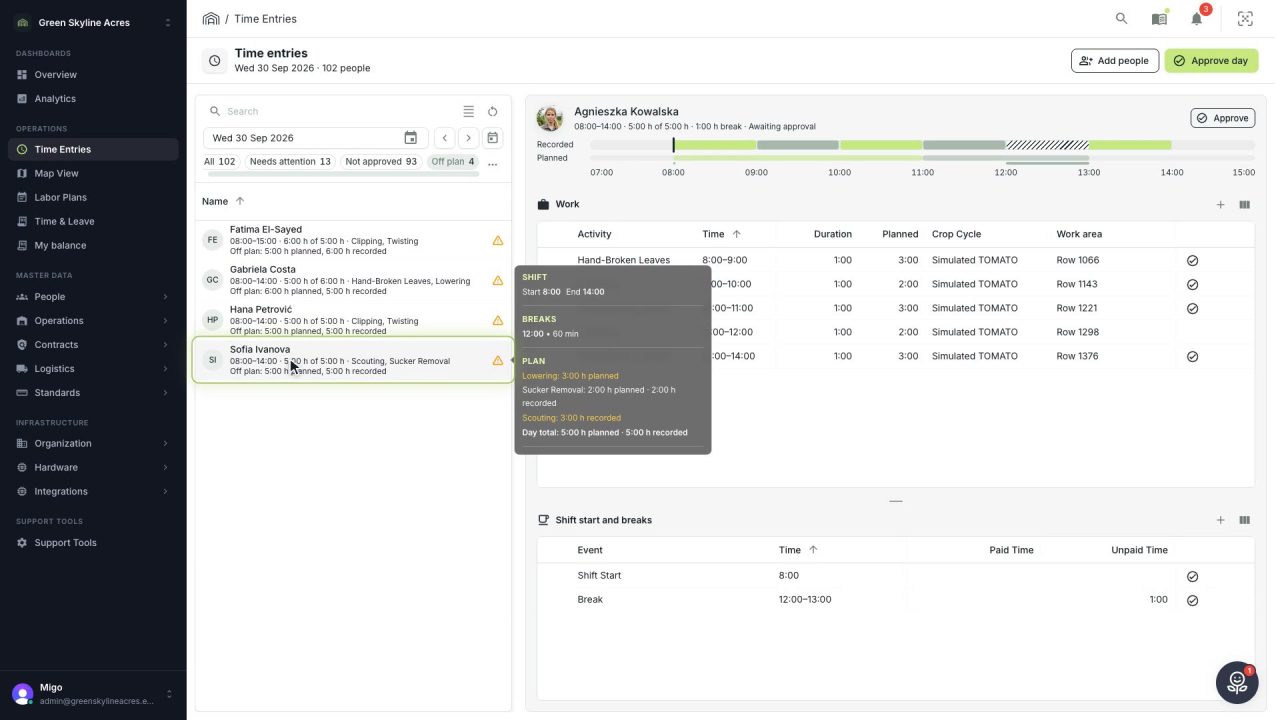
2 min See whose day went differently from the plan
Check a work day against the labor plan, see who worked something else or did not show up, and accept a change of plan that had a good reason.
Read the story -
 1 min
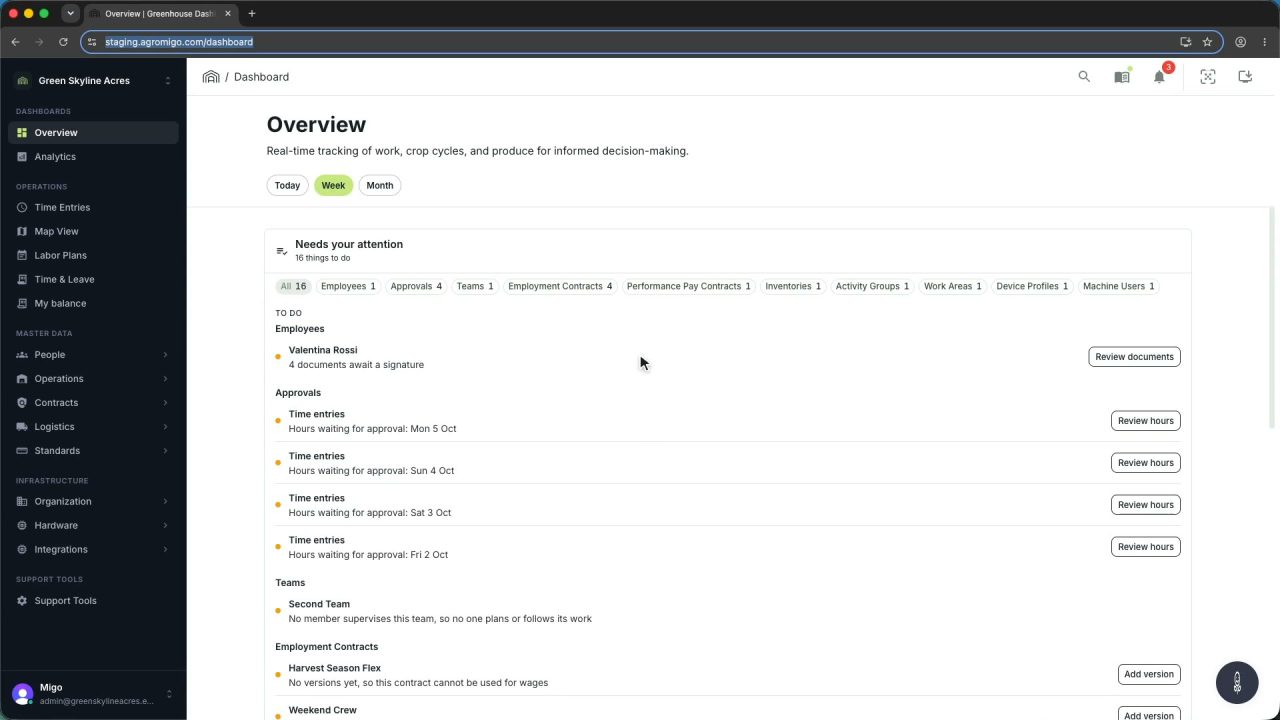
1 min Agromigo on your computer, in a window of its own
One click on the install icon and Chrome's Install button put the dashboard among your programs, opening in its own window, straight to your dashboard, always the latest version.
Read the story -
 2 min
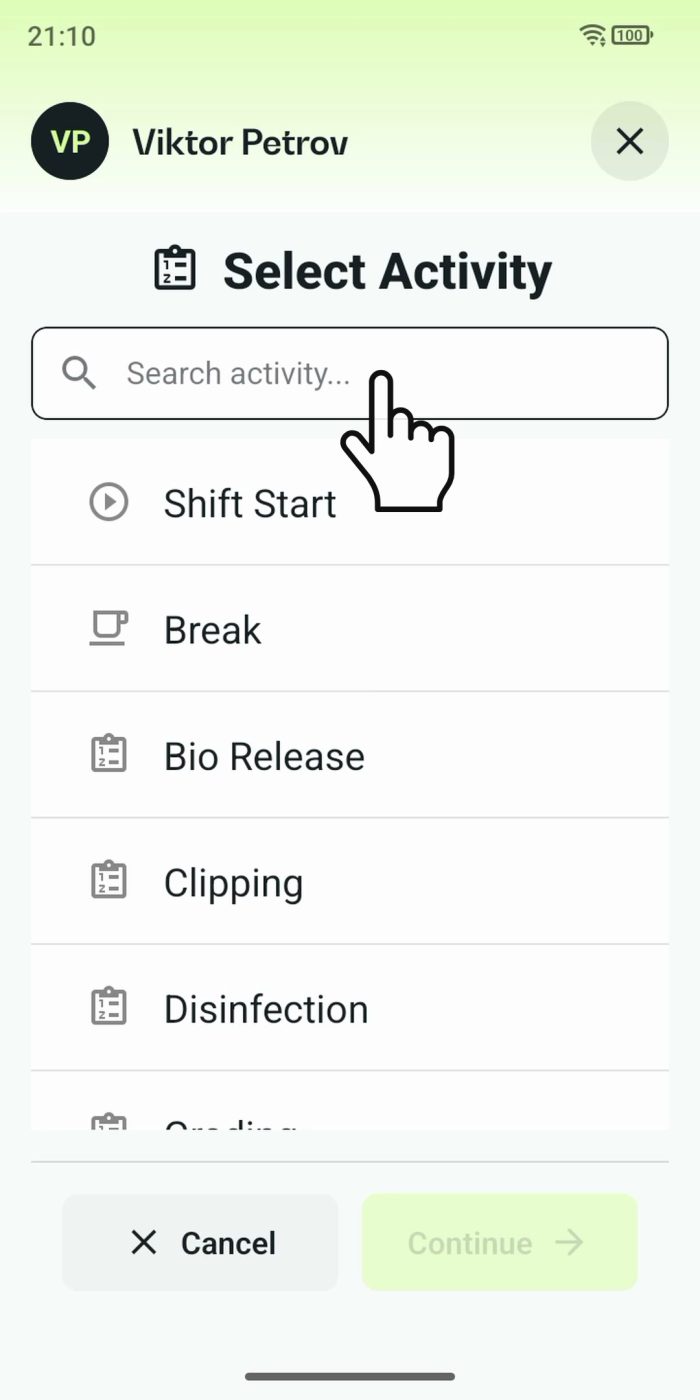
2 min One shared phone where the crew taps in with a tag
Terminal mode turns one phone into a terminal for a whole crew, at a fixed spot or moving with the team. Workers tap their personal tag, choose the task they finished, answer a few questions, and the screen resets for the next person.
Read the story