One shared phone where the crew taps in with a tag
Terminal mode turns one phone into a terminal for a whole crew, at a fixed spot or moving with the team. Workers tap their personal tag, choose the task they finished, answer a few questions, and the screen resets for the next person.
A phone for every worker is not always the right answer. Where the work comes back to one place, the packing area, the entrance of a compartment, a cart that moves with the team, one shared device does the job with far less hardware.
In Terminal mode nobody is signed in. Each worker identifies with their own tag, records what they did, and the terminal is ready for the next person within seconds.
In this video
Migo shows you what Terminal mode is for, and how workers log their time on one shared device.
- The waiting screen. One phone for a whole crew; nobody is signed in, and the screen asks for a tag.
- Who it suits. Registering time and its details at a fixed spot, or at a terminal that moves with the team: less hardware, but workers walk to it, each with a personal tag.
- First tap. Viktor holds his badge to the phone, and his shift starts right away, confirmed on a full screen in his own language.
- Five seconds. The confirmation closes by itself, and the terminal is free for the next person.
- Task done. Later, a second tap opens the activity list with his name at the top. He chooses Picking, the task he just finished.
- The details. Which row, which crop, which cart, and how many crates. The demo answers from lists, but every answer can also come from a scan: an NFC tag or a QR code, and a barcode on a crate or punnet.
- Activity Logged. The task is saved as done at the moment of his tap, and the screen resets in the organization’s language.
One phone, a tag per person, and every hour still lands on the right row.
Tips
- A personal tag for everyone. A terminal has no list of names and no PIN, so a badge for each person is part of setting one up. The Agromigo Admin app writes them.
- Lock it to the app. App lock keeps a shared phone in the Agromigo Crew app only, with no settings or other apps within reach.
- Activity tags save a step. With activity tags on the wall, workers hold the task’s tag instead of choosing from the list.
Read more
The user guide explains what an employee does on a shared tablet, how to choose a mode and App lock.
Try it free for 1 month, no credit card needed.
More stories
-
 2 min
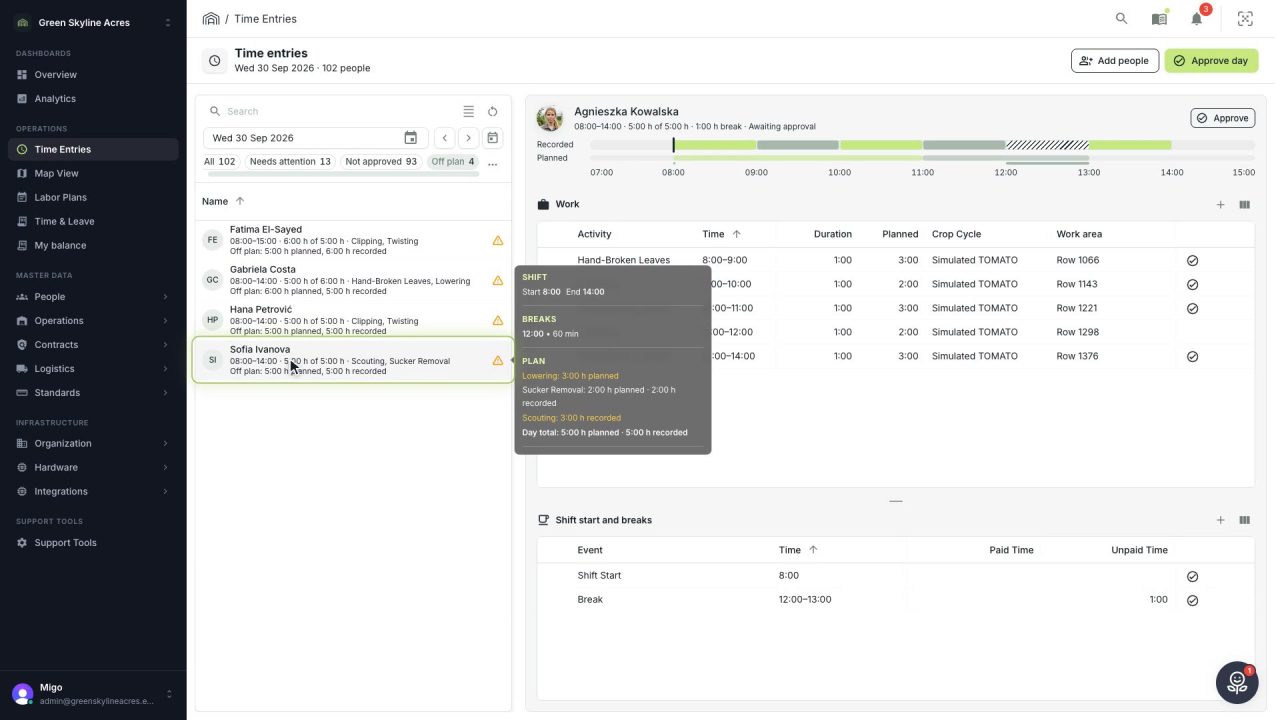
2 min See whose day went differently from the plan
Check a work day against the labor plan, see who worked something else or did not show up, and accept a change of plan that had a good reason.
Read the story -
 1 min
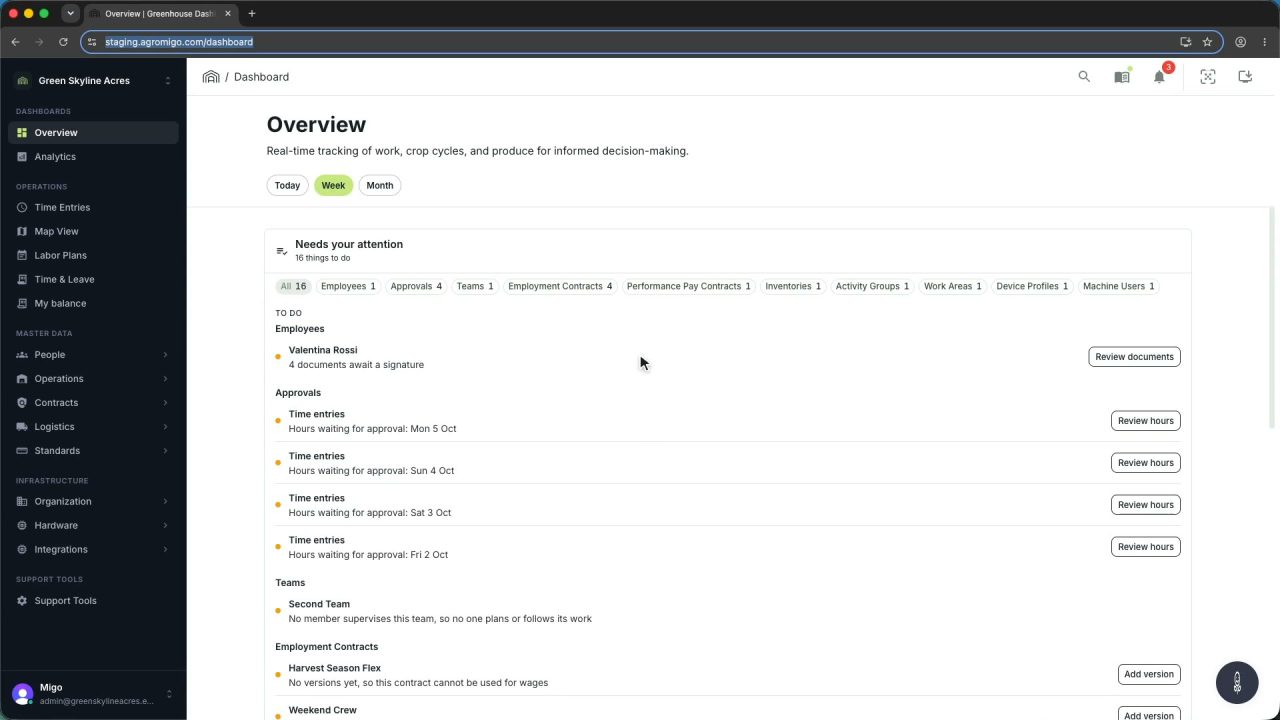
1 min Agromigo on your computer, in a window of its own
One click on the install icon and Chrome's Install button put the dashboard among your programs, opening in its own window, straight to your dashboard, always the latest version.
Read the story -
 2 min
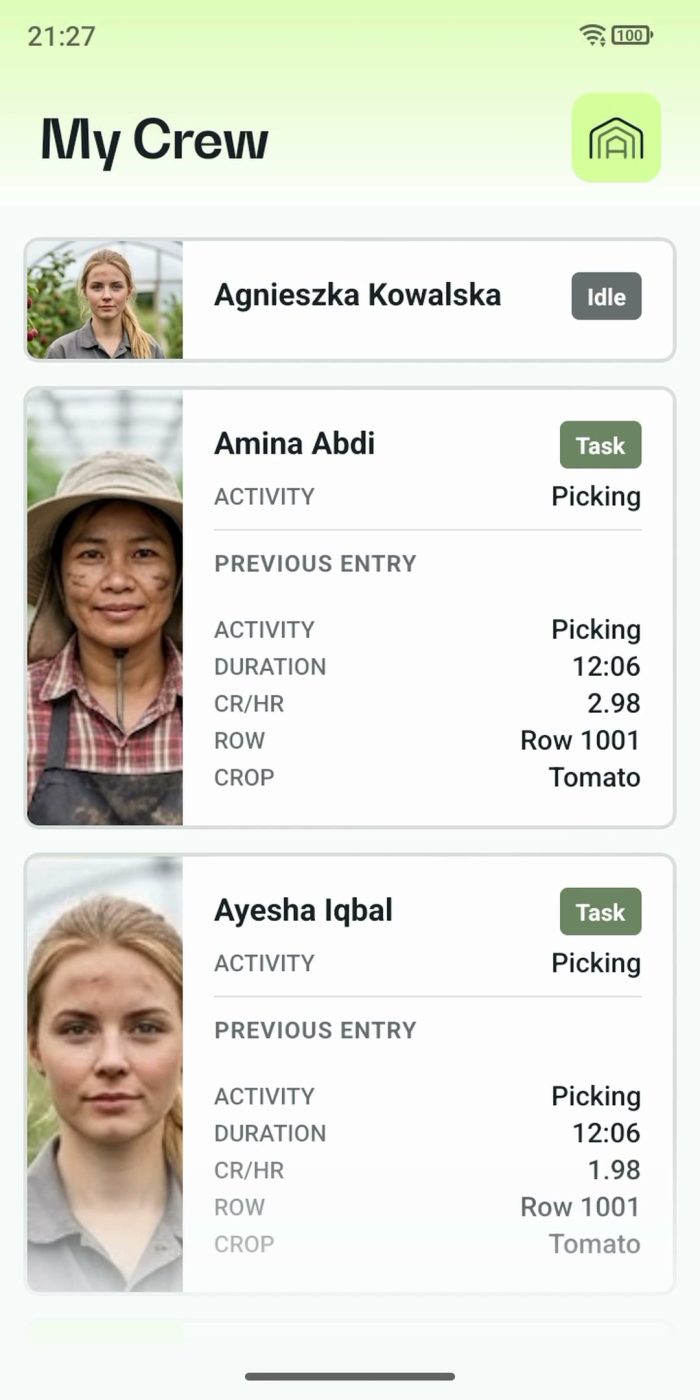
2 min One supervisor registers the work of the whole crew
In Supervisor mode the supervisor registers the work for the team on one phone. One tap starts a whole crew, everyone's status shows live, and the closing questions keep every crate on the right name.
Read the story