See whose day went differently from the plan
Check a work day against the labor plan, see who worked something else or did not show up, and accept a change of plan that had a good reason.
You planned the lowering for the week, and it looked fine on paper. Then a colleague called in sick, the supervisor moved someone to cover the scouting, and by Friday nobody remembers why the lowering fell behind. The plan and the hours tell two different stories, and payroll only sees one of them.
In Agromigo, the day’s hours are checked against the plan as you review them. You see at once whose day went differently, and when there was a good reason, the supervisor records it, so the next person to ask gets an answer instead of a guess.
In this video
Migo shows you how to check a work day against the labor plan, and how to accept a change of plan that had a good reason.
The list. Time entries shows one work day. Under each name you read when that person worked, how many hours against the plan, and on what. So before payroll you see at a glance whose day went differently from what you planned.
On this day, Sofia was planned for lowering and sucker removal. Her hours add up, but not on the work that was planned.
- Narrow the list. The three dots under the date hold more filters. Off plan keeps only the people whose hours differ from their plan by a quarter of an hour or more.
- Read the plan. Rest the pointer on a name. The summary shows the plan beside what was recorded: three hours of lowering planned and none done, two of sucker removal done as planned, and three hours of scouting that nobody planned.
- Check the entries. In the person’s entries, the Planned column shows, for each activity, how many hours were planned for it that day.
- Accept the change of plan. Sofia covered the scouting for a sick colleague, because her supervisor asked her to. The icon at the top of her work entries accepts it: choose why, Covering an absence, and add a short note.
- Saved, nothing rewritten. The reason stays with her entries. Her hours stay exactly as recorded, and so does their approval.
Back to everyone: Sofia is still on the day, no longer flagged, and the reason is there for Migo and your reports.
Tips
- Look for the faded rows too. Someone planned who recorded nothing is listed with their row faded, and the title bar counts them. Select them to enter their time or record the absence.
- A quarter of an hour, per activity. A day counts as off plan when an activity, or the day as a whole, differs from the plan by fifteen minutes or more. A few stray minutes on another task do not flag anyone.
- Work added later asks again. Accepting covers the work recorded at that moment. Work added afterwards flags the day again, because nobody has explained it yet.
- Ask Migo about the reasons. Accepted reasons are reportable: ask Migo how much time went to covering absences last month, or which activity keeps running over its plan.
Read more
The Time entries chapter of the user guide covers checking the day against the plan and accepting a deviation, and Labor plans covers how the plan is made.
Try it free for 1 month, no credit card needed.
More stories
-
 1 min
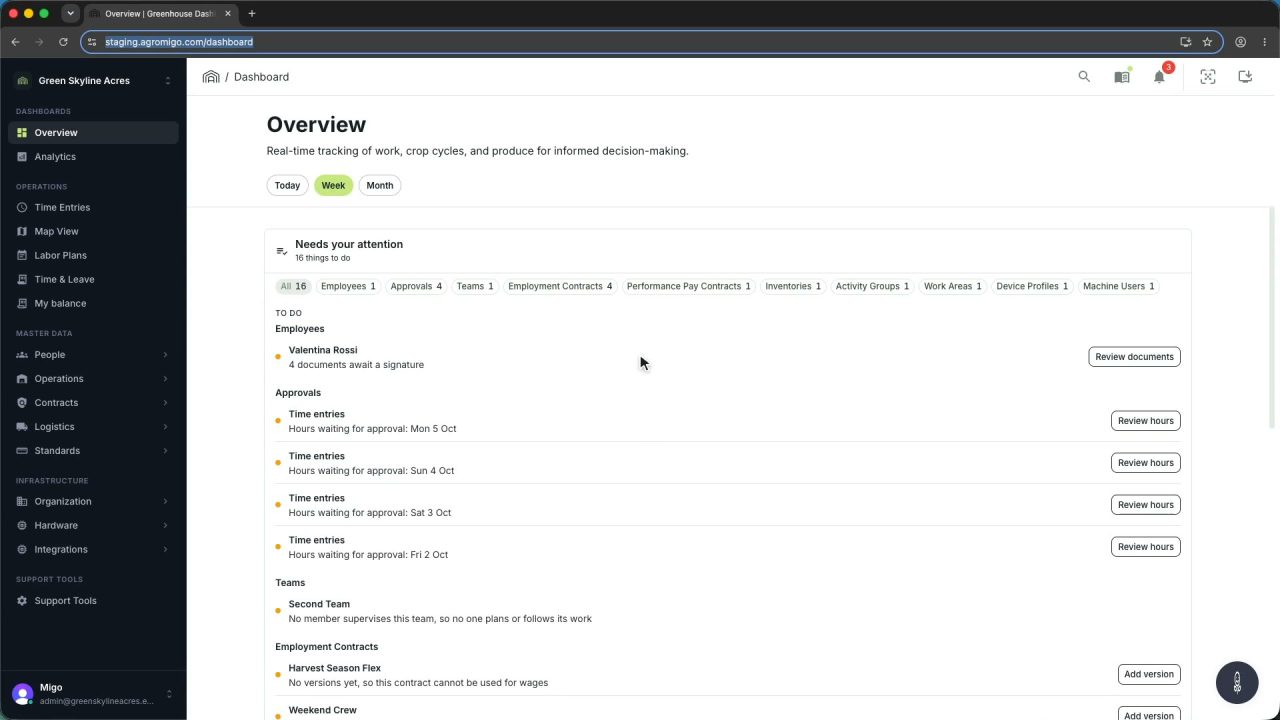
1 min Agromigo on your computer, in a window of its own
One click on the install icon and Chrome's Install button put the dashboard among your programs, opening in its own window, straight to your dashboard, always the latest version.
Read the story -
 2 min
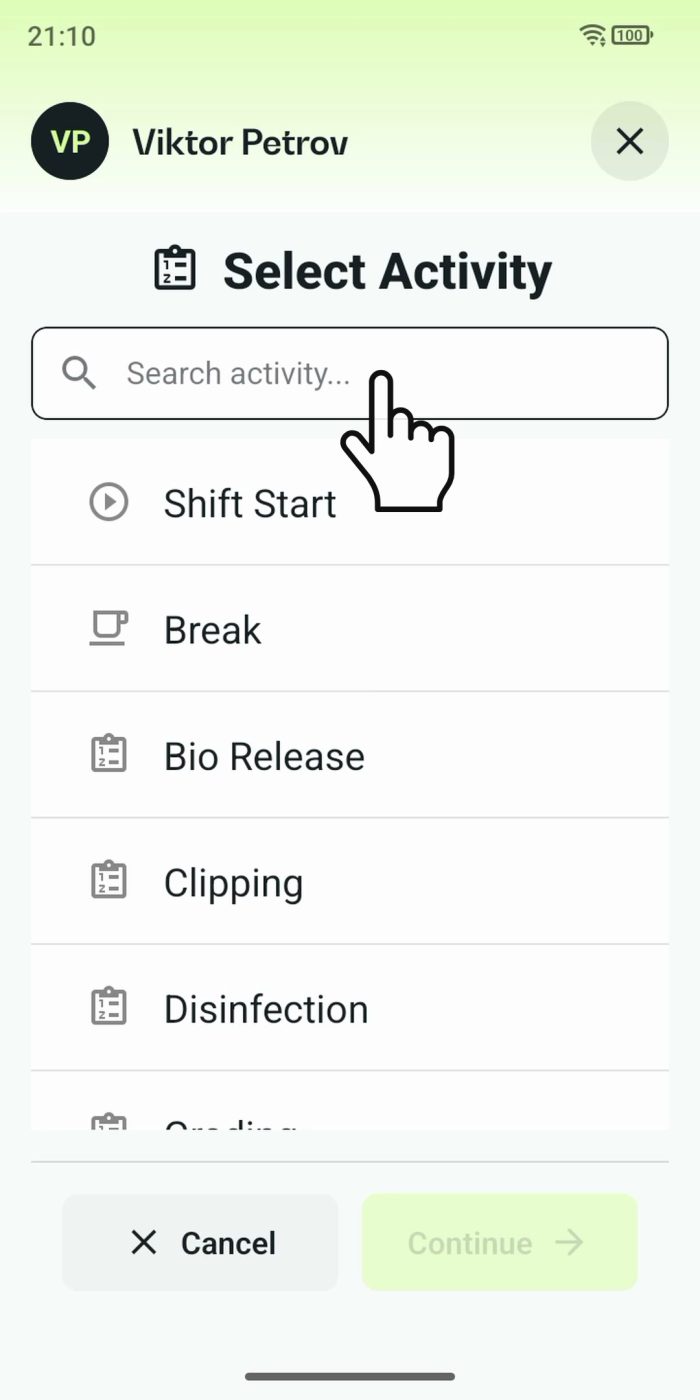
2 min One shared phone where the crew taps in with a tag
Terminal mode turns one phone into a terminal for a whole crew, at a fixed spot or moving with the team. Workers tap their personal tag, choose the task they finished, answer a few questions, and the screen resets for the next person.
Read the story -
 2 min
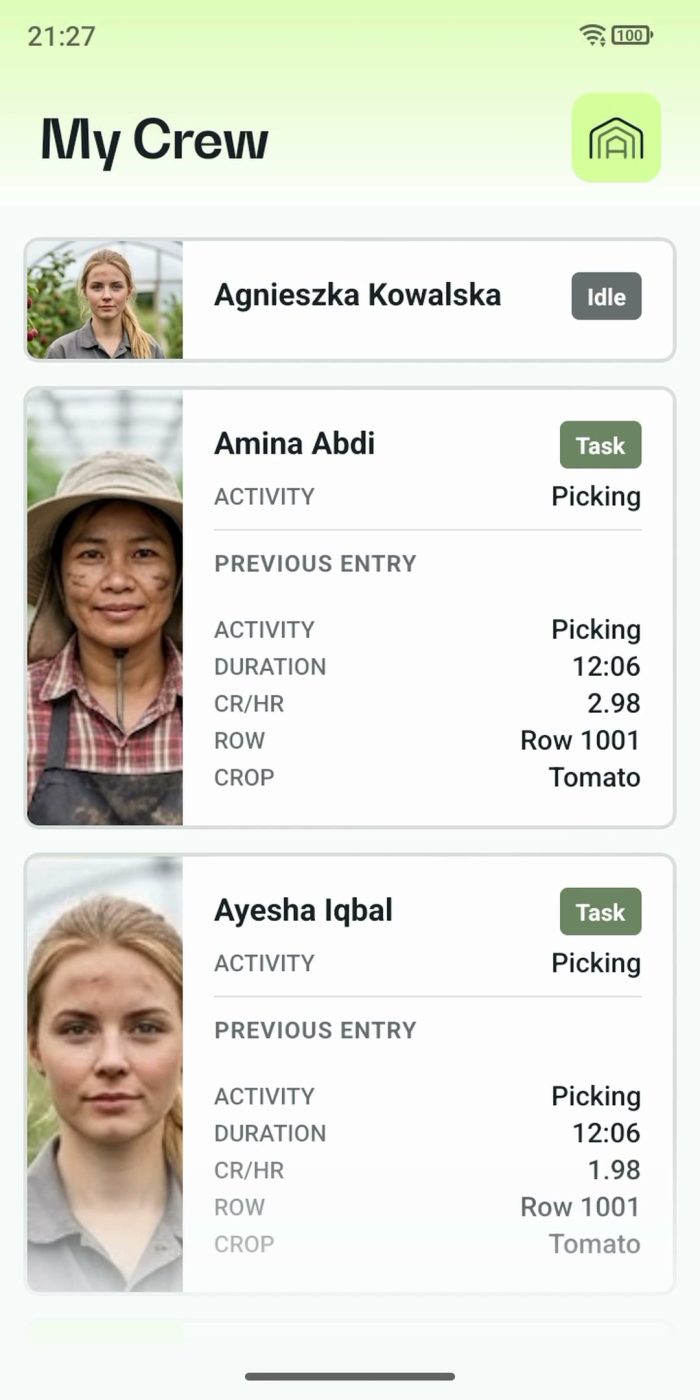
2 min One supervisor registers the work of the whole crew
In Supervisor mode the supervisor registers the work for the team on one phone. One tap starts a whole crew, everyone's status shows live, and the closing questions keep every crate on the right name.
Read the story