Stories, a closer look at Agromigo in your language
Short videos and news from Agromigo, in English and Dutch. See how growers plan the week, check every hour and get answers in seconds.
Reading about software only gets you so far. You want to see the screen, the clicks and what changes for your crew before you decide anything.
That is why we started Stories. Each one is a short product tour of one part of Agromigo Workforce, with a voice-over and subtitles, and a written story with tips beside it.
What you will find here
- Product tours. Videos of a few minutes that follow a normal working week: planning, checking hours, balances and asking Migo.
- News. What is new in Agromigo and what we are working on.
Start with the tour
The two-minute product tour follows a week from your first look in the morning to a day of hours approved for payroll. Then pick a topic: checking the day’s hours, asking Migo, adding someone to a team, stem counts per work area or connecting your payroll and BI tools.
In your language
Every video has a voice-over in English or Dutch and subtitles in both. Switch the language at the top of the page and you get the same story in Dutch.
More to come
Stories on employees, crop cycles, employment contracts and performance pay follow soon.
Try it free for 1 month, no credit card needed.
More stories
-
 2 min
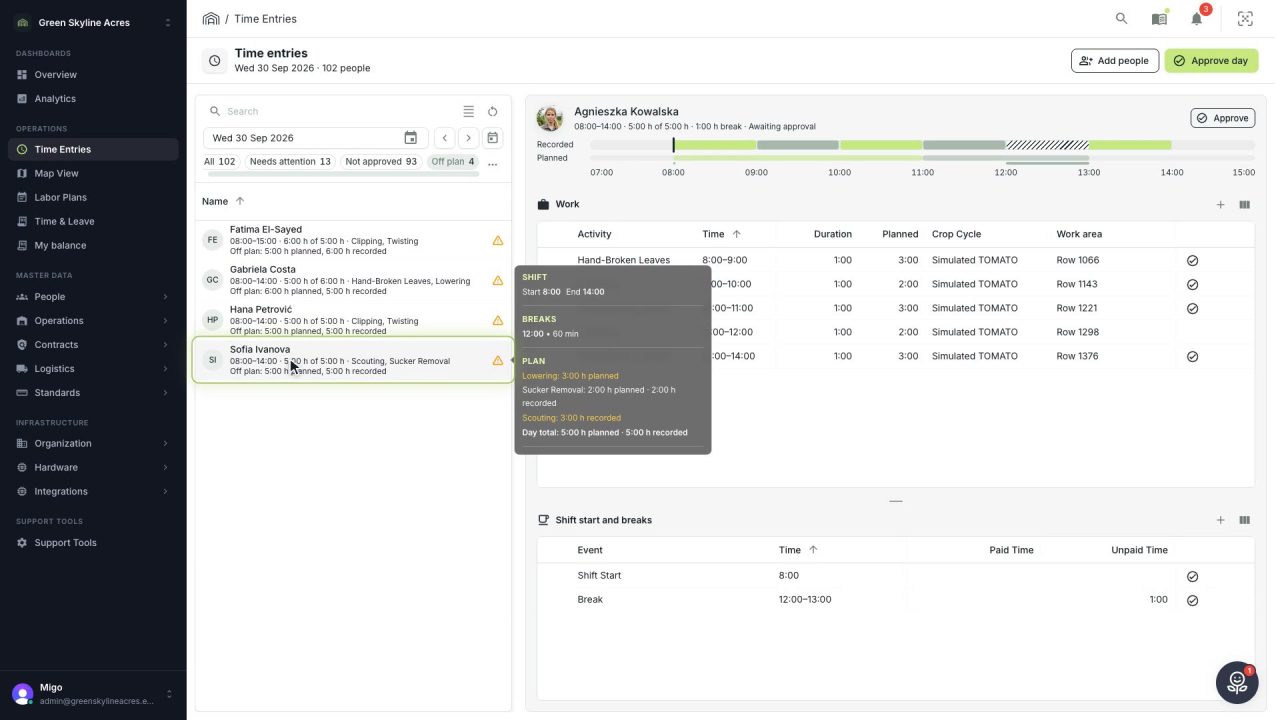
2 min See whose day went differently from the plan
Check a work day against the labor plan, see who worked something else or did not show up, and accept a change of plan that had a good reason.
Read the story -
 1 min
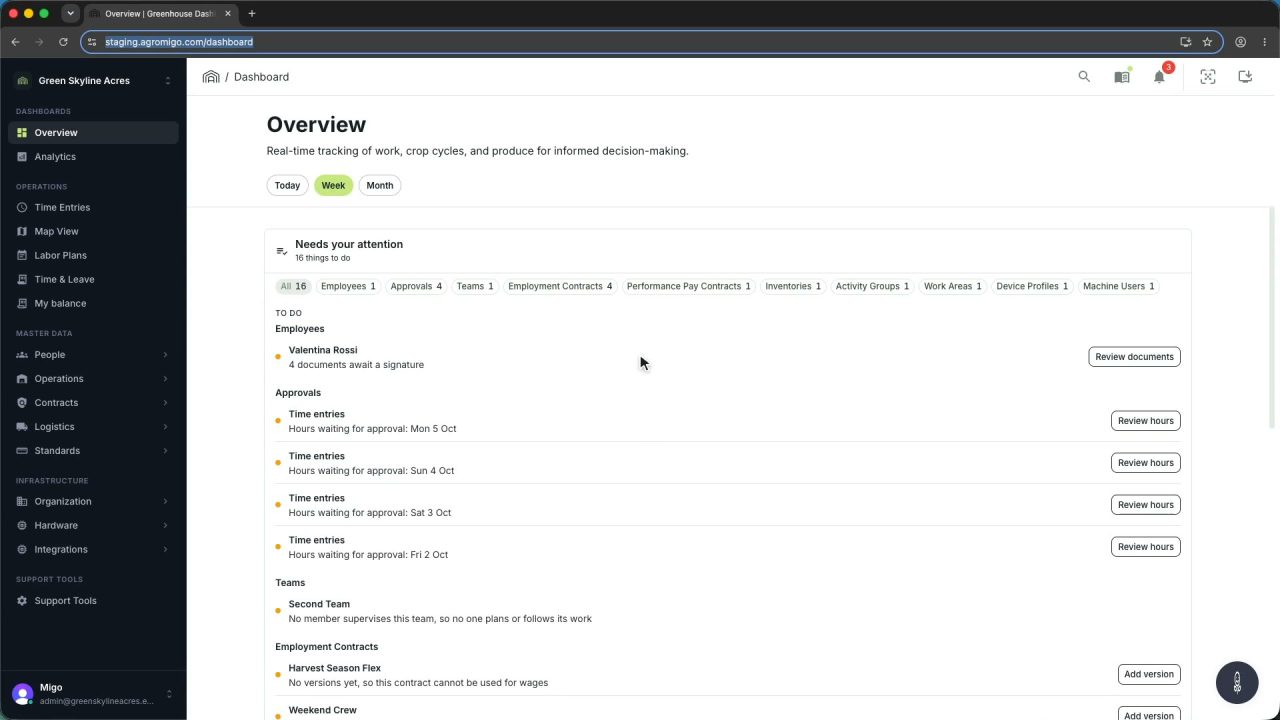
1 min Agromigo on your computer, in a window of its own
One click on the install icon and Chrome's Install button put the dashboard among your programs, opening in its own window, straight to your dashboard, always the latest version.
Read the story -
 2 min
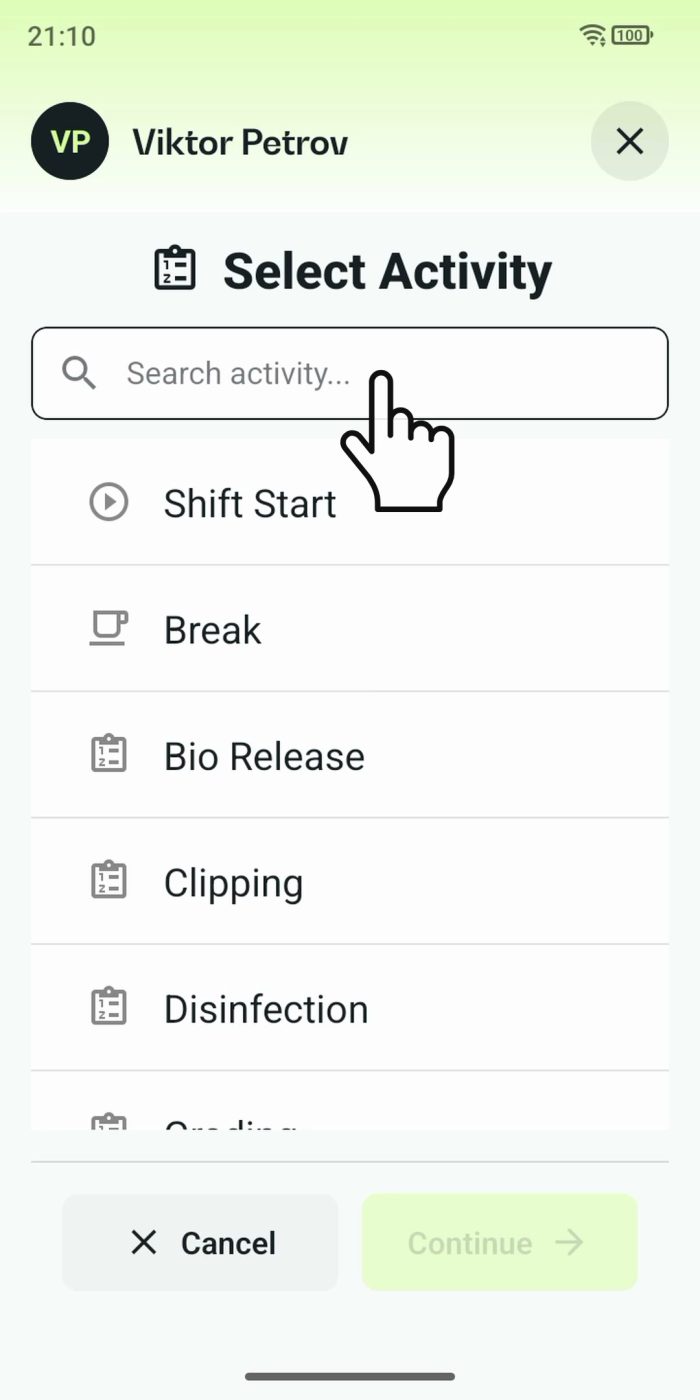
2 min One shared phone where the crew taps in with a tag
Terminal mode turns one phone into a terminal for a whole crew, at a fixed spot or moving with the team. Workers tap their personal tag, choose the task they finished, answer a few questions, and the screen resets for the next person.
Read the story