New workers identify themselves before their first day
An invited worker scans their own passport or identity card while onboarding. An expired document is turned down, a valid one fills in their details, and only a masked scan is saved.
Copying passports at the office on a busy first morning holds up a whole intake. Every worker waits in line, someone types their details by hand, and a photocopy ends up in a folder that holds more than anyone needs.
With Agromigo, invited workers identify themselves on their own phone or computer, before they arrive. Their document is checked, their details are filled in for them, and the photo itself is never stored.
In this video
Migo shows you how a new worker scans their own identity document while onboarding, and what happens to an expired one.
The invitation. A worker you invited by email opens it, accepts the terms once and confirms it is meant for them.
- The identity step. The second step of onboarding asks for a photo of a passport, an identity card or a driving licence.
- An expired document. A driving licence that ran out in 2022 is turned down, and the worker can try another document.
- A valid passport. It is accepted. The preview is the masked scan, with details read from the passport, such as the name, blacked out automatically.
- Their details, filled in. On the next step their name, date of birth and nationality are already there, ready to check.
- The rest of onboarding. It carries on as usual: photo, emergency contact, your documents and a signature.
Why only a masked scan
Privacy law asks you to keep no more personal data than you need. The worker’s details go into their record as text, so the original photo is never stored. The masked scan is the only copy Agromigo saves with the record: it shows that a valid document was checked, and gives away far less if it ever ended up in the wrong hands.
Tips
- Mention it in the invitation. Workers who know to have their passport at hand finish onboarding in one go.
- Skipping is allowed. A worker without a document at hand can skip the step, and you check it in person.
- Check the result. The extracted details are shown in the next step, where the worker can correct anything before going on.
Read more
The user guide explains self-onboarding in Letting the employee fill in their own details.
Want to see how it fits your operation? Book a demo.
More stories
-
 2 min
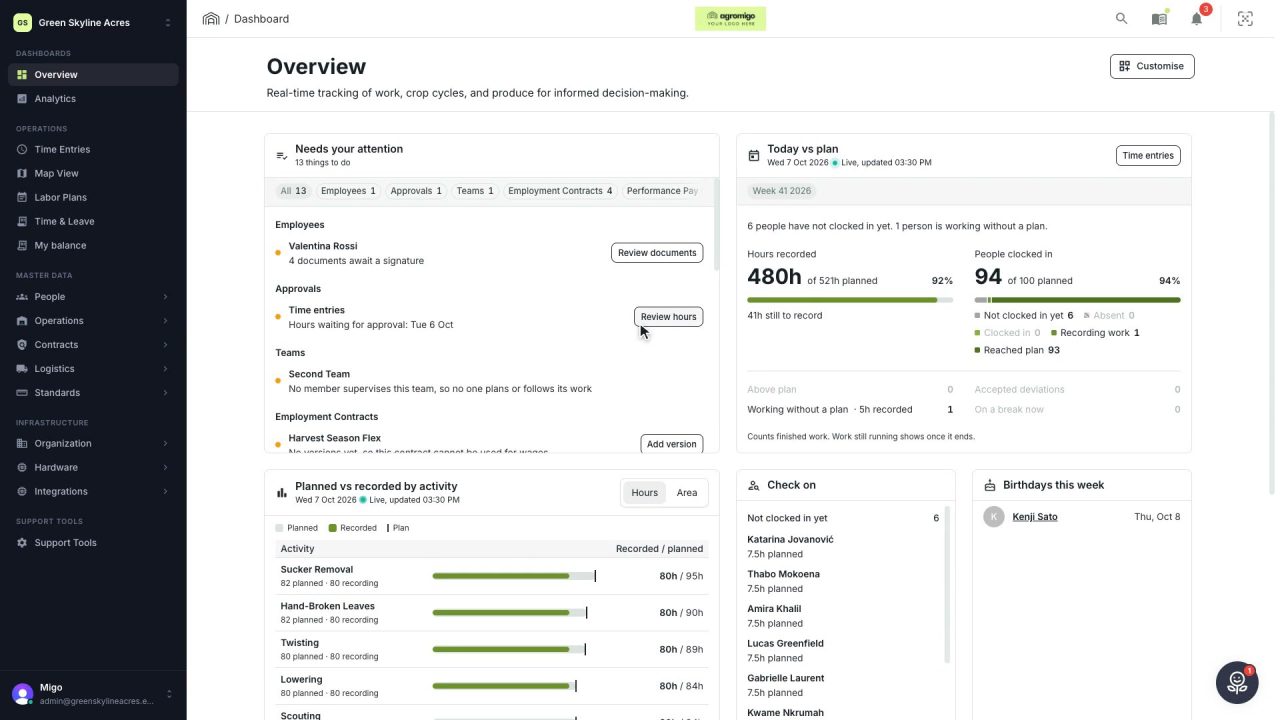
2 min See how today is going against the plan, while it is still going
The Today vs plan card on the Overview follows today's labor plan live. You see whether the day is on track, who is in and who to check on, without opening the plan or the time entries.
Read the story -
 2 min
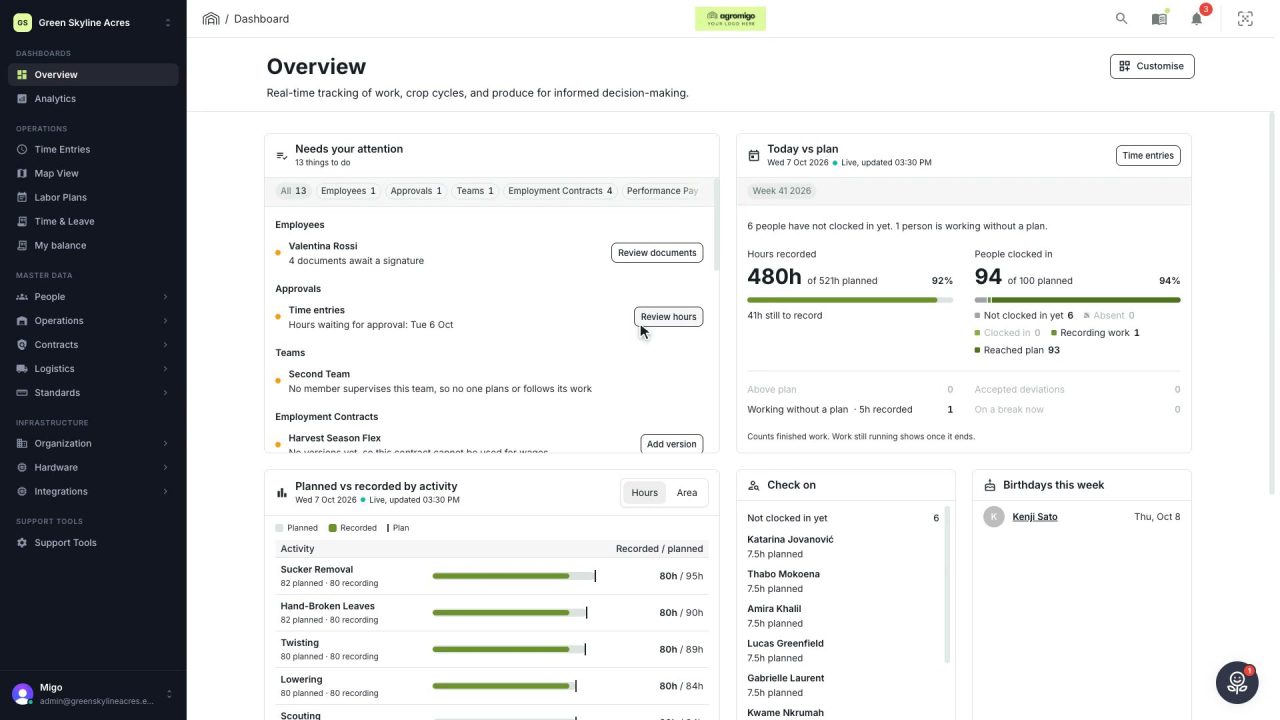
2 min Arrange the Overview the way you work
Move, resize and hide the cards on the Overview, so the figures you check every day are at the top and a long list has the room it needs.
Read the story -
 2 min
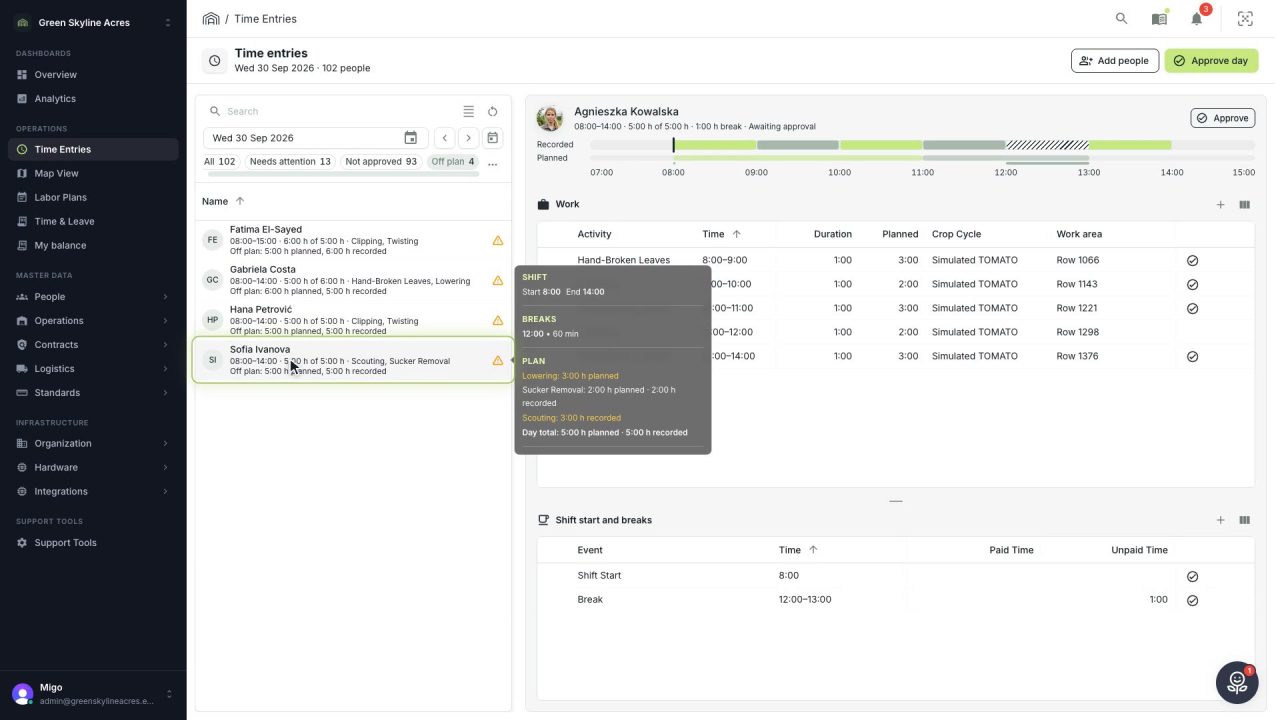
2 min See whose day went differently from the plan
Check a work day against the labor plan, see who worked something else or did not show up, and accept a change of plan that had a good reason.
Read the story