Change tomorrow’s plan from the greenhouse floor
A supervisor moves someone to the line that needs them tomorrow, takes off someone who is not coming in and saves the day on a phone, in a few taps.
At half past four you see that one line will need one more pair of hands tomorrow. The plan sits on a sheet in the office, or in a spreadsheet on a computer you won’t see until morning. So the change waits, and tomorrow starts with a line short and a phone call to fix it.
Agromigo puts the plan on the supervisor’s phone. Tomorrow is one tap away, and changing it takes as long as it takes to say it: this person moves over, that person is off, saved.
In this video
The board. On a phone, the planning board shows one day at a time. The strip at the top holds last week, this week and next week, with today and tomorrow named, and a dot on each day that is planned.
- Tomorrow. Tap it in the strip. The day opens below it, line by line: each card a line of work with how many people are on it, their hours, and the people themselves.
- Change this day. The button at the bottom of the screen opens the plan sheet on the day as it is planned.
- Move someone. Another line needs one more person: tap a name and choose the line they move to.
- Someone is not coming in. Tap their name and choose to take them off this line.
- Not planned yet. Further down, they now wait among the people of your teams who have no line that day. Only the teams you lead appear on your plan: nobody from another team is listed, and anyone a manager planned from another team stays as they were when you save.
- Check. Just above Save, a line counts who you put on, who you took off and who stays.
- Save. The day is written, and the board shows it as you saved it. Anyone who uses the crew app on their own phone sees their plan for tomorrow there.
Tips
- Change it when you hear it. The plan is right the moment you save it, not the next morning, so the people who use the crew app on their own phone see their plan for tomorrow there.
- Nothing is written until you save. Moving people and taking them off only changes the plan sheet. Cancel leaves the day exactly as it was.
- Someone can be on more than one line. A person who splits the day between two lines appears on both, and taking them off one leaves the other.
- The plan is what the day is measured against. Once the day is worked, the time entries show the hours recorded next to the hours planned.
More stories
-
 1 min
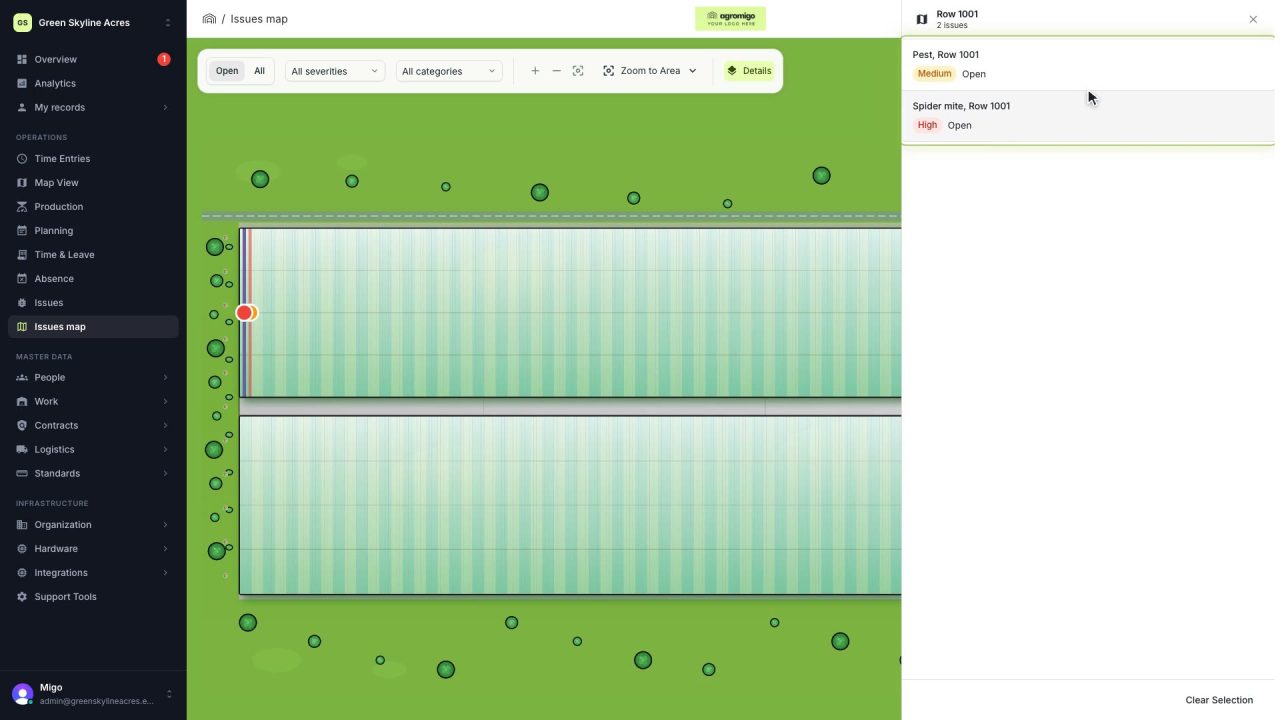
See on one map where every open issue on your site is
The Issues map colours every work area by its most severe open issue, so you see at a glance which rows have a problem and how serious it is.
Read the story -
 1 min
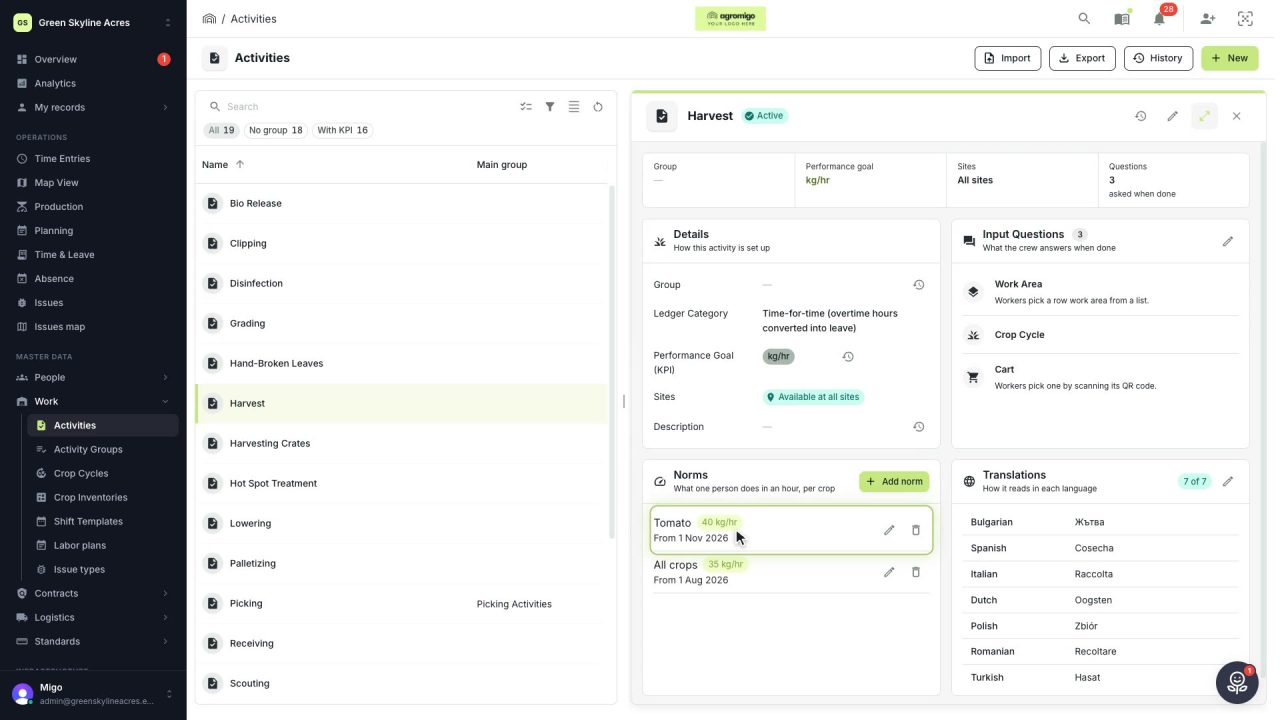
Know how fast the work goes, per crop
Set what one person does in an hour for each activity, per crop cycle and season, so every labor plan turns a target into the hours and people it takes.
Read the story -
 2 min
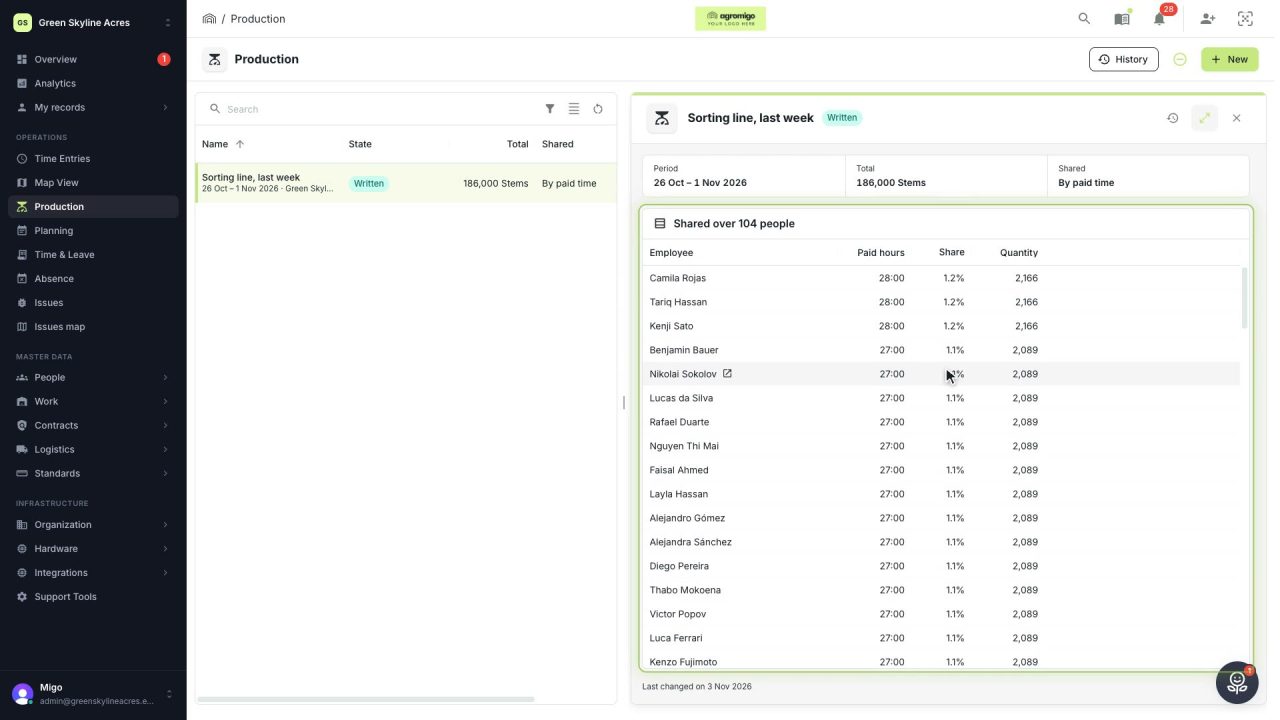
Share a week of production over the people who did the work
A total that is only known in bulk, such as a week of chrysanthemum stems from the sorting line, shared over everyone who worked by their paid hours, onto their own time entries, where it becomes stems per hour per person, team and crop.
Read the story