Agromigo in two minutes
Hours on paper or in an old office system need correcting by hand before payroll is right. In about two minutes, Migo, the AI advisor built into Agromigo, shows one day in the greenhouse instead: workers onboarding themselves on their own phone, work and production registered the way you choose, each day checked against colleagues and your plan if you made one, approved level by level, the greenhouse map, reports with labor costs, and the options you switch on when you need them.
Hours recorded on paper, entered into spreadsheets and re-entered by hand before payroll can be processed, or kept in an outdated system on an office PC, with frequent input errors that take time to correct. Agromigo gets the hours right where the work happens, checks them while the day is fresh, and has them approved by the people who saw the work.
Migo, the AI advisor built into Agromigo, takes you through one day in the greenhouse in about two minutes. Much of what you see is optional: you switch on what you need.
In this video
- A worker’s first day. New workers can onboard themselves on their own phone, in their own language: they read your documents and sign once, so even a large group is ready quickly. Their record is on your dashboard straight away, and because Agromigo runs in the browser you manage it from any device, wherever you are.
- Registering work, the way you choose. Workers register their own work. One option is a shared terminal, where one tap of a personal badge starts the day. Another is a phone they carry, held to a row’s tag. Production is entered manually, carts are scanned and weighed at a weighing station, or production data is received via a machine-to-machine integration.
- Checking and approving. Before payroll, each day sits beside colleagues with a similar workday, and beside the plan if you made one, so a forgotten break stands out and one click adds it. Team leaders can also check their team’s day on their phone, and correct an entry or add a note while the work is fresh. Then the day passes the levels you set up in your approval flow, and everyone sees who signed, and when.
- Your greenhouse, row by row. With the optional greenhouse map, each row is shaded by how much work was done on it, and turns red where it was booked twice.
- Reports and costs. Reports turn the approved hours into payroll, into the hours your staffing agencies invoice, and into your labor costs, all from one source.
- Migo, your smart assistant. Ask Migo anything in your own words: how something works, where to find it, or what your own records say. Ask it to review the day, and it finds gaps, overlaps and hours off plan.
- Switch on what you need. Absence and work planning, time balances (time off in lieu, sick leave, vacation), production, issues for IPM and maintenance, training, API and BI links, and self-onboarding.
Read more
Want the full picture? The complete product tour shows every chapter at its own pace. The user guide covers onboarding on a phone, the crew app, time entries, approving hours, the map, reports and Migo, and each option: labor plans, absences, balances, production, issues, trainings, the API and BI.
See what it does for your greenhouse operation. Try it free for 1 month.
More stories
-
 1 min
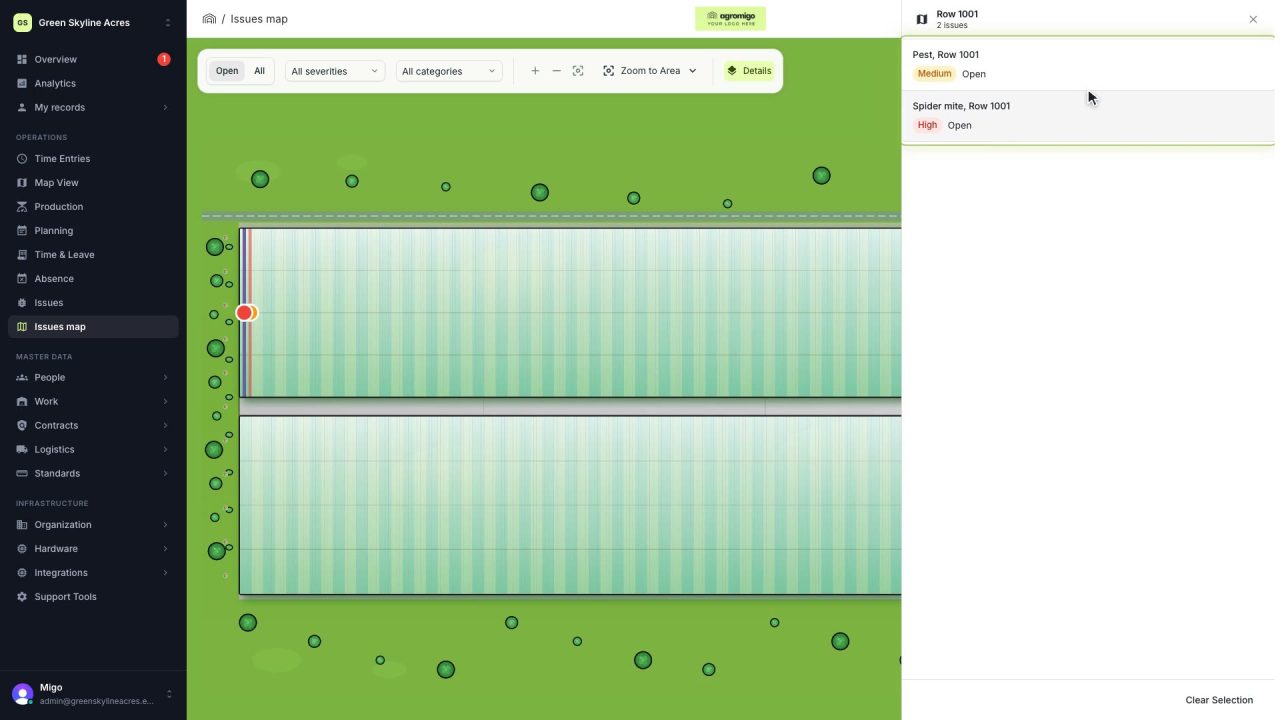
See on one map where every open issue on your site is
The Issues map colours every work area by its most severe open issue, so you see at a glance which rows have a problem and how serious it is.
Read the story -
 1 min
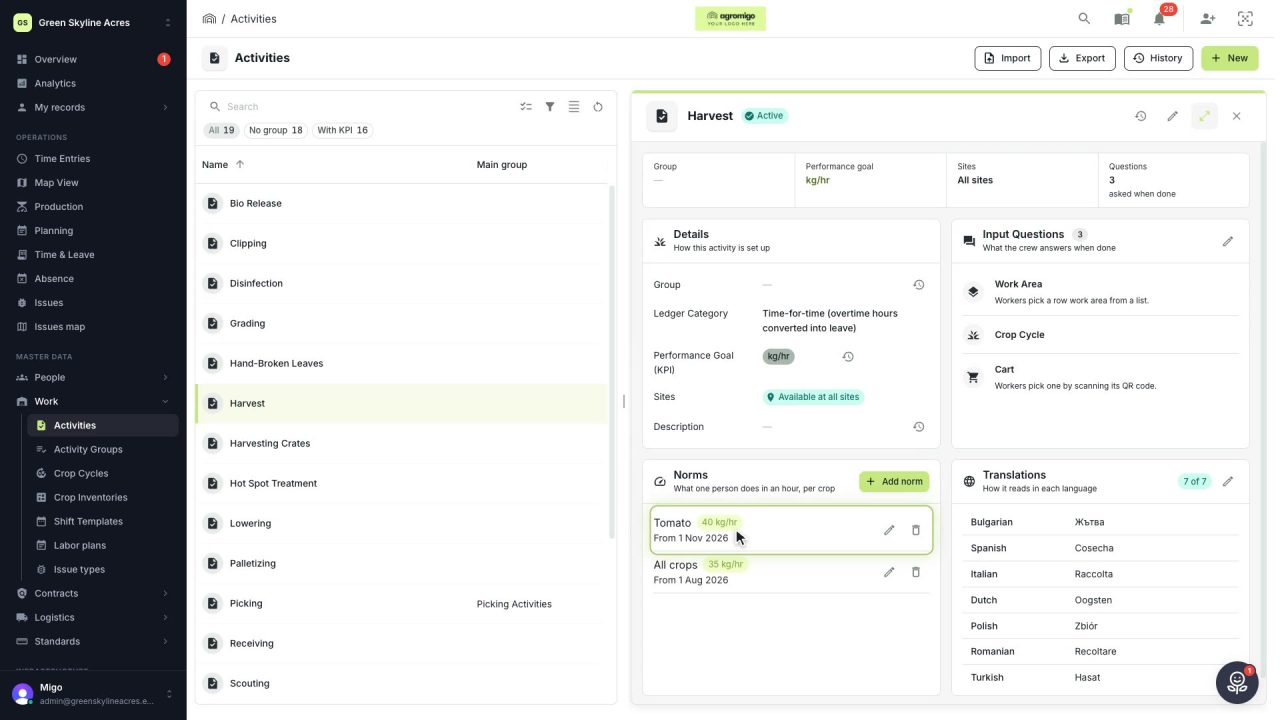
Know how fast the work goes, per crop
Set what one person does in an hour for each activity, per crop cycle and season, so every labor plan turns a target into the hours and people it takes.
Read the story -
 2 min
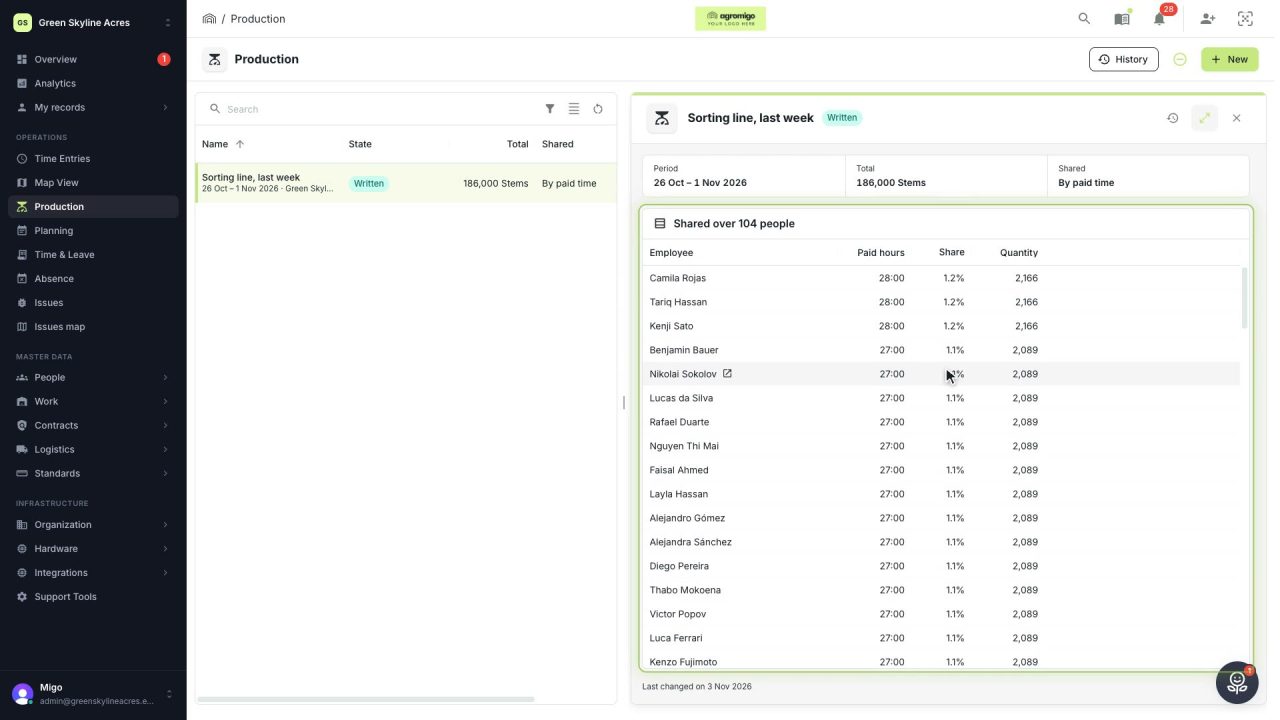
Share a week of production over the people who did the work
A total that is only known in bulk, such as a week of chrysanthemum stems from the sorting line, shared over everyone who worked by their paid hours, onto their own time entries, where it becomes stems per hour per person, team and crop.
Read the story