Name your common problems once, and report them in one tap
Issue types are the problems your operation names in advance, each with a picture, so a worker reports one with a single tap on a terminal or a phone.
Every operation has its usual suspects: spider mite in the tomatoes, a leaking drip line, a heating fault in the same corner every winter. Asking a worker to describe them from scratch every time is slow, and the same problem ends up reported five different ways.
In Agromigo, you name those problems once, as issue types. Each has a picture, a name in every language, and says what kind of problem it is and how bad. A worker who spots one taps its picture and says where.
In this video
Migo shows you how to set up the problems your crew reports most, so reporting one takes a single tap.
- Issue types. The page lists the problems your operation names in advance, with the kind of problem under each name.
- One tap. A worker taps a type’s picture and says where. On a terminal the types are the only choices.
- Spider mite. The record opens beside the list. Its Details card says it is a pest, spider mite, with high severity.
- A new type. The New button opens the sheet: first a picture and a name, then the category, what it is and how bad.
- Handled by. It names the group that deals with the type, such as Technical services. A new issue of this type goes straight to its members, and a High one reaches whoever manages issues as well.
- Cancel. The Cancel button closes the sheet without saving.
Every issue reported as a type starts from the same category, subject and severity, so the reports agree with each other.
Tips
- Choose a picture people recognise. It is what a worker sees on the terminal’s tile, so a photo of the real thing beats a word.
- Something else stays open. On a phone and in the dashboard, a problem no type names can still be reported under Something else.
Read more
The user guide explains what an issue type holds and how many your plan includes.
Try it free for 1 month.
More stories
-
 1 min
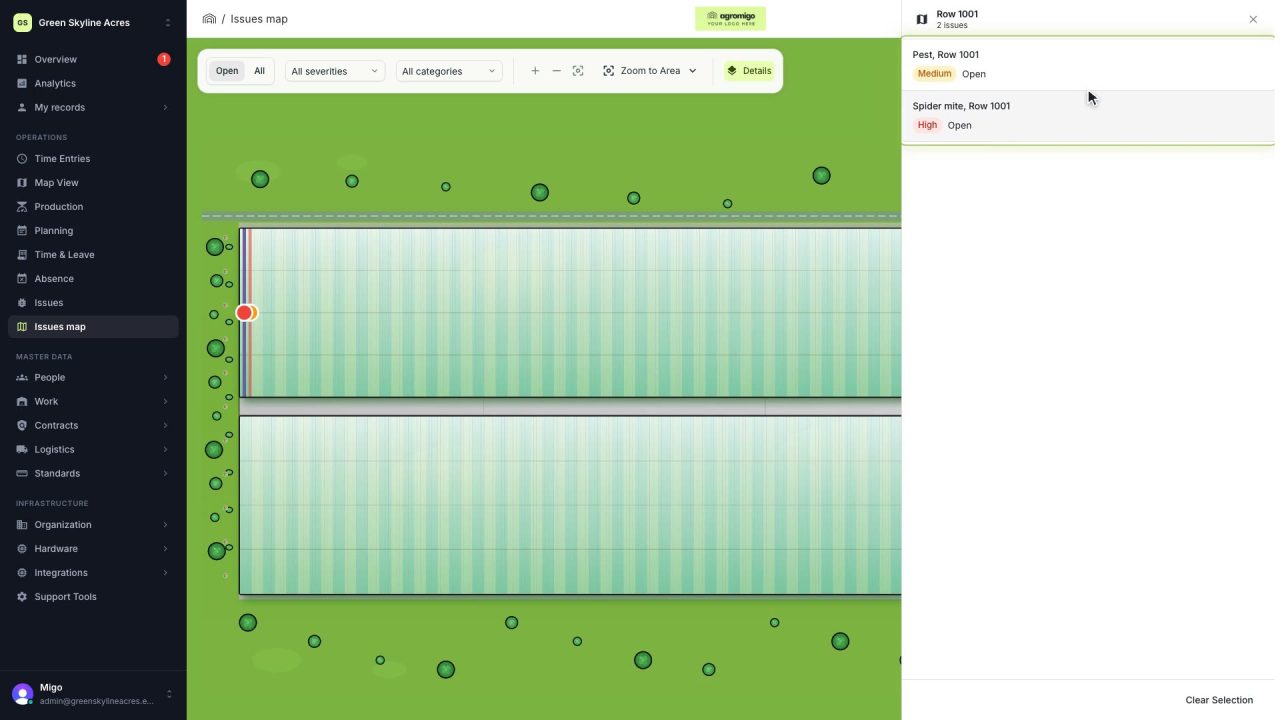
See on one map where every open issue on your site is
The Issues map colours every work area by its most severe open issue, so you see at a glance which rows have a problem and how serious it is.
Read the story -
 1 min
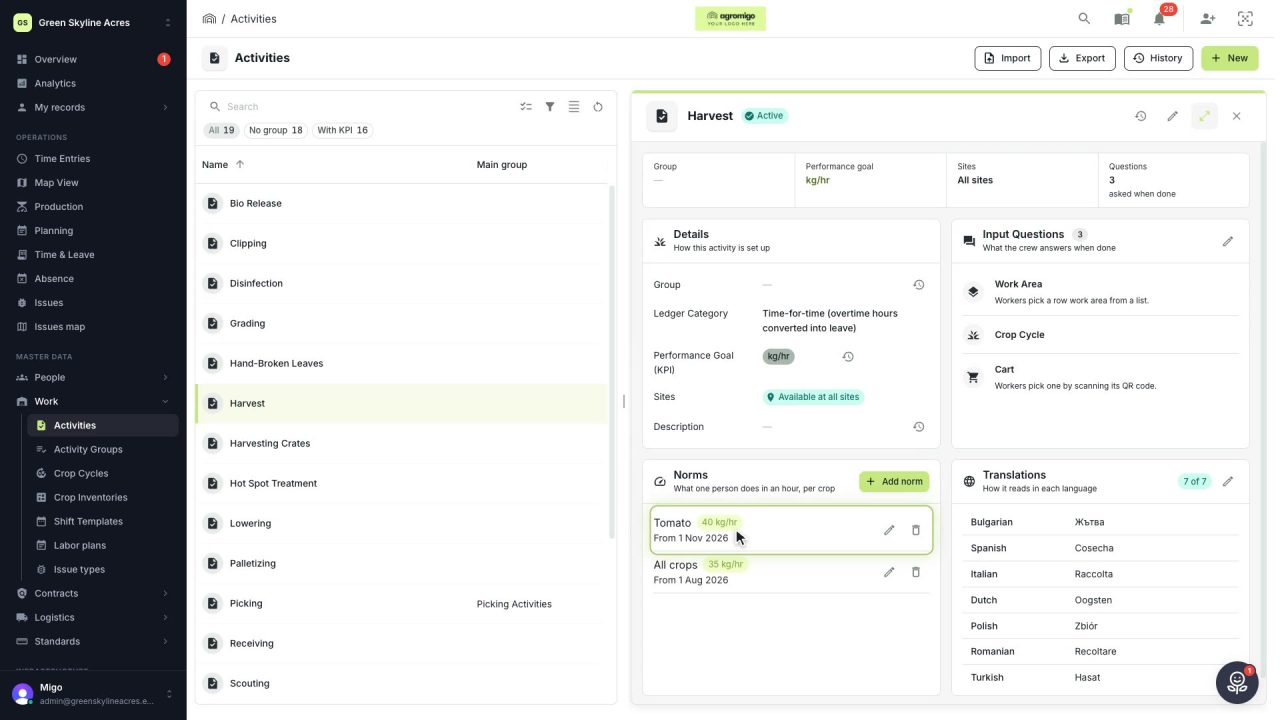
Know how fast the work goes, per crop
Set what one person does in an hour for each activity, per crop cycle and season, so every labor plan turns a target into the hours and people it takes.
Read the story -
 2 min
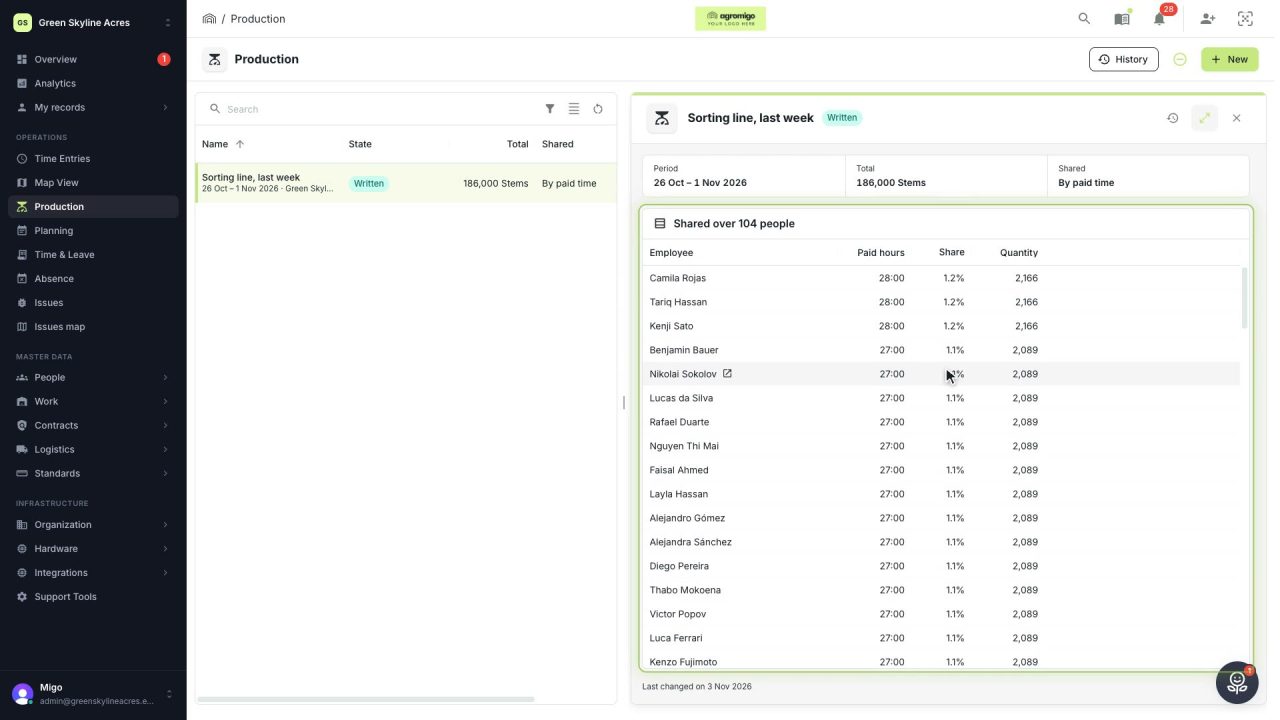
Share a week of production over the people who did the work
A total that is only known in bulk, such as a week of chrysanthemum stems from the sorting line, shared over everyone who worked by their paid hours, onto their own time entries, where it becomes stems per hour per person, team and crop.
Read the story