Workers sign their documents on their own phone
A worker opens My Documents on their phone, reads the protocol you gave them, and signs it with a signature they draw, with nothing to install.
A hygiene protocol, house rules, a photo consent: you hand it out on paper, half of it comes back unsigned, and the signed copies sit in a folder nobody can find when an auditor asks.
In Agromigo you give a document to a worker once. They open it on their own phone, read it to the end, and sign it with their own signature, drawn with a finger, just as in onboarding. Every signed document stays under My Documents with its date and version.
In this video
Migo shows you how a worker signs a document on their own phone, with a signature they draw themselves.
- The menu. On a phone, My Documents sits in the menu, in the My records group at the top. The dashboard runs in the browser, so there is nothing to install.
- To sign. The chip counts what still waits for the worker’s signature. Trainings have a page of their own.
- The protocol. It opens in a sheet over the list.
- Read. A short document counts as read as soon as its last page is in view, a longer one once you scroll to its end.
- Understood. Until then there is no checkbox to tick: nobody signs without reading first. The checkbox stays at the bottom of the screen.
- Sign. A signature pad opens, just as in onboarding.
- Draw. The worker draws their signature with a finger. It is stored with the document, with today’s date and the version signed.
- Signed. Back on the list, the Signed chip lists the protocol with everything else the worker signed.
So every document carries a signature given on the spot, and every signed document stays at hand.
Tips
- A real signature, everywhere. A document signed in onboarding, at sign-in or under My Documents carries the worker’s drawn signature. On their record, View Digital Signature shows it.
- Required documents first. A mandatory privacy notice or set of terms is asked for when the worker signs in. Everything optional waits under My Documents.
- Set a validity period. A document valid for a year asks for a new signature after that year, and moves back under To sign.
- Assign it from the record. On a worker’s Documents screen, Assign gives them a document and Save sends it to My Documents.
Read more
The user guide covers this page in My Documents, and setting documents up in Documents and consent.
Try it free for 1 month.
More stories
-
 1 min
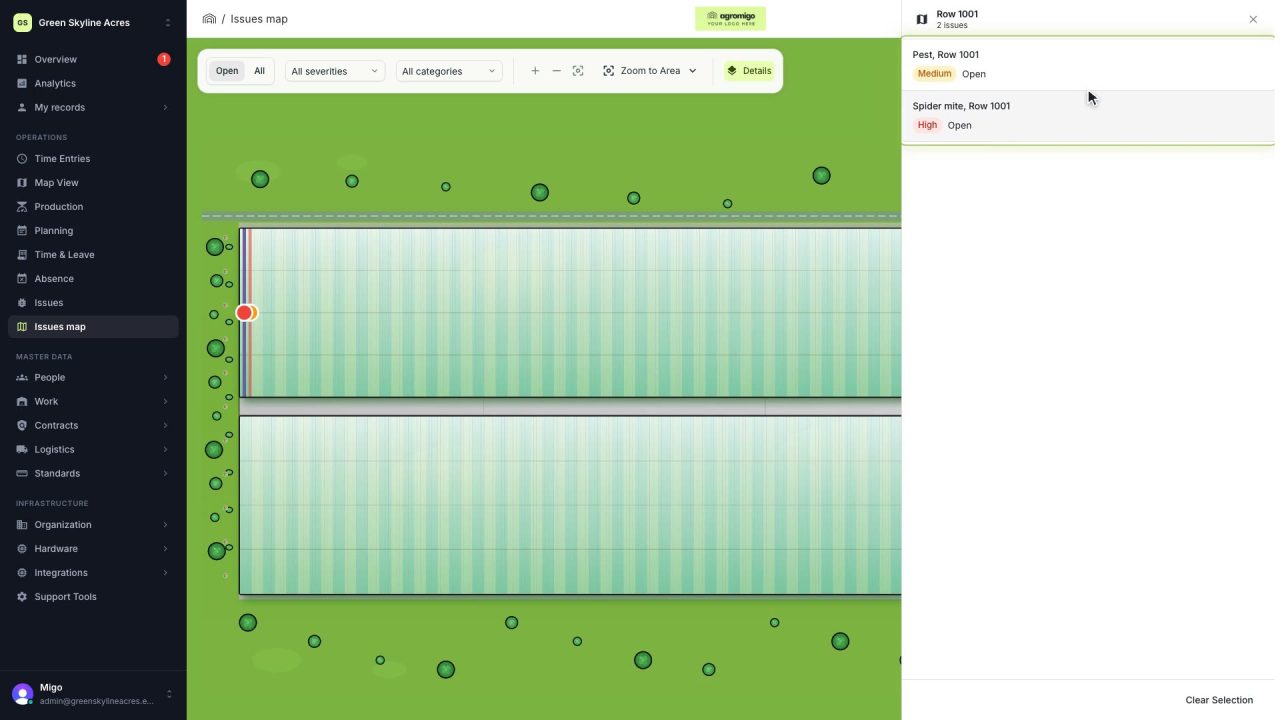
See on one map where every open issue on your site is
The Issues map colours every work area by its most severe open issue, so you see at a glance which rows have a problem and how serious it is.
Read the story -
 1 min
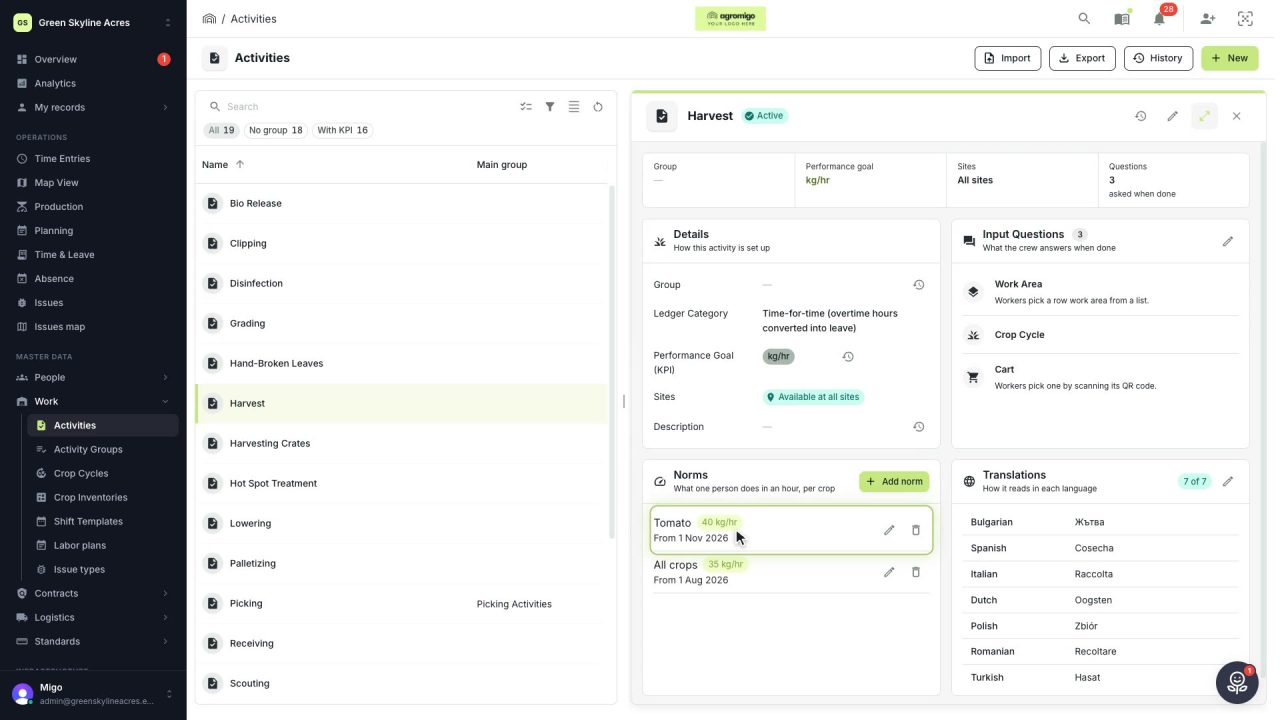
Know how fast the work goes, per crop
Set what one person does in an hour for each activity, per crop cycle and season, so every labor plan turns a target into the hours and people it takes.
Read the story -
 2 min
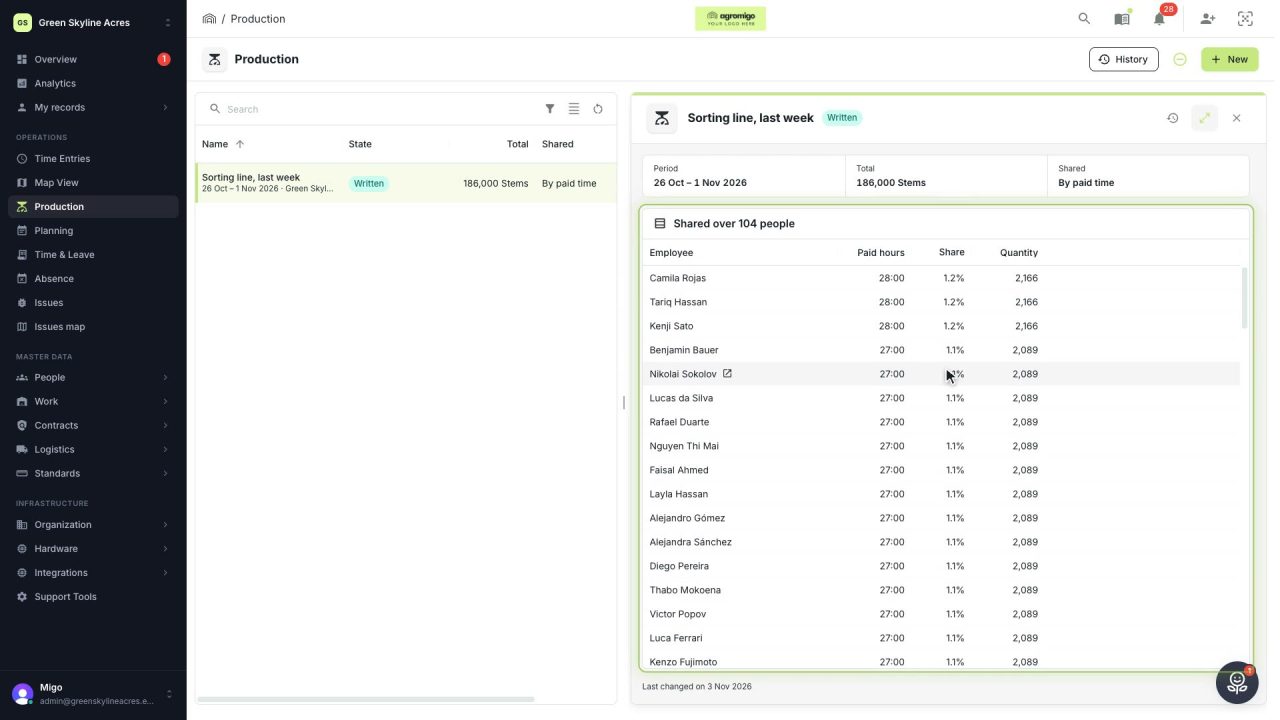
Share a week of production over the people who did the work
A total that is only known in bulk, such as a week of chrysanthemum stems from the sorting line, shared over everyone who worked by their paid hours, onto their own time entries, where it becomes stems per hour per person, team and crop.
Read the story