Report a problem from your phone, and follow up what is yours
My Issues lists the issues you reported and the ones assigned to you, and reports a new one from your phone in a few taps, with a photo.
A supervisor walking the rows spots a cold heating pipe. A manager on a round sees mildew starting. They are not on a crew phone, and they should not have to wait until they are back at a desk to write it down.
In Agromigo, My Issues is their own page on the dashboard. It lists the issues they reported and the ones assigned to them, and it reports a new one from the phone in their pocket.
In this video
Migo shows you how to report an issue from your phone in a few taps, and follow up the ones assigned to you.
- My Issues. The page lists the issues that concern you: the ones you reported, and the ones assigned to you.
- Assigned to me. The Assigned to me tab shows only the work that is waiting for you.
- Your repair. A heating repair in row 1003 is yours. It opens as a sheet over the list.
- Start and Resolve. The Start button tells everyone you are on it. When it is fixed, the Resolve button closes it, with a short note on what you did.
- A new report. The New button opens the issue form, full screen on your phone. First the issue type, which fills in what you found and how bad it is; the name is optional and, left empty, is made from the type and where.
- A photo. Then where, and the Take or choose a photo button opens your phone’s camera. Cancel closes the form without saving.
Reported in a minute from where you stand, and followed up from the same page until it is fixed.
Tips
- Not sure what it is? Choose Not sure and add a photo. The issue then suggests what the photo shows, and a person accepts it or not.
- Your own issues, without the full list. My Issues shows what you reported or were assigned even when your role does not open every issue.
- On every plan. Every plan includes one issue type, reported as often as needed. The Issues add-on gives unlimited issue types; Agromigo Ally and the free trial month include it.
Read more
The user guide explains reporting an issue and following up your issues.
Try it free for 1 month.
More stories
-
 1 min
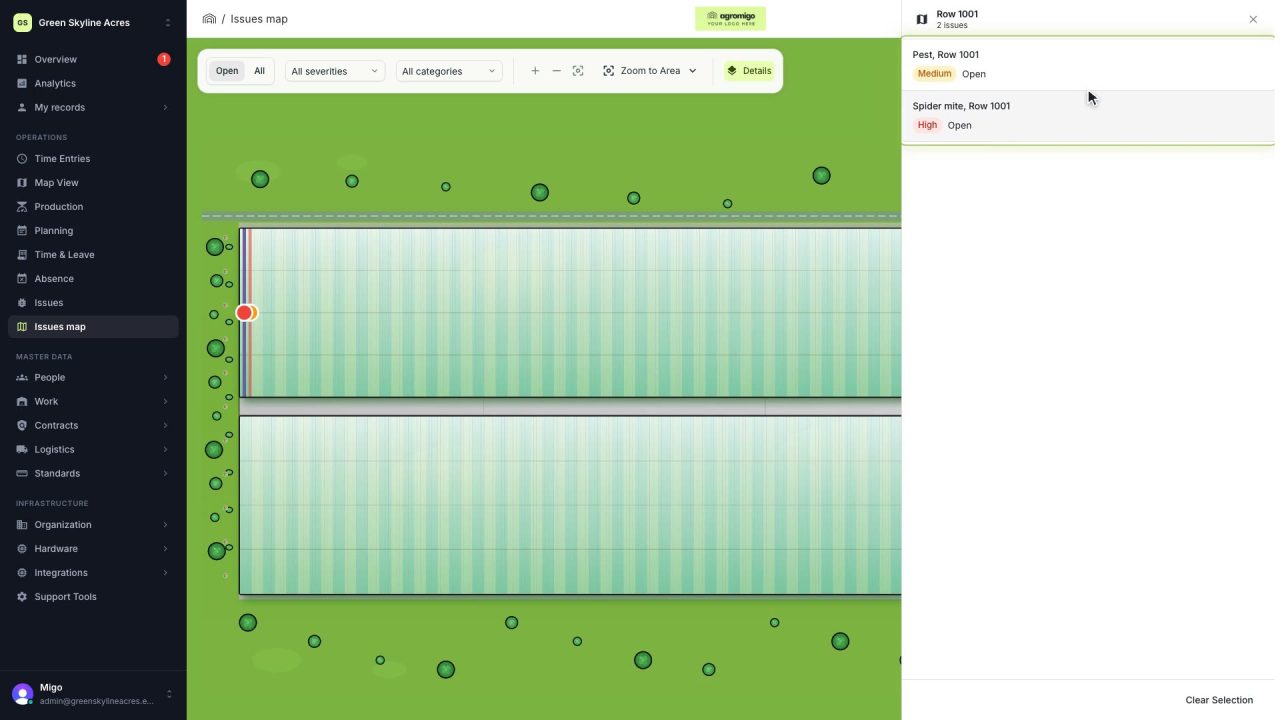
See on one map where every open issue on your site is
The Issues map colours every work area by its most severe open issue, so you see at a glance which rows have a problem and how serious it is.
Read the story -
 1 min
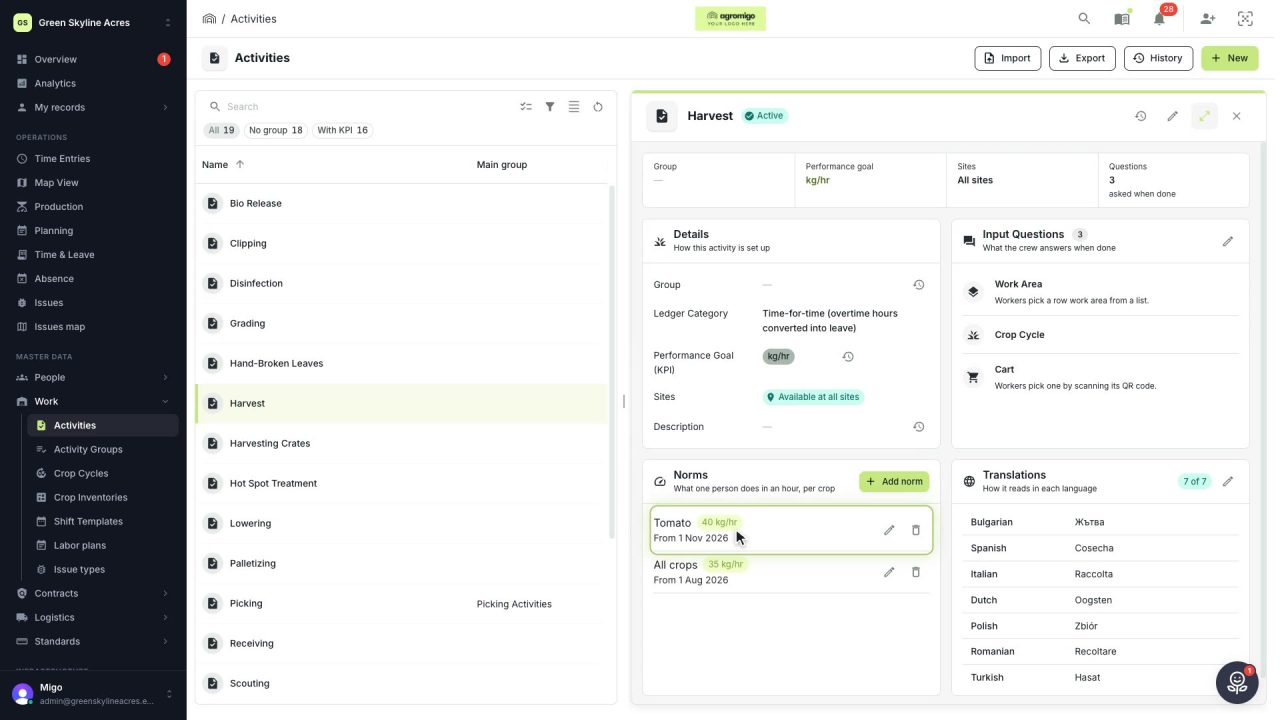
Know how fast the work goes, per crop
Set what one person does in an hour for each activity, per crop cycle and season, so every labor plan turns a target into the hours and people it takes.
Read the story -
 2 min
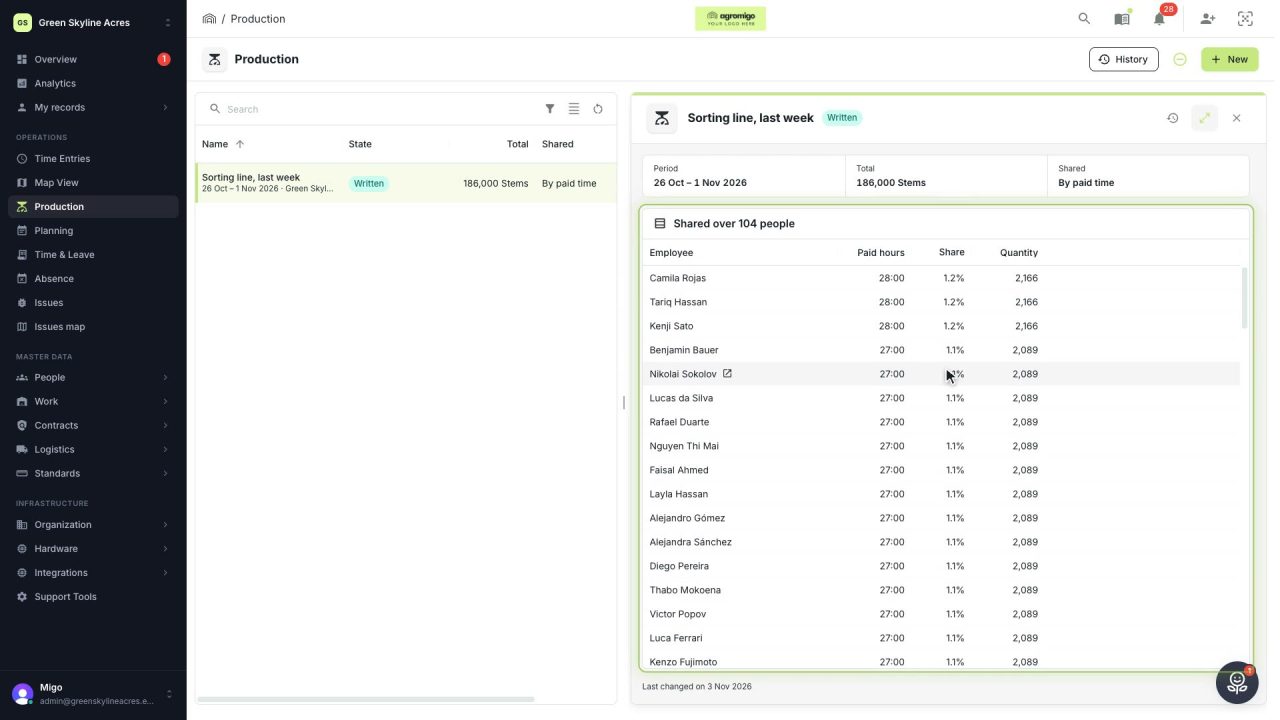
Share a week of production over the people who did the work
A total that is only known in bulk, such as a week of chrysanthemum stems from the sorting line, shared over everyone who worked by their paid hours, onto their own time entries, where it becomes stems per hour per person, team and crop.
Read the story