One way of working for hours and for problems
The Workflows page runs time approval and issue follow-up the same way. Every record waits on the right people, shows up in their own list, and keeps who did what, and when.
A day’s hours wait for a signature. A broken window waits for a technician. Both are work that has to pass the right people in the right order, and both get stuck the same way: on a desk, in an inbox, or in someone’s head.
In Agromigo, both run on one way of working. The Workflows page lists them side by side. Every record knows who it waits on, shows up in their own list, and keeps every step: who acted, when and with which note.
In this video
Migo shows you how every workflow in your operation runs from one page, and how each record reaches the right people.
- Workflows. The page lists Time approval for recorded hours and Issue follow-up for the problems your crew reports.
- Time approval. Its levels sign a day in order, each with the people who may sign it. Its own video shows how to set them up.
- Issue follow-up. Open, assigned and in progress, then resolved or dismissed. A closed issue can be reopened.
- Routing. A new issue waits on the group that handles its issue type: repairs go to technical services, pests to crop protection, with nobody passing them on.
- Waiting on one person. Once someone takes an issue, it waits on them alone. A high-severity issue also reaches whoever manages issues.
- Your own words. The edit sheet renames each step, and Active switches the workflow on or off. Cancel closes it without saving.
Hours and problems go through one way of working, so everything that needs someone reaches them.
Tips
- Set up who handles what on the issue types. A type’s Handled by group decides who a new issue waits on, not this page.
- Watch the overview, not every queue. Whoever manages issues can still assign, resolve or dismiss any issue, without each one landing in their list.
- One history. Every step keeps who acted and when, so you can always see how a day was approved or how a problem was fixed.
Read more
The user guide explains the approval levels, following an issue up and who handles an issue type.
Book a demo to see it with your own operation.
More stories
-
 1 min
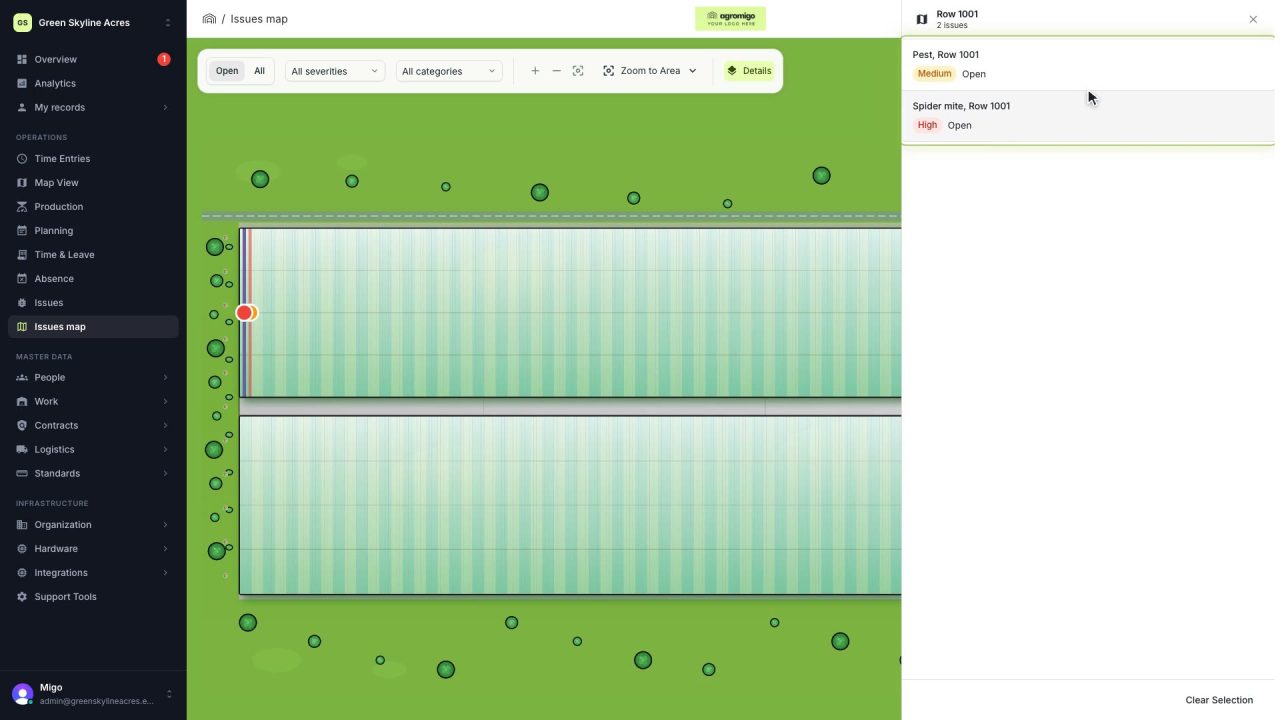
See on one map where every open issue on your site is
The Issues map colours every work area by its most severe open issue, so you see at a glance which rows have a problem and how serious it is.
Read the story -
 1 min
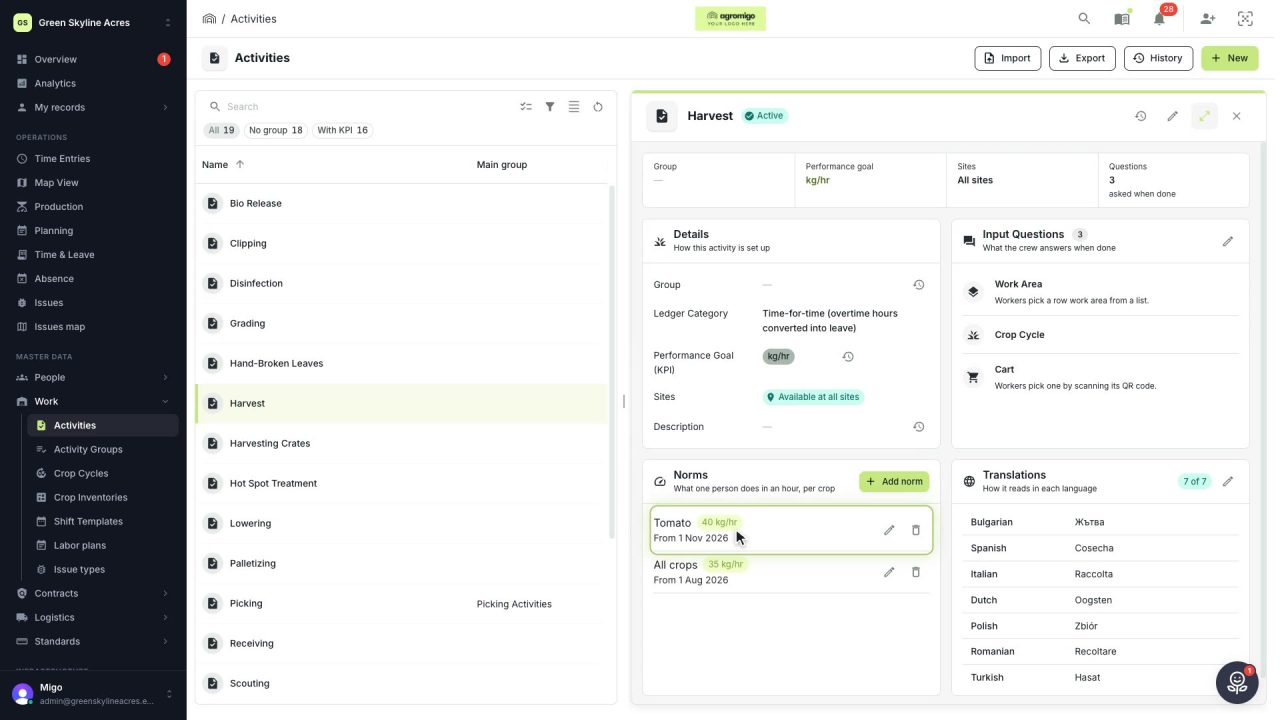
Know how fast the work goes, per crop
Set what one person does in an hour for each activity, per crop cycle and season, so every labor plan turns a target into the hours and people it takes.
Read the story -
 2 min
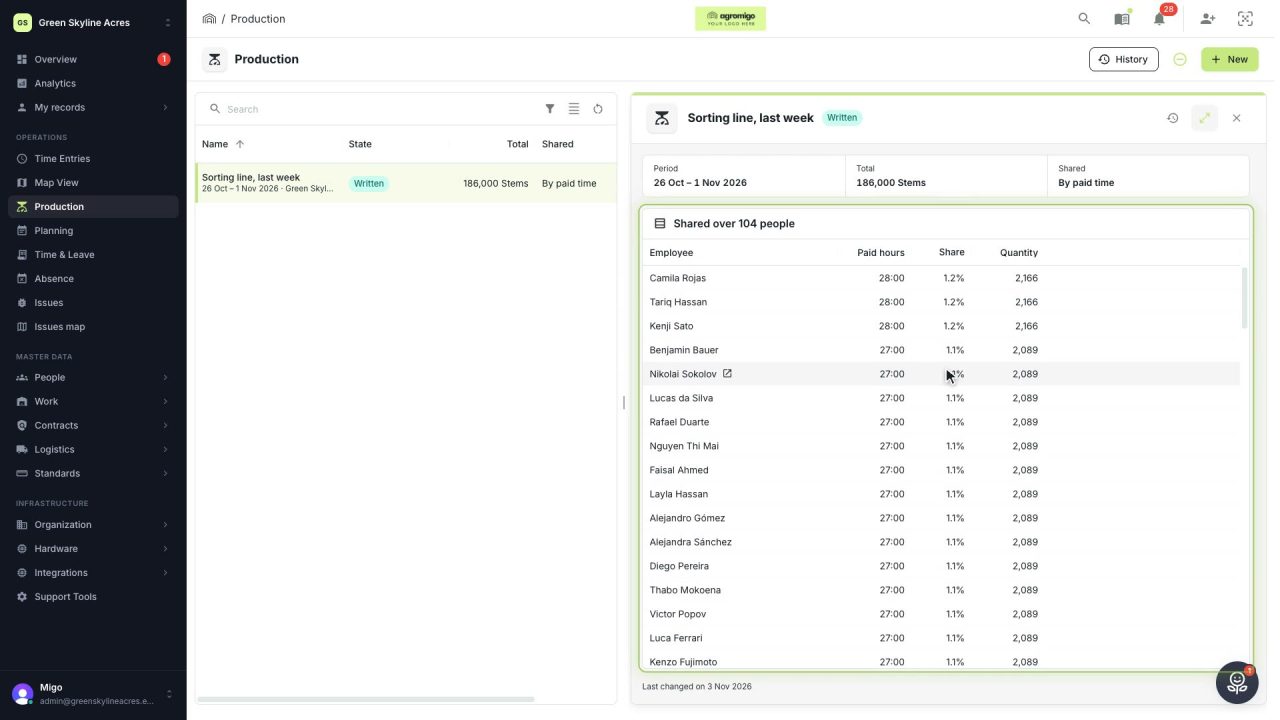
Share a week of production over the people who did the work
A total that is only known in bulk, such as a week of chrysanthemum stems from the sorting line, shared over everyone who worked by their paid hours, onto their own time entries, where it becomes stems per hour per person, team and crop.
Read the story