Stories
-
 2 min
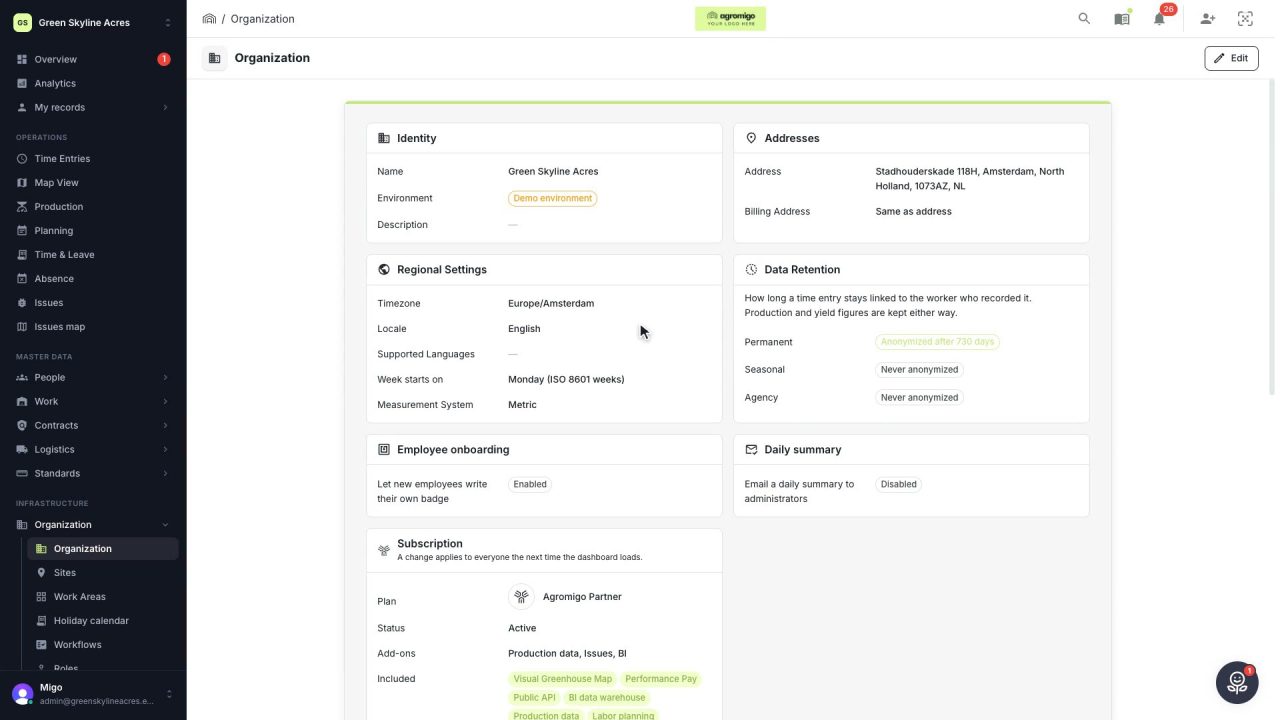
Set up your operation once, and every screen follows
Your operation's identity, regional settings, data retention and holiday calendar, set once and used by payroll and every report.
Read the story -
 1 min
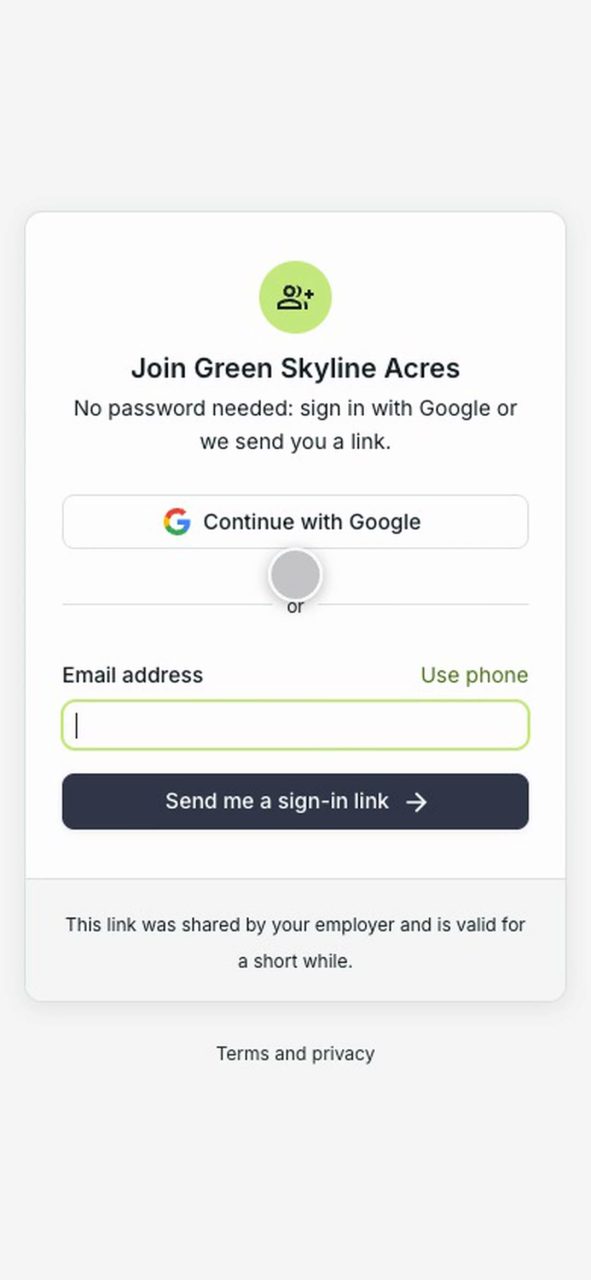
New workers join your operation themselves
Hand a new worker a QR code and they join your operation on their own, with a secure sign-in link instead of a password, the privacy policy accepted once, and onboarding continuing in their own language.
Read the story -
 2 min
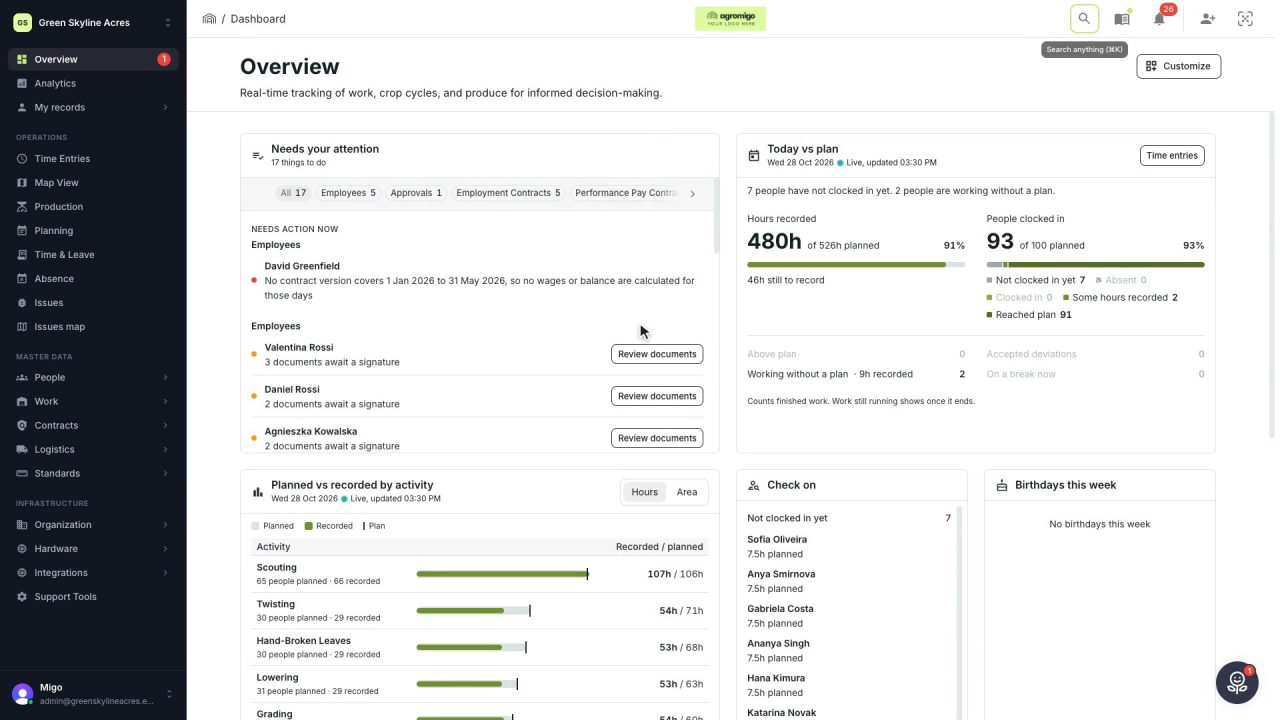
Everything in your operation, one or two clicks away
Start the day on the Overview, search with a few letters and find every screen in a clear menu. Getting around Agromigo Workforce takes seconds.
Read the story -
 3 min
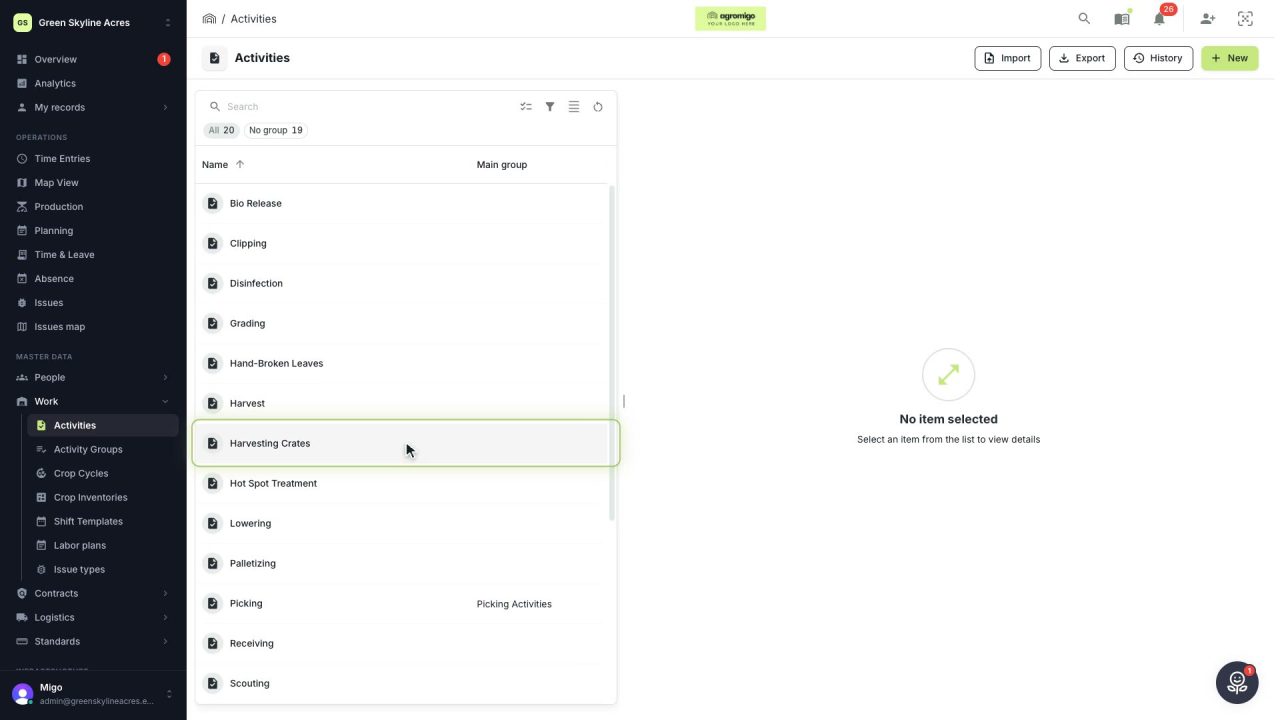
Set up your basic data once, and every hour lands right
Activities, employees, carts and container types are what every recorded hour and every crate hangs on. A tour of the four screens, and what each setting decides later.
Read the story -
 2 min
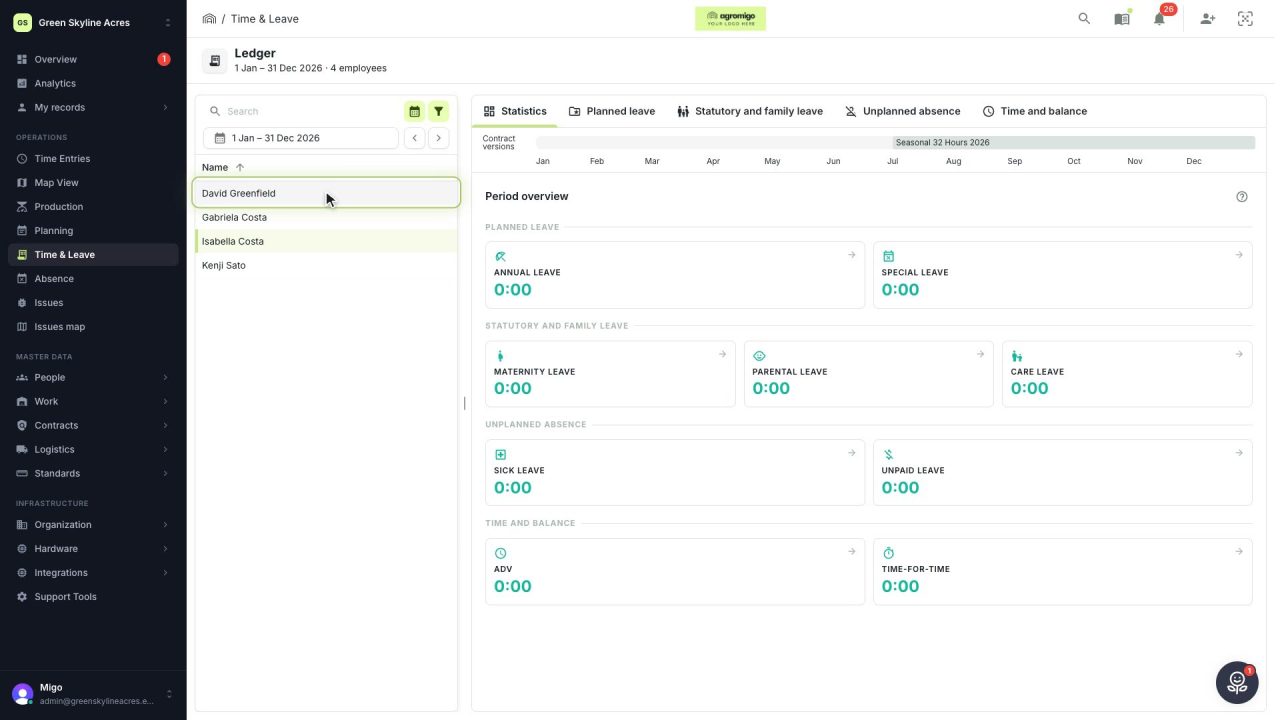
Answer any question about leave without guessing
Every balance is booked week by week from the hours behind it, and each week opens into the full calculation, so the answer you give an employee holds.
Read the story -
 2 min
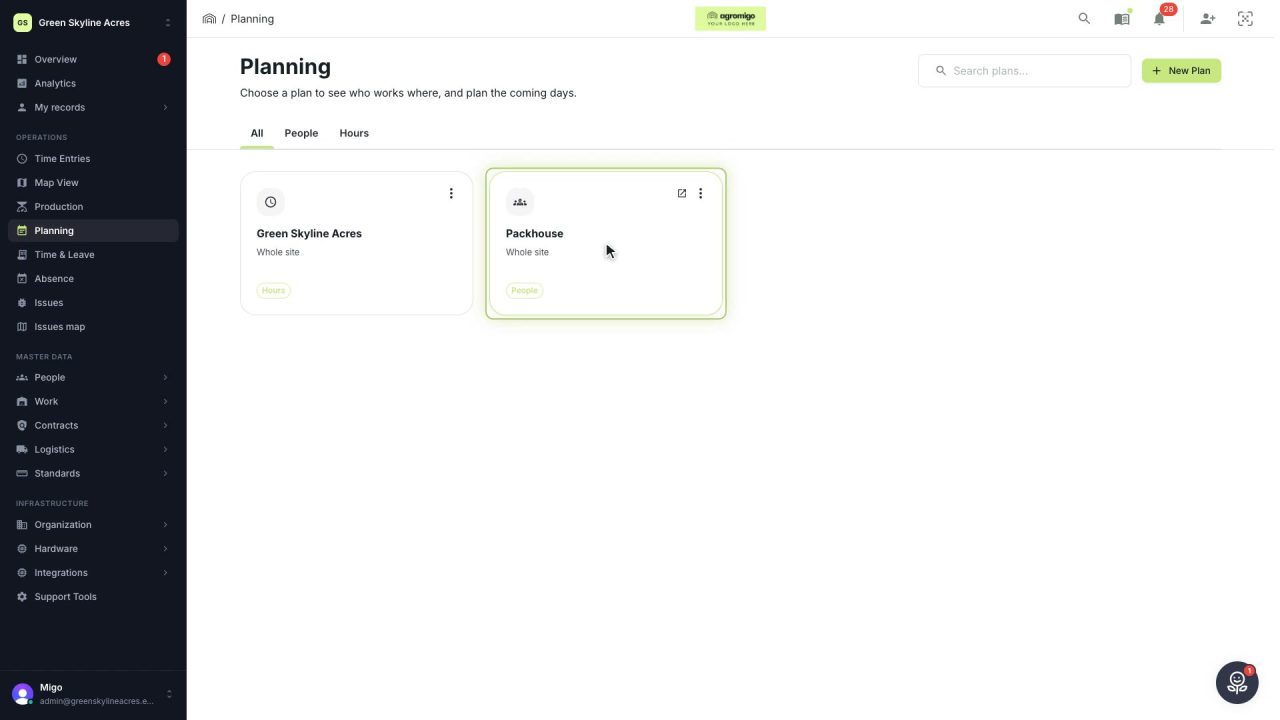
Know who works where before the week begins
Plan each day line by line in people, starting from the day before, and see where extra hands are needed before the week comes around.
Read the story -
 4 min
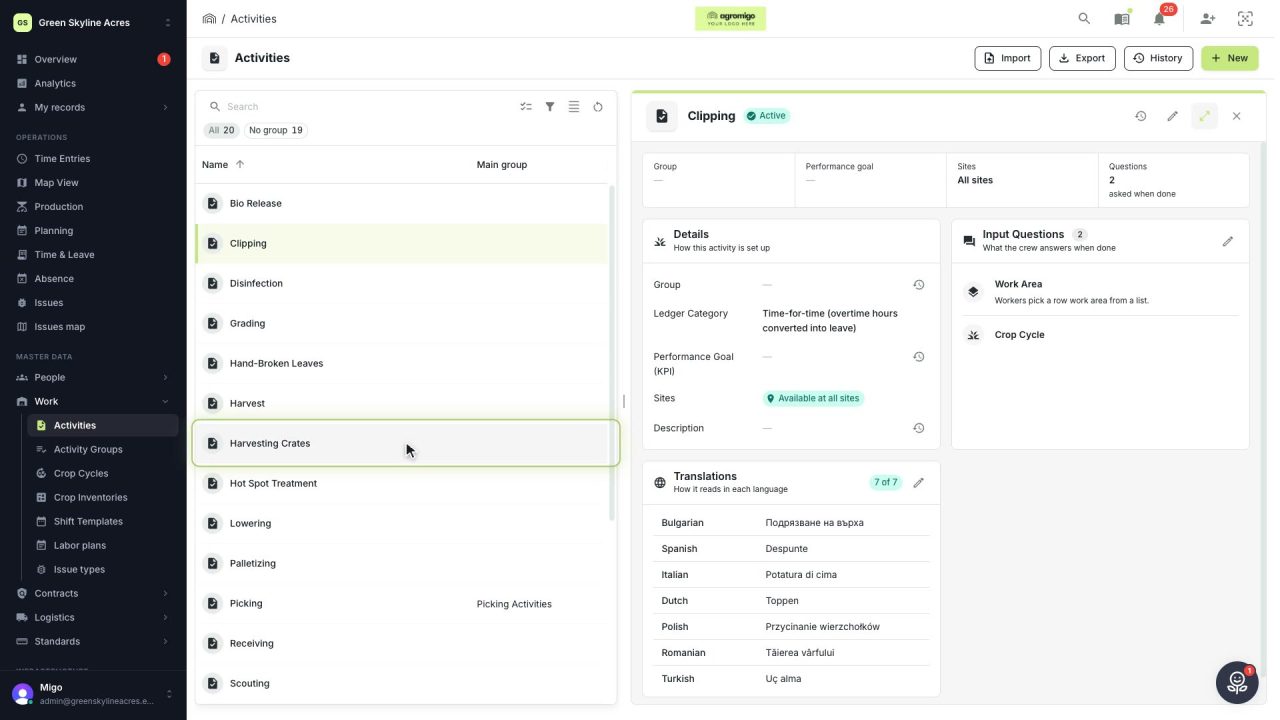
Collect exactly the detail your operation needs
Decide per activity what your crew is asked when they record work, from nothing at all to the row, the kilos and every crate, and add a question whenever your operation asks for more.
Read the story -
 6 min
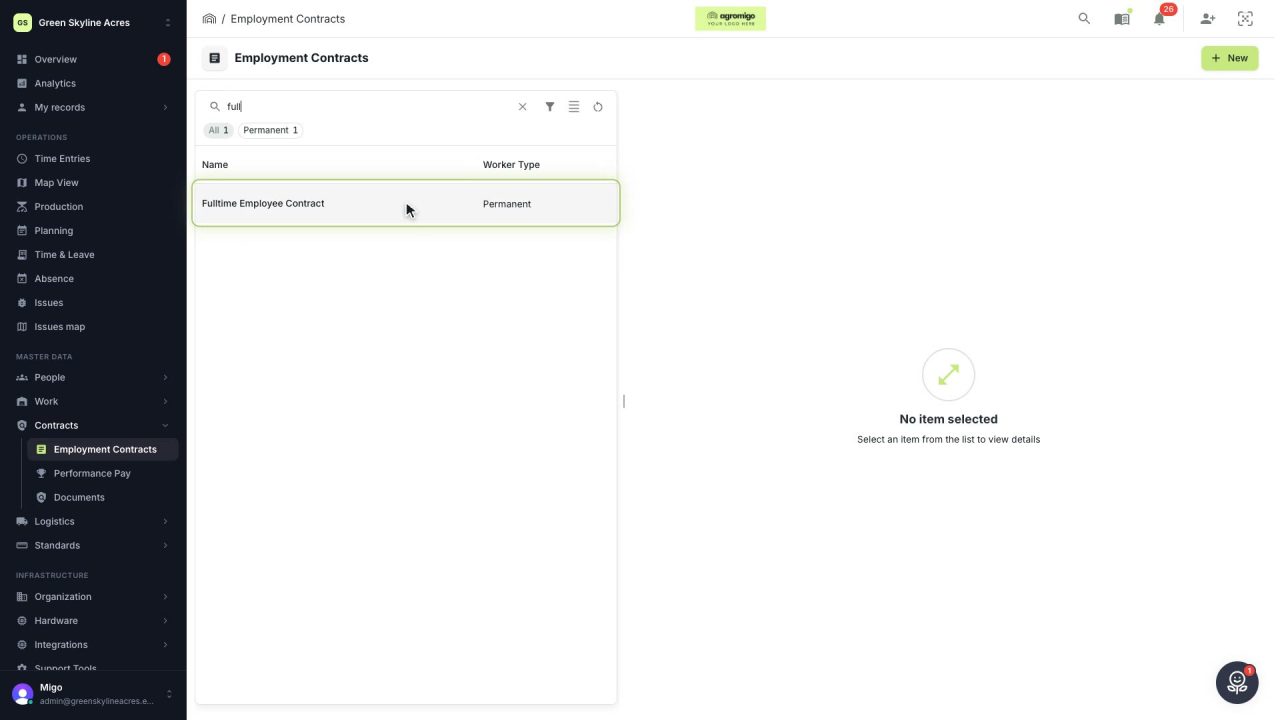
Change pay terms without rewriting last month’s payroll
Record a wage rise or a new collective agreement as a new contract version, so every hour is paid by the terms that applied on the day it was worked.
Read the story -
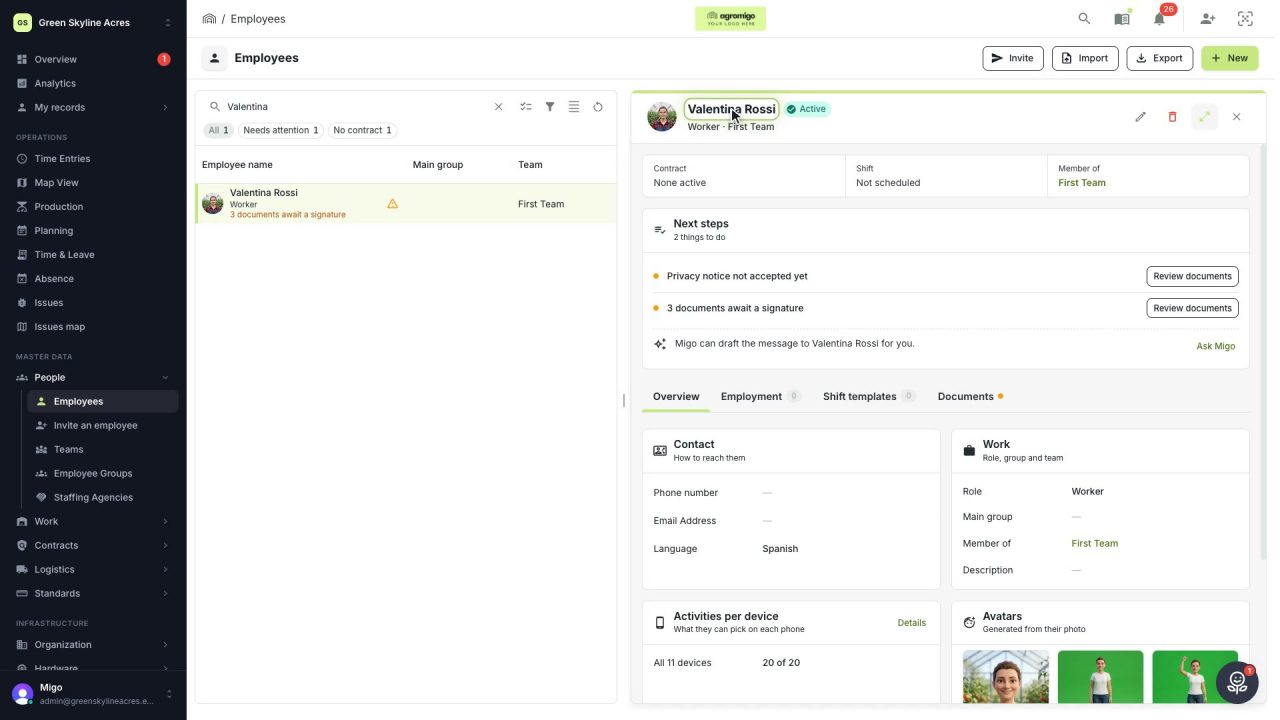 2 min
New seasonal workers, ready before their first workday
Add a new seasonal worker in minutes, spot the gaps in existing records at a glance and invite people once their details are complete.
Read the story -
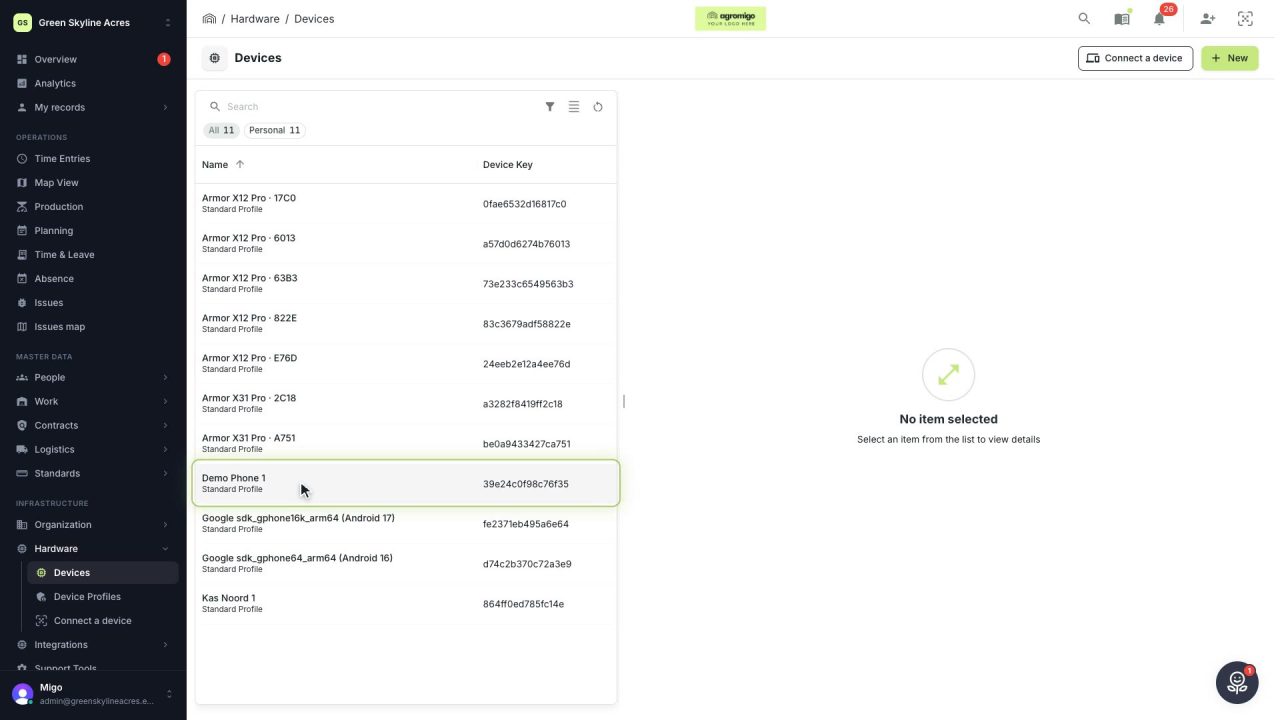 3 min
Show each phone only the work that happens around it
Limit a device to the work areas where it is used and the activities that belong there, so your crew picks from a short list and a phone with one work area records it by itself.
Read the story